

What is PHP?
PHP is a language that many websites, such as WordPress, are written in. The server reads the PHP code and builds the page. PHP has versions, like 7.4 or 8.1. Some sites need a newer version. Old sites sometimes need an older one.
Plesk is a control panel. A control panel is a web page where you manage your hosting. Which PHP versions you can pick depends on your server. Ask Hostvento support if one you need is missing.
A new version can break an old site. Take a backup first.
Steps
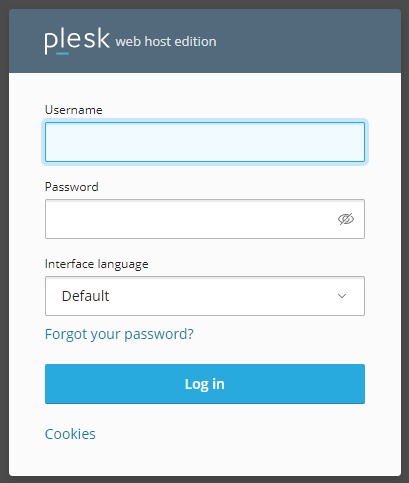
- Log in to Plesk.
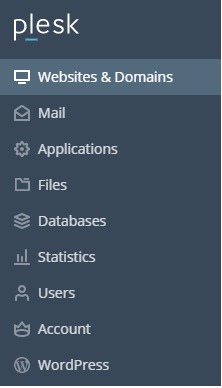
- Click Websites & Domains in the left menu.
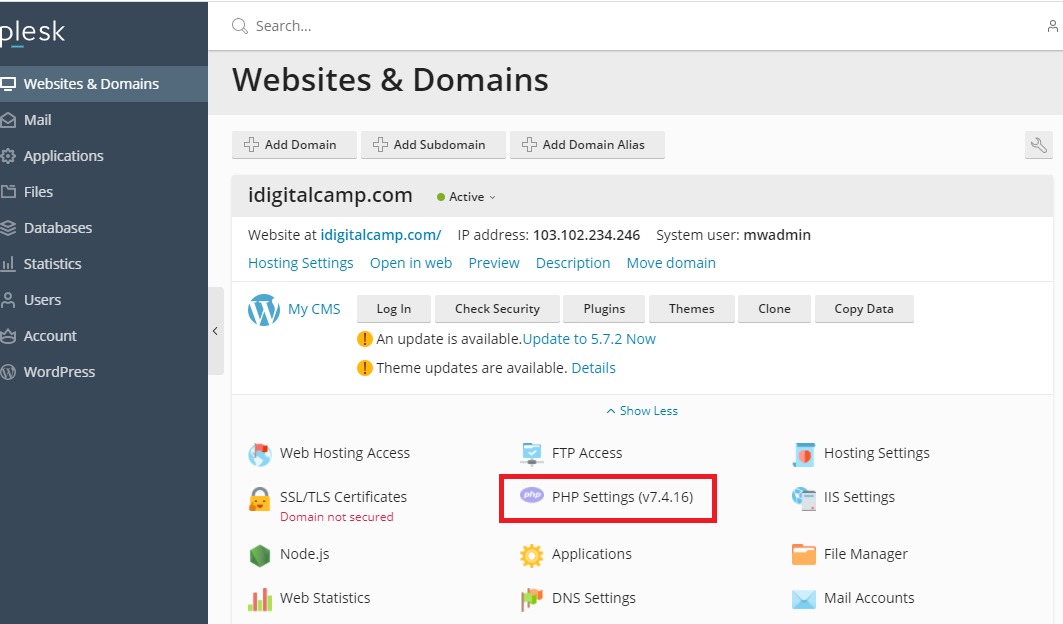
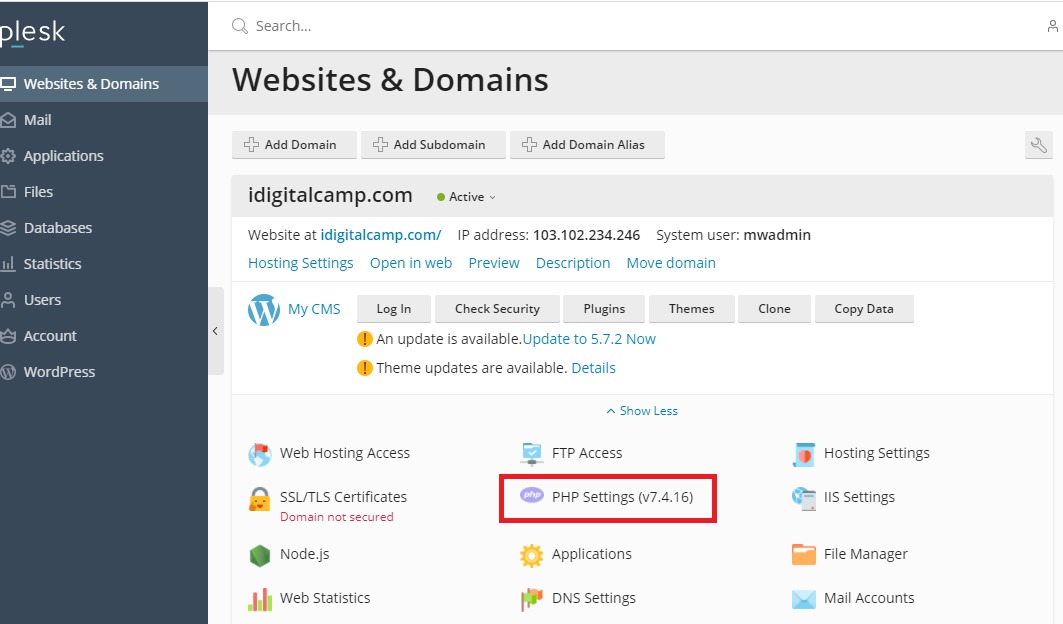
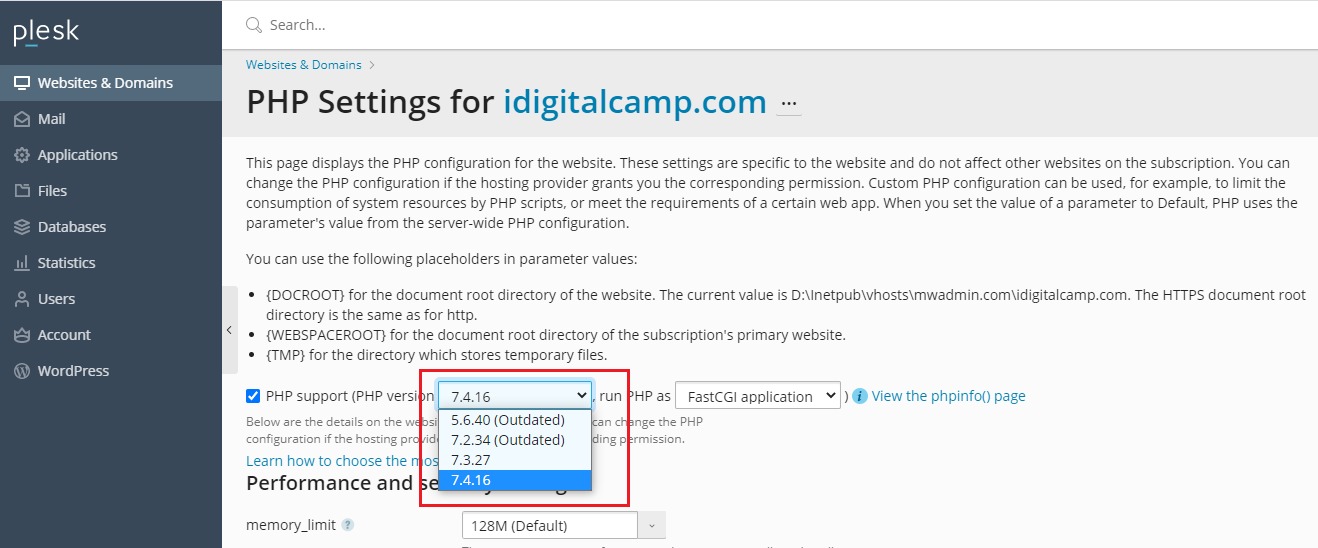
- Find your domain and click PHP Settings.
- Look for the PHP version list. In some Plesk versions you first open Hosting Settings instead.
- Pick the version you want from the list.
- Check the Run PHP as setting. Common choices are FPM application served by Apache or FastCGI. If you are unsure, leave it as it is.
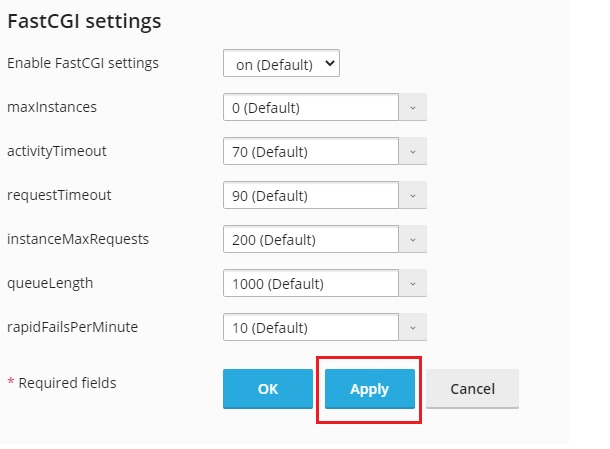
- Click OK or Apply.
- Open your website in a browser. Check that every page still works.
Tip: If your site shows an error after the change, go back and pick your old version. Then ask the maker of your theme or plugin which PHP version it supports.
Check the version
- In the same PHP Settings page, you can see the settings for that version.
- To be sure, create a file called
info.phpin your site folder with this line:
<?php phpinfo(); ?>Open yourdomain.com/info.php in a browser. It shows the version at the top. Delete the file afterwards, because it shows private details.
Quick recap
- Go to Websites & Domains, then PHP Settings.
- Choose the version and click OK.
- Back up first and test your site after.
- Switch back if something breaks.