

What is ASP.NET?
ASP.NET is a Microsoft tool for building websites and web apps. Like apps on a phone, it comes in versions. Your site must run on the version it was built for. If the version is wrong, the site may show errors.
Plesk is a control panel, a web page for managing hosting. ASP.NET settings are only available on Windows hosting. They do not appear on Linux servers.
Changing the version can break your site. Take a backup first.
Steps
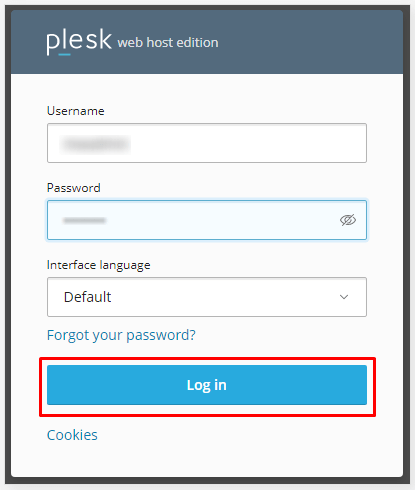
- Log in to Plesk.
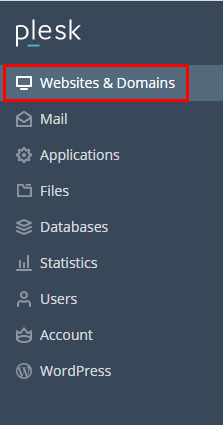
- Click Websites & Domains.
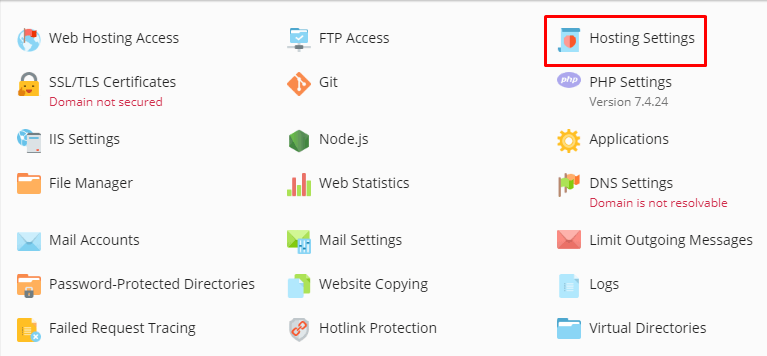
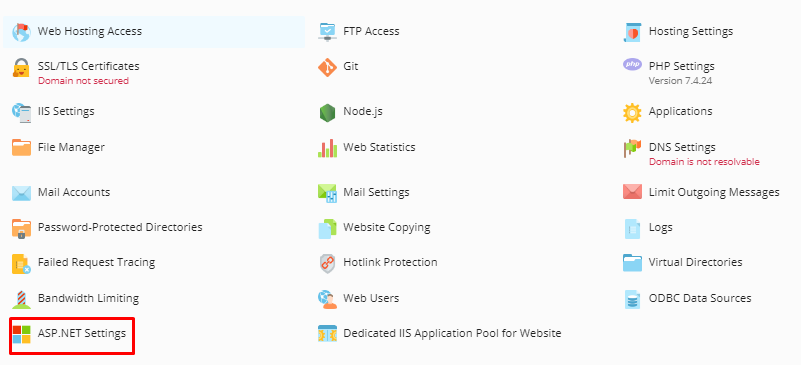
- Find your domain and click ASP.NET Settings.
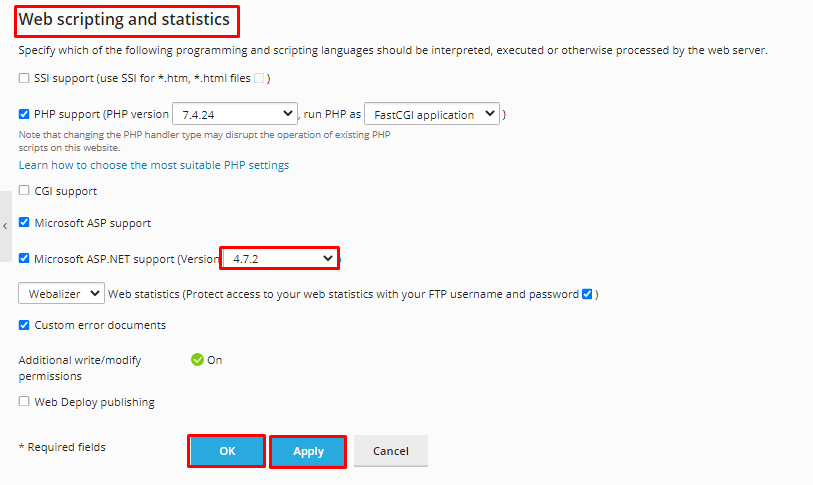
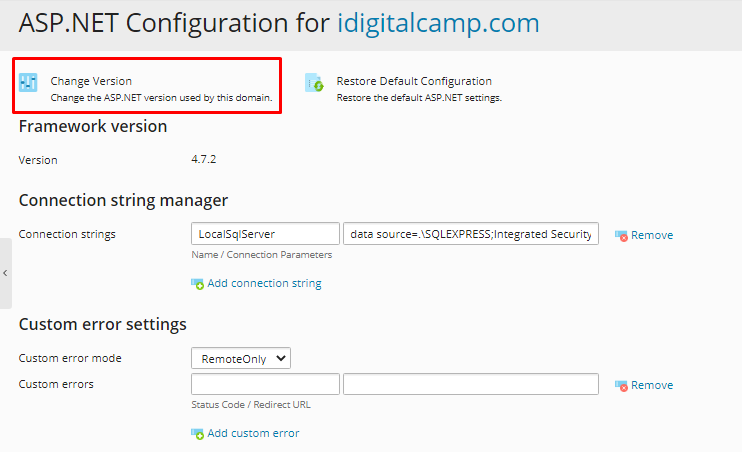
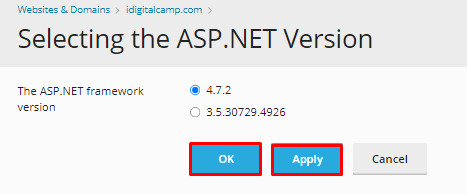
- Look at the ASP.NET version list. Pick the version your site needs. Common choices are 2.0, 4.x and so on. The list depends on what is installed on your server.
- Check any other settings you need, such as the Custom errors mode or the Application pool setting. Leave them alone if you are unsure.
- Click OK or Apply.
- Visit your website and test it.
If the version you need is missing
- That version may not be installed on the server.
- On a VPS or dedicated server, you may add it through Windows or the Plesk installer.
- On other plans, open a support ticket and ask for it.
Which version do I need?
- Ask the developer who built the site.
- Look in the
web.configfile for a line liketargetFramework. - Check the app's own notes.
Tip: Newer .NET Core and .NET 5+ apps use a different method. They do not use this ASP.NET setting.
Quick recap
- ASP.NET is a Microsoft web tool with different versions.
- Go to Websites & Domains, then ASP.NET Settings.
- Choose the version your site needs and apply.
- Test the site afterwards.