

What is File Manager?
File Manager is a tool inside Plesk. It works like the folders on your computer, but for your server. You can upload, move, edit and delete files in it.
Steps
- Log in to Plesk.
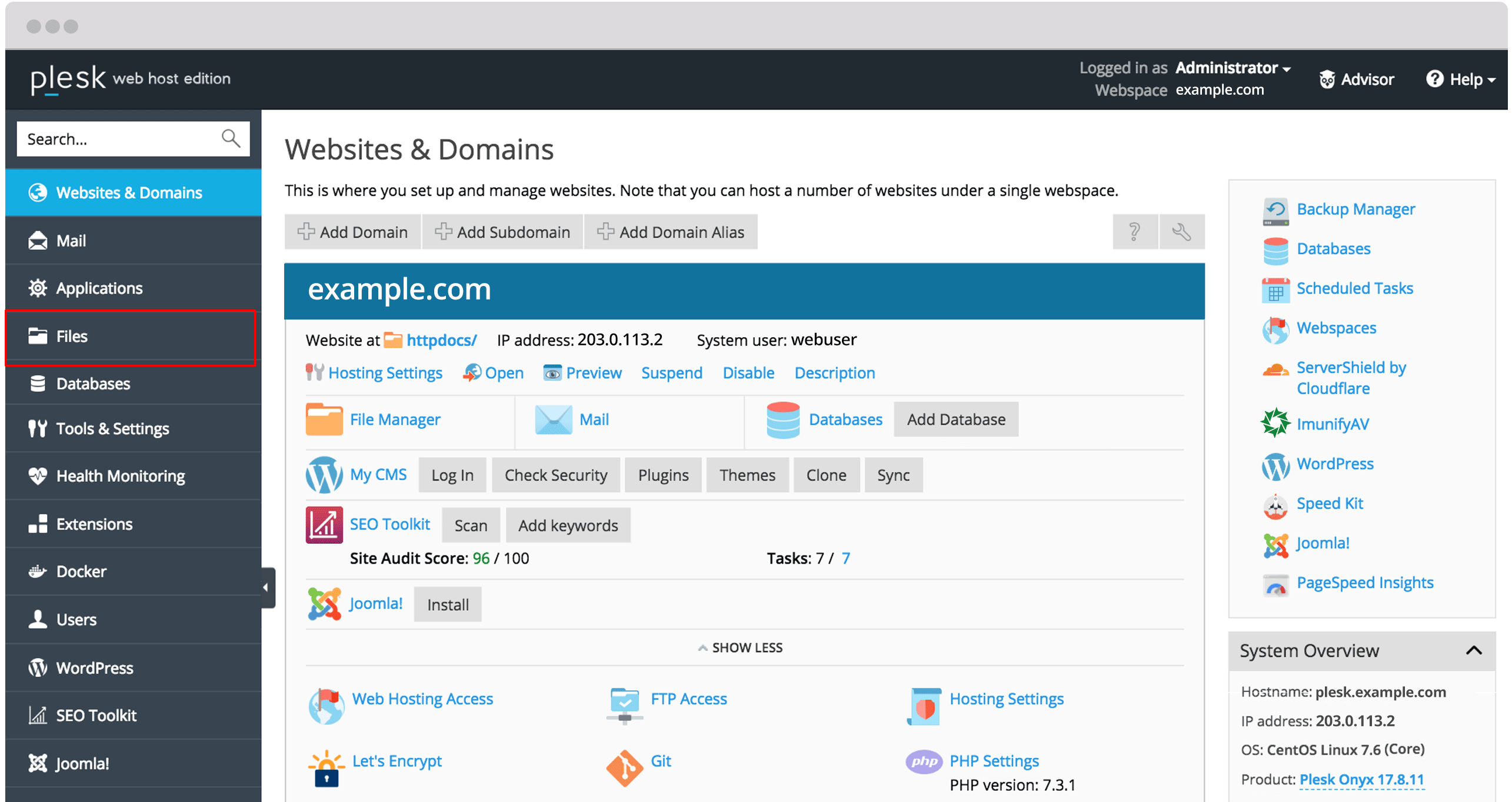
- Click Websites & Domains.
- Find your domain and click File Manager.
- Open the folder
httpdocs. This is the folder that visitors see when they open your website. - Click the blue + button, or the button named Upload Files.
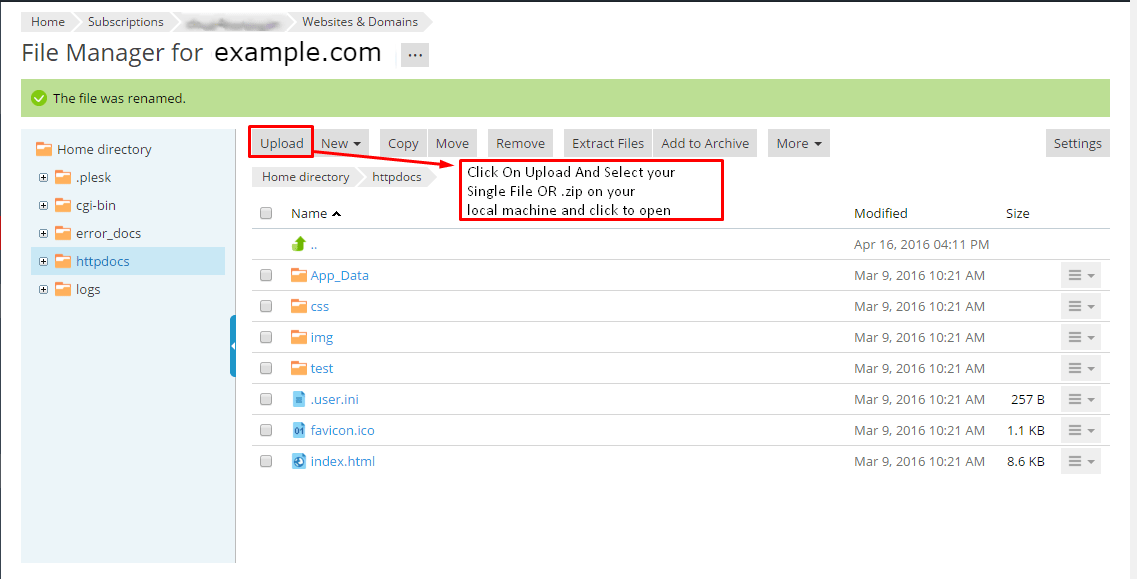
- Choose Upload File. A window opens.
- Pick the files from your computer and click Open.
- Wait until the upload bar finishes.
- Check that the files appear in the list.
Upload many files at once
Uploading hundreds of small files one at a time is slow. A faster way is to use a zip file. A zip file packs many files into one.
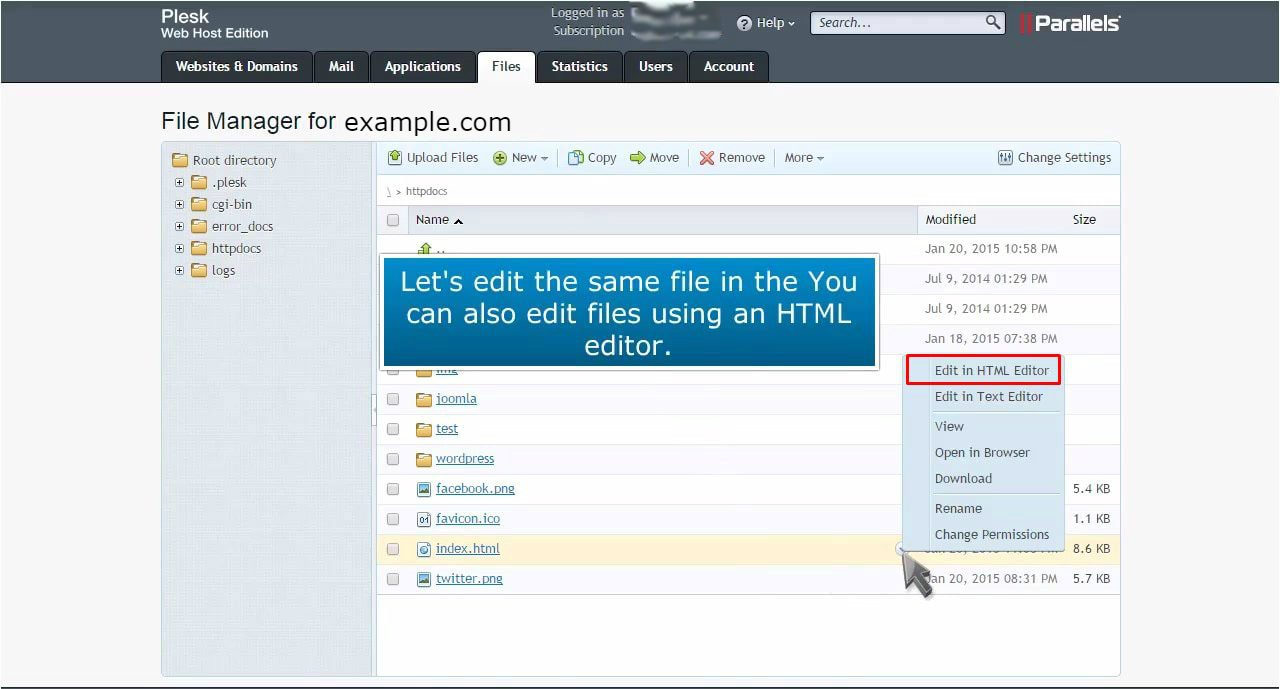
- On your computer, put all files in a folder and compress it to a
.zipfile. - Upload the zip file using the steps above.
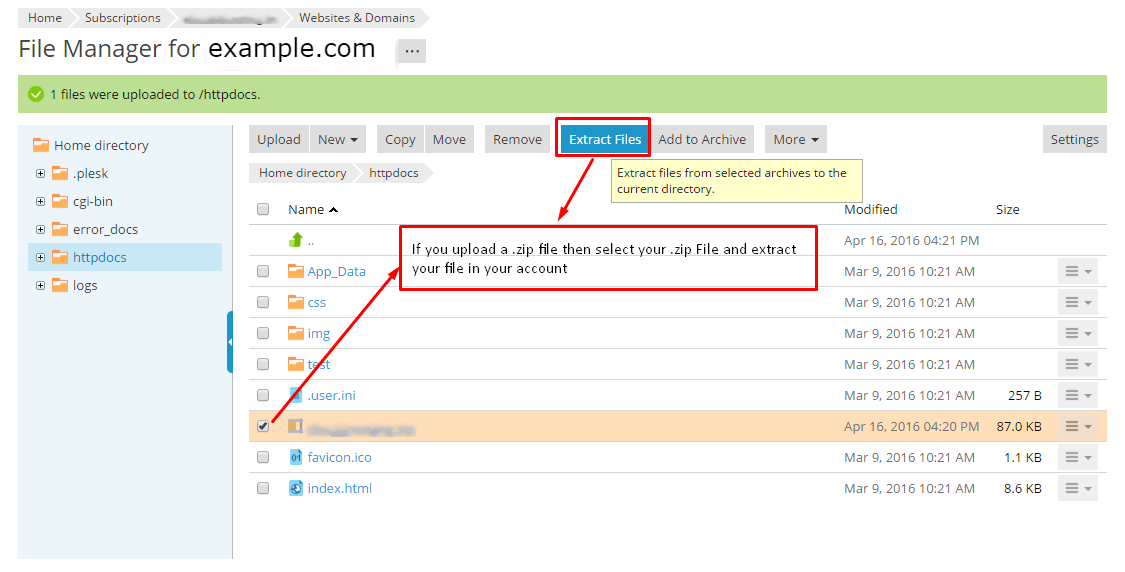
- In File Manager, click the three dots, or right-click the zip file.
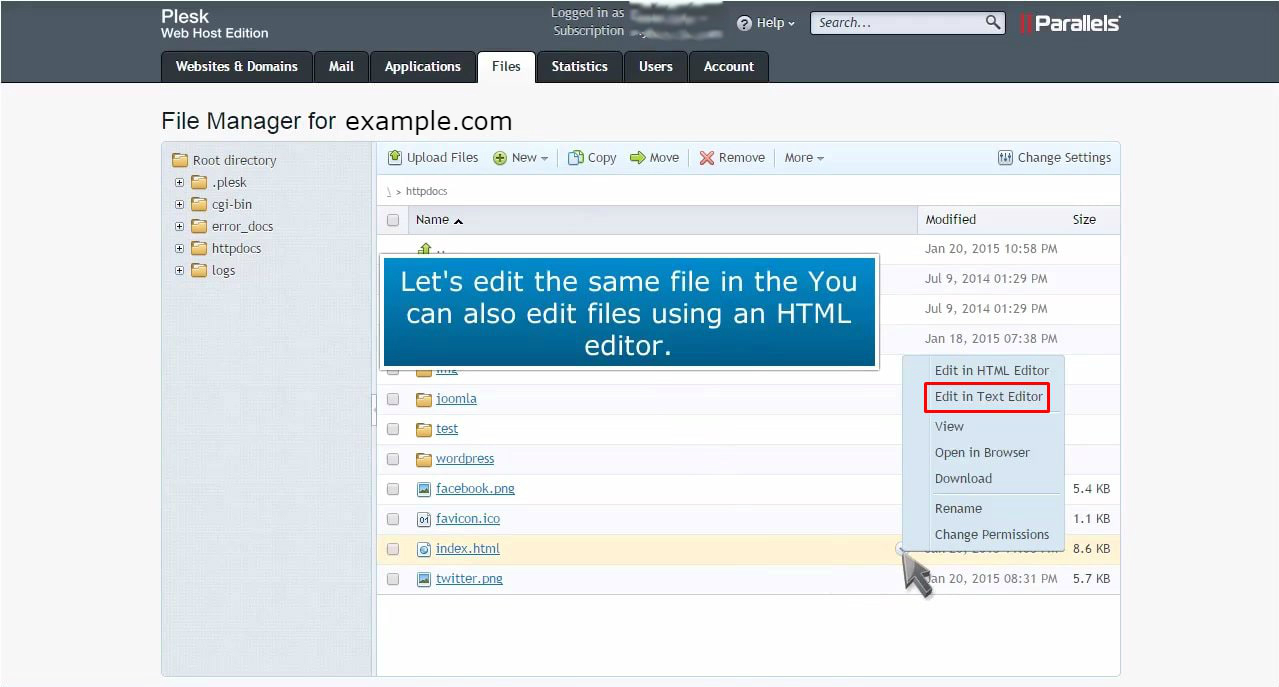
- Choose Extract Files.
- Confirm the folder to extract into, then click OK.
- Delete the zip file when you are done.
Warning: If a file with the same name exists, the new file may replace it. Take a backup first if you are unsure.
Tip: Make sure your home page is named
index.html or index.php and sits directly inside httpdocs.Quick recap
- Open Websites & Domains, then File Manager.
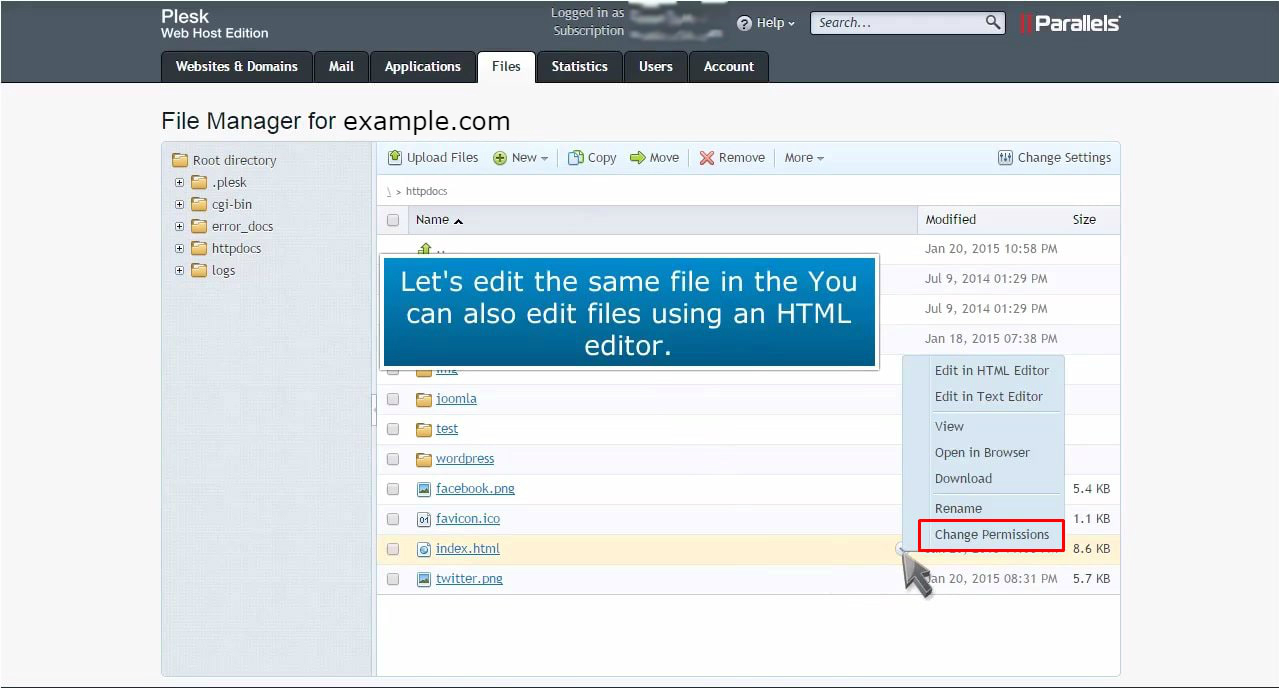
- Go to
httpdocsand click Upload Files. - For many files, upload a zip and extract it.
- Back up before you replace files.