

Why add another user?
Sometimes you want a team member or developer to help you. Giving out your main password is risky. They could change things you do not want changed. Instead you give them their own login. It is like giving a helper a spare key that opens only some doors.
There are two kinds of access to think about. One is the client area, where you manage billing. The other is WHM, the control panel for resellers. A control panel is a web page where you manage hosting.
Option 1: add a user to the client area
- Log in at https://secure.hostvento.com/clientarea.php.
- Click your name at the top right, or open the Account menu.
- Choose User Management. If you do not see it, ask Hostvento support whether it is turned on.
- Click Invite a New User.
- Type the person's email address.
- Choose what they may see, such as invoices or support tickets.
- Click Send Invite.
- The person opens the email, sets a password and signs in.
Option 2: add a second reseller login in WHM
Reseller WHM access is usually tied to your own account. Whether you can add a second login depends on your server setup. Ask Hostvento support to check what is possible.
Many people choose a safer path: create a normal hosting account for the helper, and give them only that account.
- Log in to WHM.
- Search for "Create a New Account".
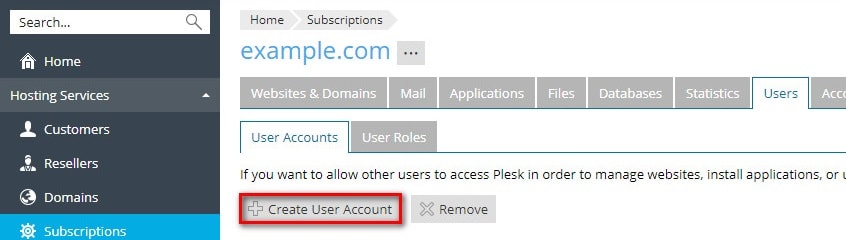
- Fill in the domain, username and a strong password.
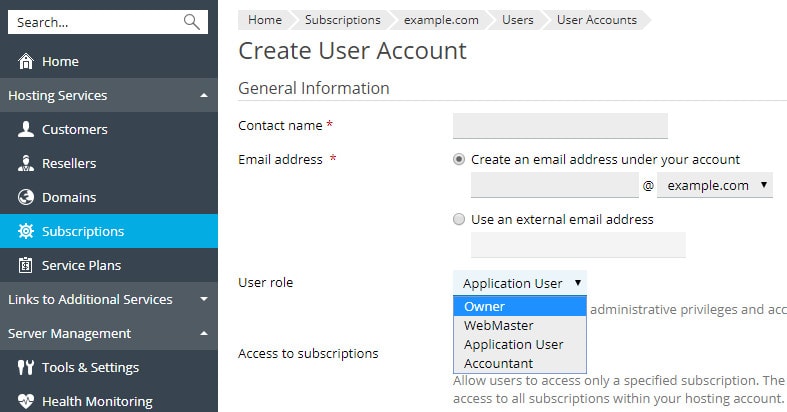
- Pick a package and click Create.
- Give the helper only that account's login.
Questions? Open a support ticket.
Quick recap
- Do not share your main password.
- Use User Management in the client area to invite a helper.
- Ask support about extra WHM logins.
- Give only the access needed.
- Remove users when they finish.