

What is WHM?
WHM stands for Web Host Manager. It is the control panel where a reseller manages many hosting accounts. Think of it as the main office of a building. Each customer has their own room, which is a cPanel account. A reseller is a person who rents hosting space and sells it on to their own customers.
Sometimes you need to step into a customer's room to fix something. WHM lets you do this with a single click. You do not need the customer's password.
Steps
- Log in to the Hostvento client area at https://secure.hostvento.com/clientarea.php.
- Open your reseller hosting service from the Services menu.
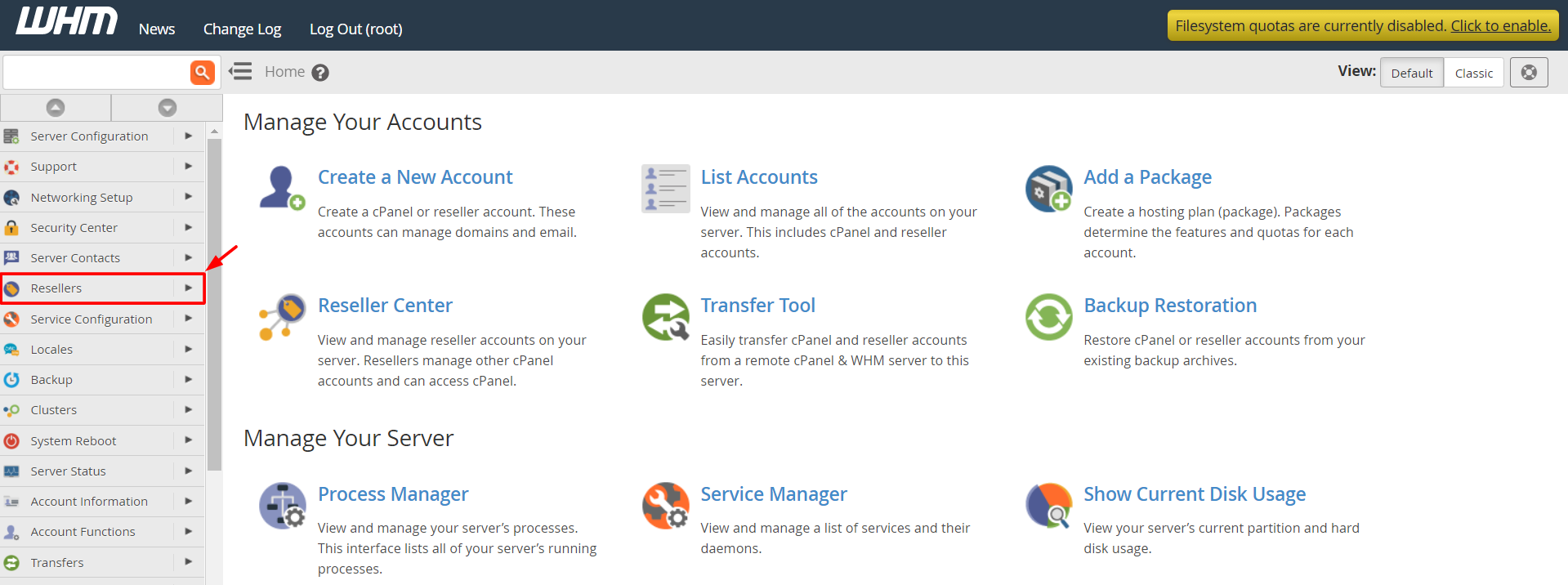
- Click the button to log in to WHM. Your welcome email also holds the WHM address and login details.
- In the left menu of WHM, find the search box and type List Accounts.
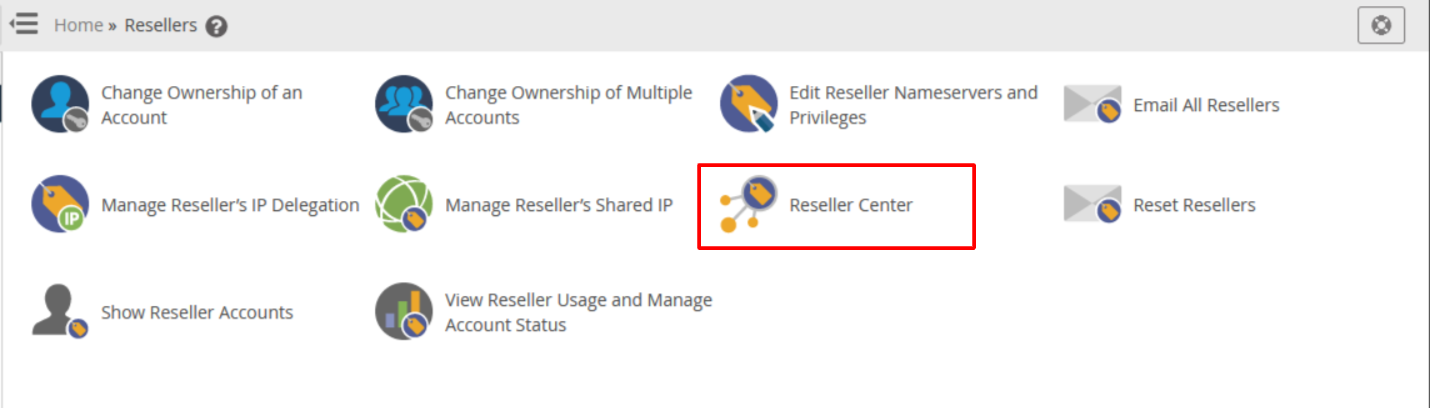
- Click List Accounts. You will see a table of all your customer accounts.
- Find the customer you want. You can search by domain name or username.
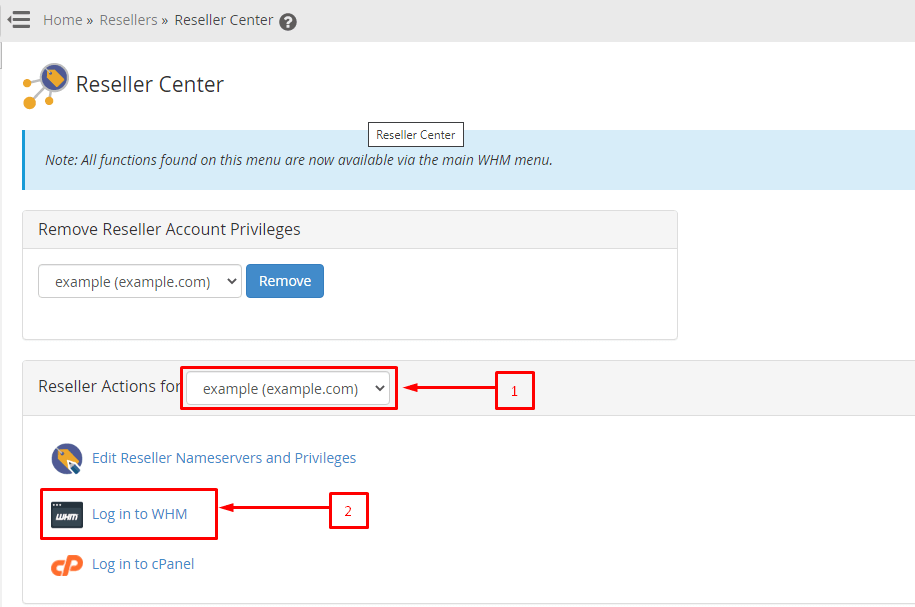
- Click the small cPanel icon next to that account.
- A new browser tab opens. You are now inside that customer's cPanel.
Tip: If your browser blocks the new tab, allow pop-ups for the WHM address and click the icon again.
Good habits
- Only log in to a customer's account when you need to. It is their private space.
- Do not delete files or emails unless the customer asks you to.
- Take a backup before you change anything big.
- Log out of the customer's cPanel when you finish, and close the tab.
If you cannot see the icon
Some reseller plans limit what WHM shows. If the cPanel icon is missing, or the account list is empty, ask Hostvento support. You can open a ticket at https://secure.hostvento.com/submitticket.php.
Quick recap
- Log in to WHM from your reseller service.
- Open List Accounts and find your customer.
- Click the cPanel icon to enter their account.
- No customer password is needed.
- Log out when you are done.