

What is white label branding?
White label means you sell a service under your own name, while another company runs it behind the scenes. A reseller buys hosting space and sells it to their own customers. With white labelling, those customers see your logo and name, not someone else's.
Which branding tools you have depends on your plan. Ask Hostvento support what is available on yours.
Things you can brand
- Your website and price pages.
- Your customer billing area.
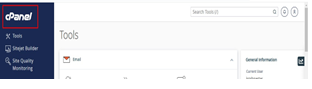
- Your control panel login page.
- Your email messages to customers.
- Your nameservers. A nameserver is the machine that tells browsers where a site lives. Custom ones such as
ns1.yourbrand.comhide the host's name.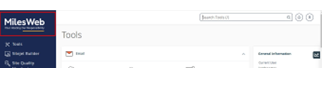
Steps
- Pick a business name. Register a domain for it.
- Make a logo. Save it as a clear PNG file.
- Log in to WHM, the reseller control panel.
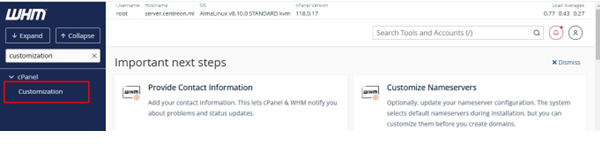
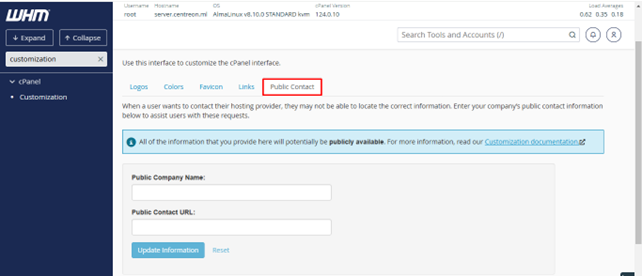
- Look for Customization or Branding in the left menu. Some servers show it as Reseller Center and then Branding. Menu names can vary, so use the search box at the top of WHM.
- Upload your logo and choose your colours. Click Save.
- Set up private nameservers. Create two names, then point them to the server IP addresses. Your host's support can give you the right addresses. Then register them as child nameservers with your domain registrar.
- Set the nameservers in your reseller account to your new names.
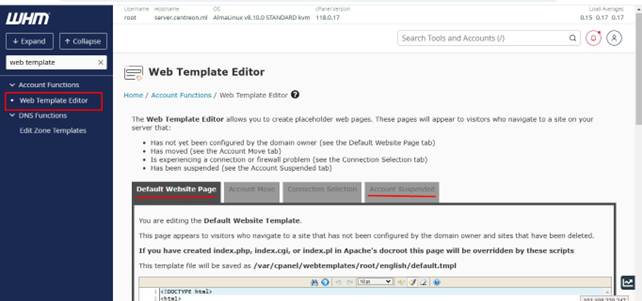
- Edit the welcome email template so it carries your name, not the host's.
- If you use a billing system such as WHMCS, set your company name, logo and email there.
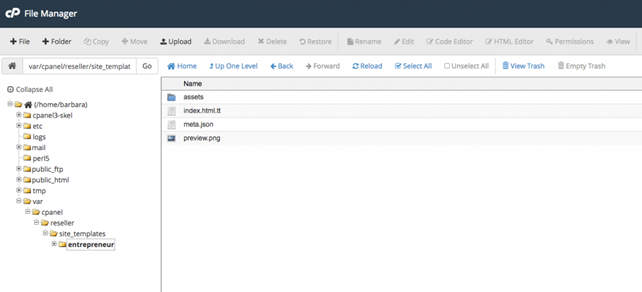
- Test everything by creating a sample account. Look at each page and email your customer would see.
Tip: Check that no old host name appears in emails or the footer. Customers lose trust if two brands show.
Quick recap
- White label means selling hosting under your own brand.
- You can brand your site, panel, emails and nameservers.
- Use the branding options in WHM and your billing system.
- Test as a customer before you launch.