

What is SSL?
SSL is a lock for the link between a visitor and your site. It scrambles data so strangers cannot read it. Sites with SSL show a padlock and start with https://. Webuzo is a control panel, which is a web page where you manage your hosting. Ask Hostvento support whether Webuzo is on your plan.
Before you start
- Your domain must point to your hosting.
- Have your private key ready. See the guide on creating a private key in Webuzo.
- You need the certificate text from your seller, and the CA bundle if they gave one. A CA bundle is a chain of files that links your certificate to a trusted company.
Steps
- Log in to Webuzo.
- Open SSL in the Security section.
- Click the SSL Certificates tab.

- Choose the domain you want to protect.
- Paste the private key into the key box.
- Paste the certificate text into the certificate box.
- Paste the CA bundle into the bundle box, if you have one.
- Click Submit or Create.
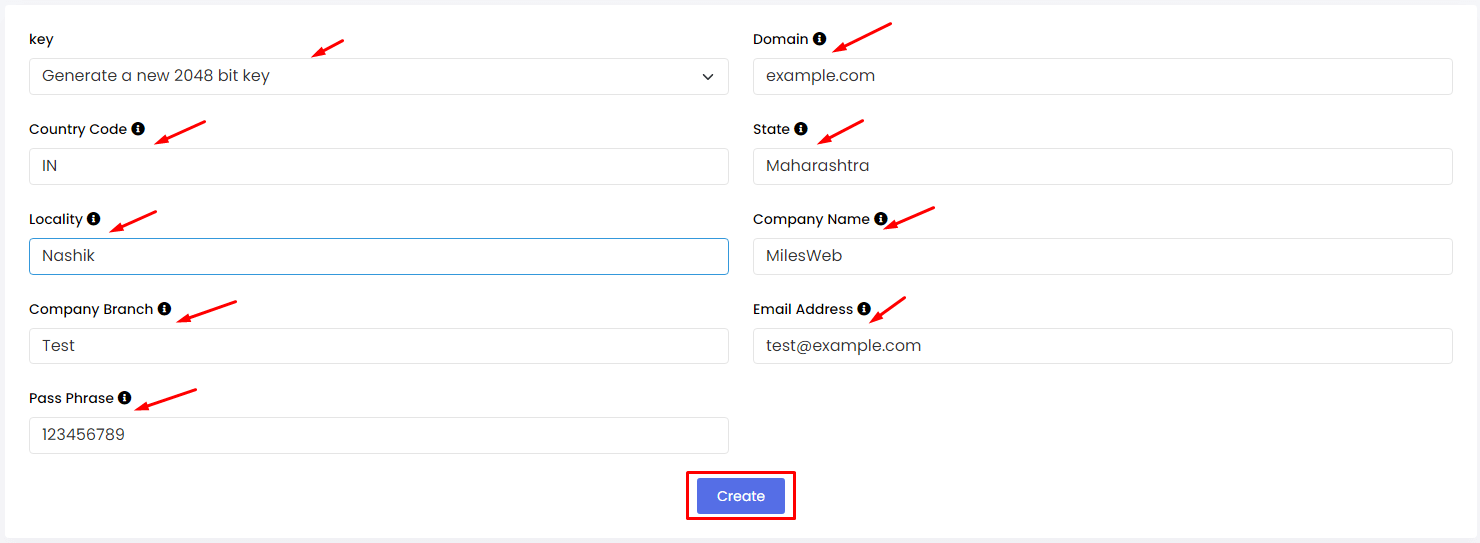
- Wait for a success message. The certificate now shows in the list.
Labels can differ between Webuzo versions. Look for the closest match.
Test it
- Open a new browser window.
- Go to
https://yourdomain.com. - Look for the padlock.
Tip: If the browser still warns you, clear its cache. Wait a few minutes and try again.
Common problems
- The key and certificate do not match. They must come from the same order.

- You pasted extra spaces. Copy the text again, including the lines that begin with five dashes.
- The domain does not point to the server yet.
Still stuck? Open a ticket at https://secure.hostvento.com/submitticket.php.
Quick recap
- Go to SSL in Webuzo.

- Choose the domain and paste key, certificate and bundle.
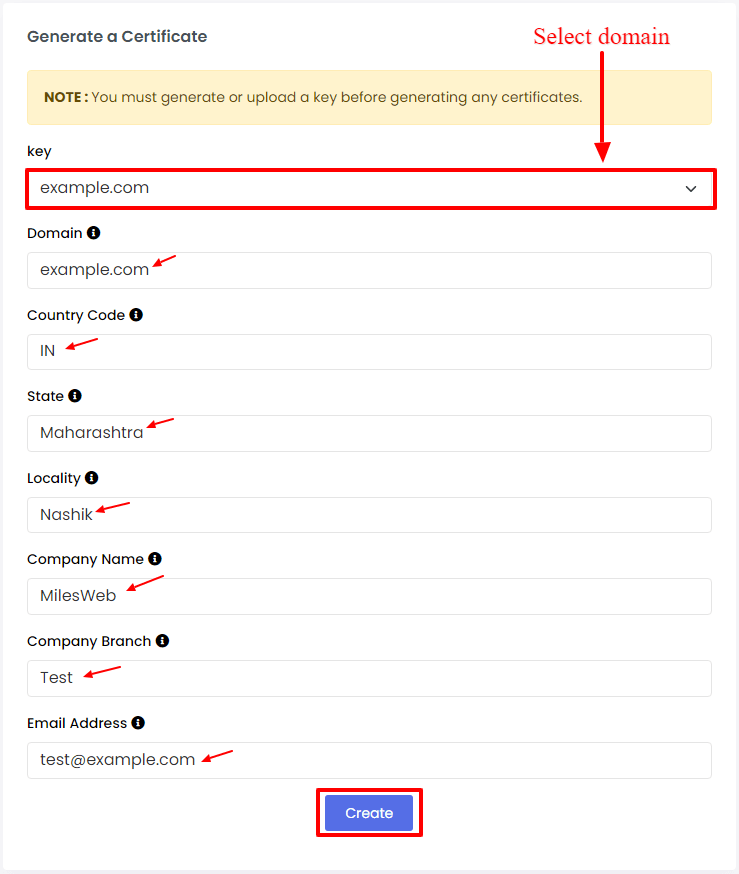
- Save, then test with
https://. - Key and certificate must match.