

What is an SSL certificate?
An SSL certificate is a digital ID card for your website. It lets browsers lock the link between your visitors and your site. Webuzo is a control panel, a web page where you manage your hosting. Ask Hostvento support whether it is on your plan.
Should you delete it?
Delete a certificate when it is expired, was installed by mistake, or belongs to a domain you no longer use.
Warning: if you delete a certificate that your live site uses, visitors may see security warnings, or the https version may stop working. Install a new certificate first, or be ready to do it right after. Save a copy of the certificate text before deleting.
Steps
- Log in to Webuzo.
- Open SSL in the Security section.
- Click the SSL Certificates tab.

- Find the certificate in the list. Check the domain name and the expiry date.
- Tick the box next to it, or find the delete icon in its row.

- Click Delete.
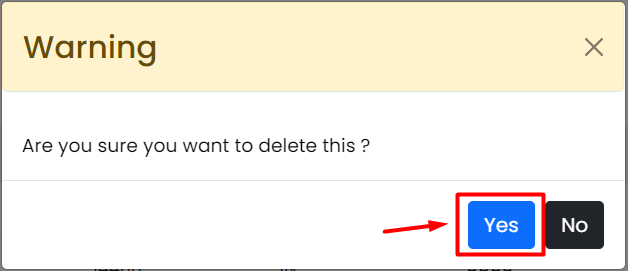
- Confirm the question.
- Check that the certificate is gone from the list.
Names of buttons can differ between Webuzo versions. Choose the closest match.
After deleting
- Open your site with
https://in a private browser window. - If you see a warning, install a new certificate. See the guide on creating an SSL certificate in Webuzo.
- Some sites redirect all visitors to https. If you remove the certificate, turn that redirect off until a new one is installed.
If you need help, open a ticket at https://secure.hostvento.com/submitticket.php.
Quick recap
- Go to SSL, then SSL Certificates in Webuzo.
- Select the certificate and click Delete.
- Do not remove a certificate in use without a replacement.
- Save a copy and test your site afterwards.