

Method 1: The Ubuntu repository
Step 1: Update the package lists
sudo apt update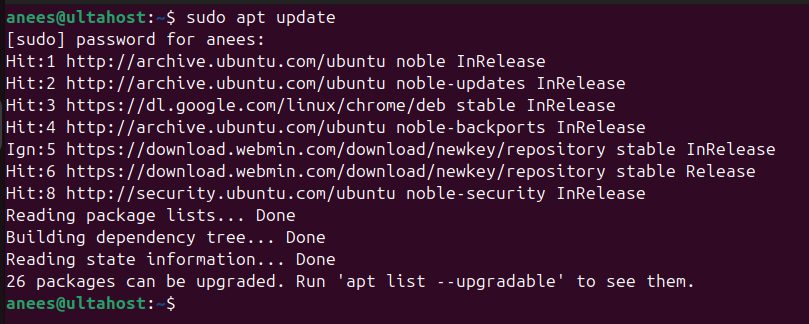
Step 2: Install R
sudo apt install r-base r-base-dev -y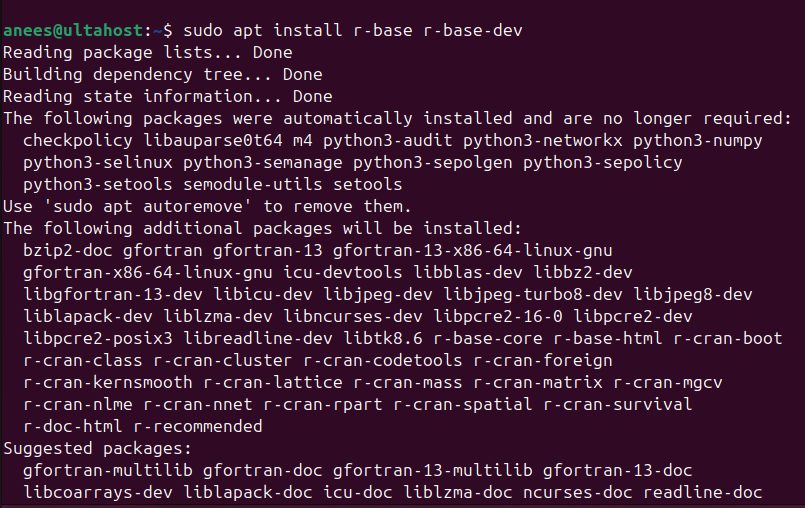
Step 3: Check it
R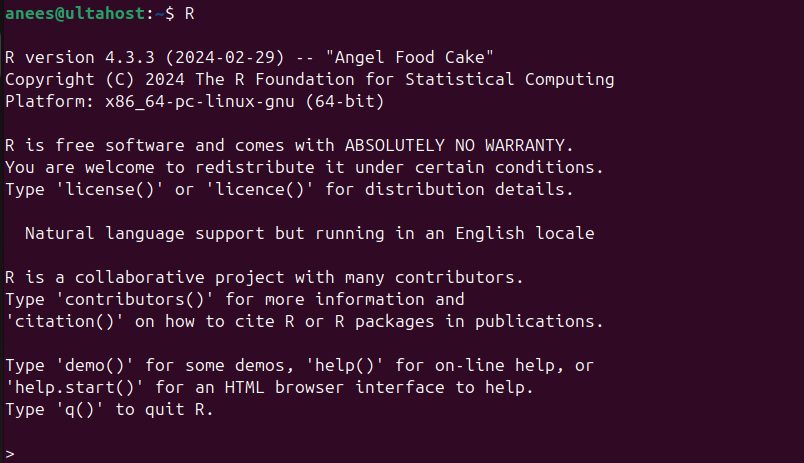
Leave R with q().
Method 2: The CRAN repository (newer R)
Step 1: Update
sudo apt update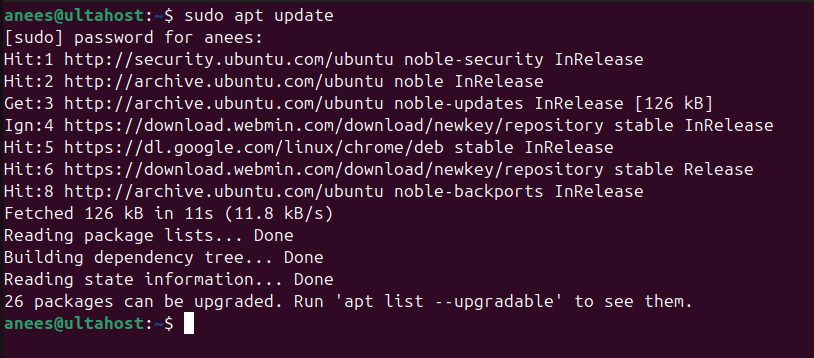
Step 2: Install the helper packages
sudo apt install software-properties-common dirmngr -y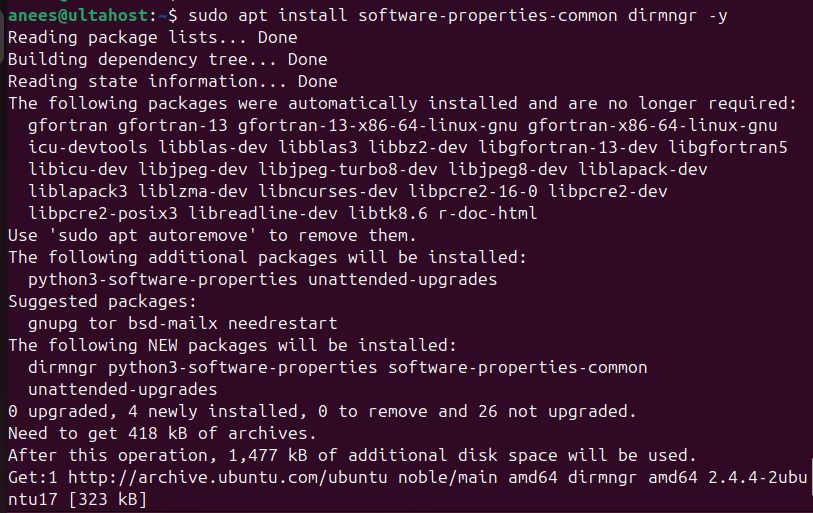
Step 3: Add the CRAN signing key
wget -qO- https://cloud.r-project.org/bin/linux/ubuntu/marutter_pubkey.asc | sudo tee -a /etc/apt/trusted.gpg.d/cran_ubuntu_key.asc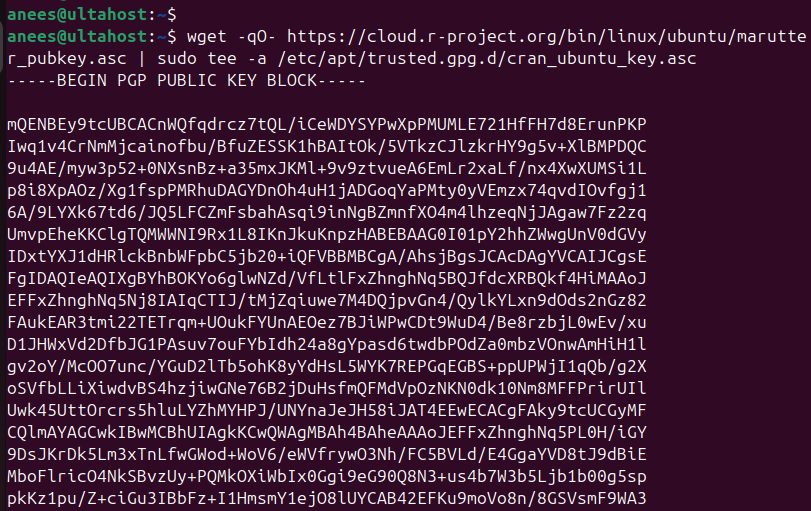
Check the key:
gpg --show-keys /etc/apt/trusted.gpg.d/cran_ubuntu_key.asc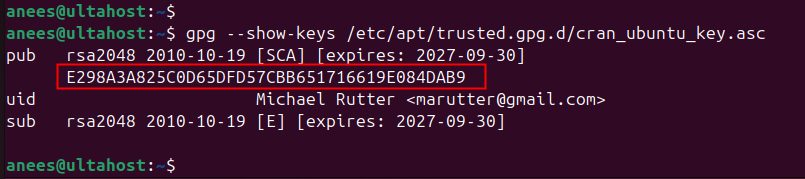
Step 4: Add the CRAN repository
sudo add-apt-repository "deb https://cloud.r-project.org/bin/linux/ubuntu $(lsb_release -cs)-cran40/"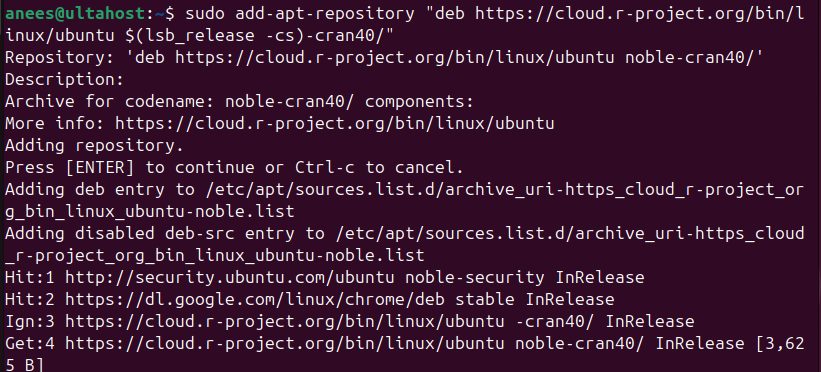
Step 5: Install R
sudo apt install r-base r-base-dev -y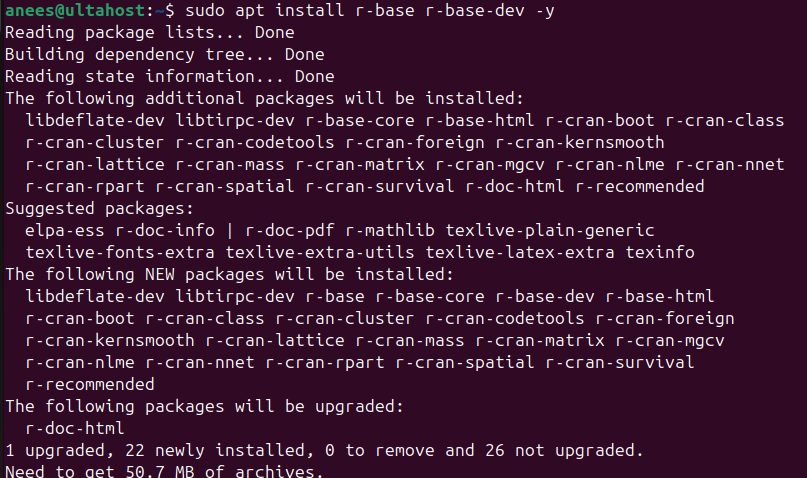
Step 6: Check it
R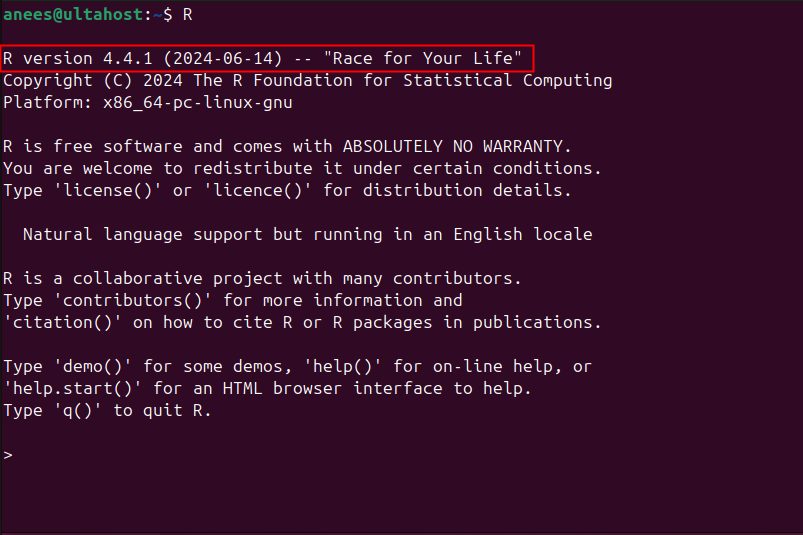
Install R packages
Popular packages:
- dplyr. Summarize, filter and change data.
- tidyr. Tidy messy data.
- purrr. Work with functions and vectors.
- ggplot2. Make beautiful plots.
- data.table. Handle big data sets fast.
- stringr. Work with text.
Install one inside R:
install.packages("data.table")
Load it:
library("data.table")Many packages need system libraries. If an install fails, read the error for a missing -dev package (for example libcurl4-openssl-dev, libssl-dev or libxml2-dev) and install it with apt.
Quick recap
sudo apt install r-base r-base-dev.- Use the CRAN repository for the newest R.
install.packages("name")adds packages.