

Step 1: Install curl
sudo apt install curl build-essential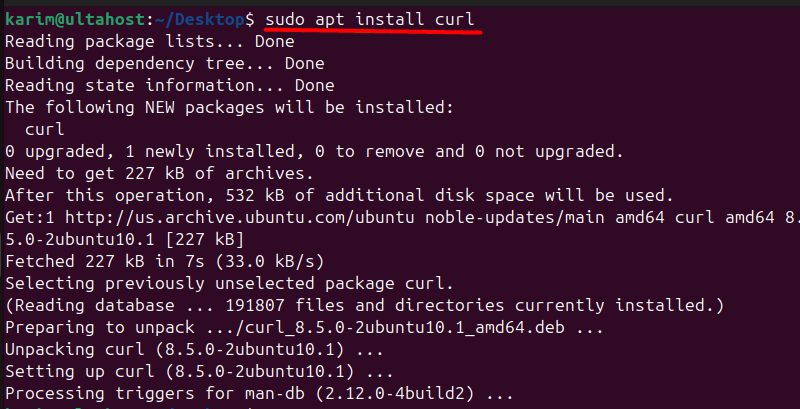
(build-essential gives you the C linker that Rust needs.)
Step 2: Download and run the installer
curl --proto '=https' --tlsv1.2 -sSf https://sh.rustup.rs | sh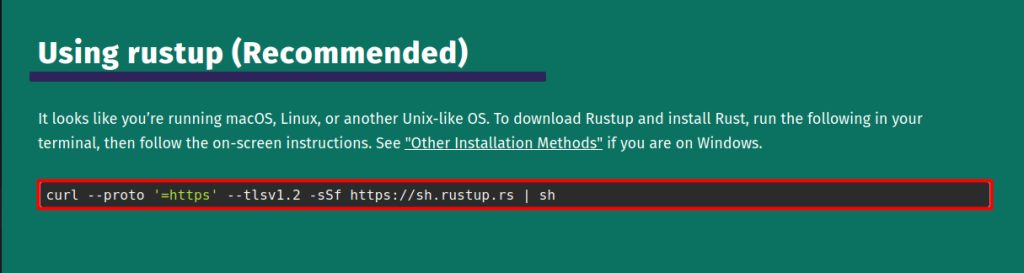
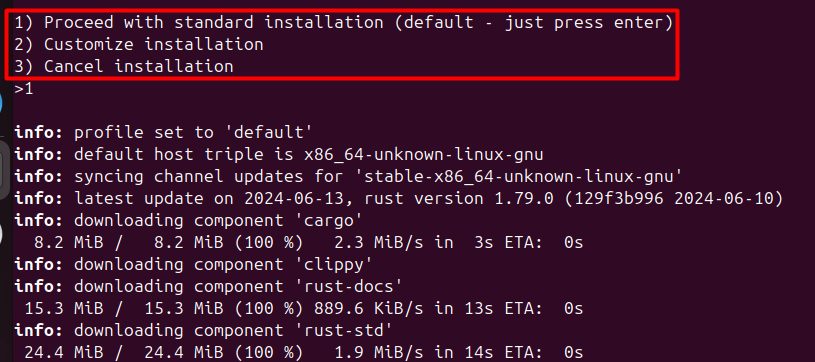
Step 3: Choose the installation option
The installer shows three options:
- Proceed with standard installation (the default). Installs the stable toolchain.
- Customize installation. Choose the toolchain and the profile.
- Cancel installation.
Press 1 and Enter.
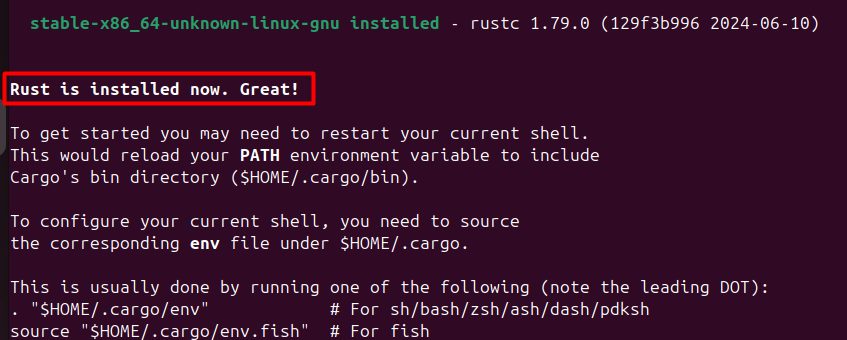
Load Rust into your current shell:
source "$HOME/.cargo/env"Step 4: Check the install
rustc --version
cargo --version
A first program
cargo new hello
cd hello
cargo run
Cargo creates a project that prints "Hello, world!".
Update and remove
rustup update
rustup self uninstall
About Rust
Advantages
- Performance. Speed like C and C++.
- Reliability. The type system and ownership rules prevent whole classes of bugs.
- Concurrency. Safe code that runs in parallel.
- Modern tools. Cargo, tests and docs built in.
Use cases
- Systems programming.
- Web back ends and services.
- Command-line tools.
- WebAssembly and embedded code.
Quick recap
- Use the
rustupinstaller. - Choose option 1 and load
~/.cargo/env. - Check with
rustc --version.