

Step 1: Update the system
sudo apt update && sudo apt upgrade
apt updaterefreshes the package list.apt upgradeinstalls newer versions of the installed packages.
Step 2: Install the dependencies
sudo apt install clang libpython3-dev libncurses-dev libxml2-dev libcurl4-openssl-dev libedit-dev libsqlite3-dev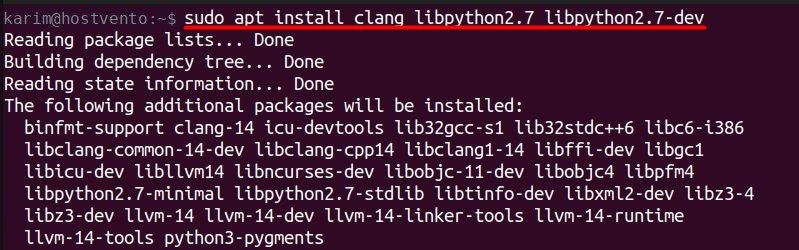
clang is the compiler Swift uses. The other packages are libraries the toolchain needs. Check the Swift site for the exact list for your release.
Step 3: Download Swift
Get the toolchain for your Ubuntu version from swift.org. This example uses Swift 5.10.1 for Ubuntu 22.04:
wget https://download.swift.org/swift-5.10.1-release/ubuntu2204/swift-5.10.1-RELEASE/swift-5.10.1-RELEASE-ubuntu22.04.tar.gz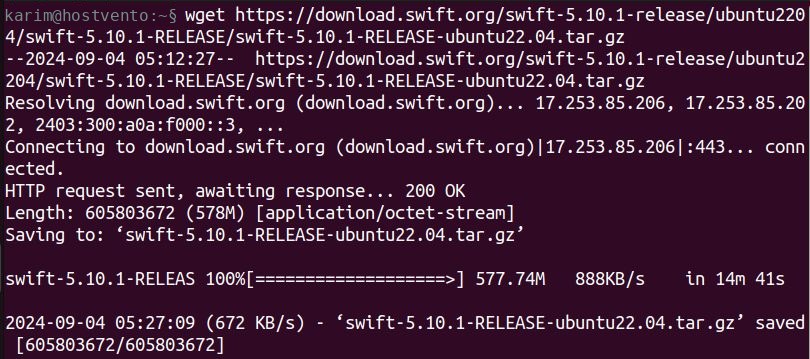
Step 4: Extract the archive
tar -xzf swift-5.10.1-RELEASE-ubuntu22.04.tar.gz
Step 5: Move it to a system folder
sudo mv swift-5.10.1-RELEASE-ubuntu22.04 /usr/share/swift
Step 6: Add Swift to PATH
echo 'export PATH=/usr/share/swift/usr/bin:$PATH' >> ~/.bashrc
Load the change:
source ~/.bashrc
Step 7: Check the version
swift --version
Quick recap
- Install
clangand the libraries. - Download and extract the toolchain, then move it to
/usr/share/swift. - Add its
usr/binfolder to PATH and runswift --version.