

Method 1: Quick support archive
Step 1: Download the package from the TeamViewer website.
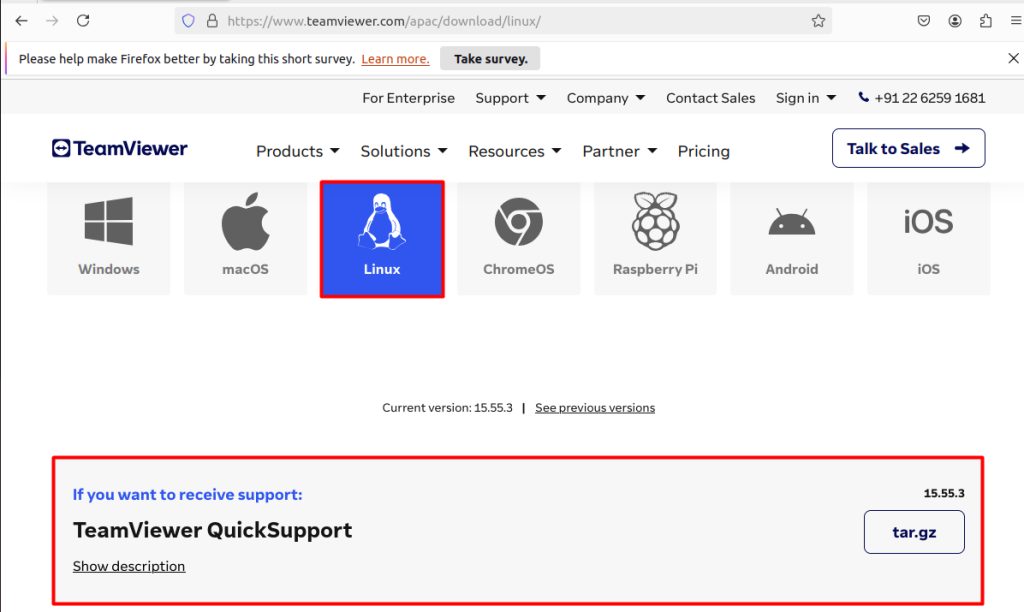
Step 2: Extract it
tar -xvf teamviewer_qs.tar.gz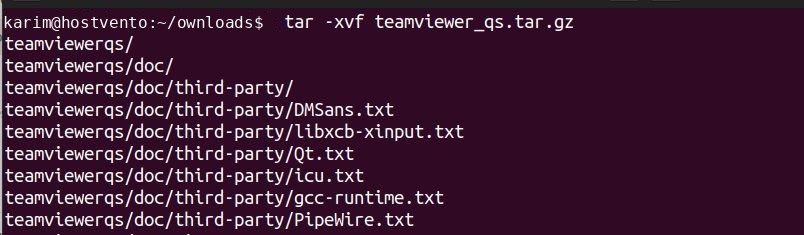
Step 3: Open the folder
cd teamviewerqs/
Step 4: Start TeamViewer
./teamviewer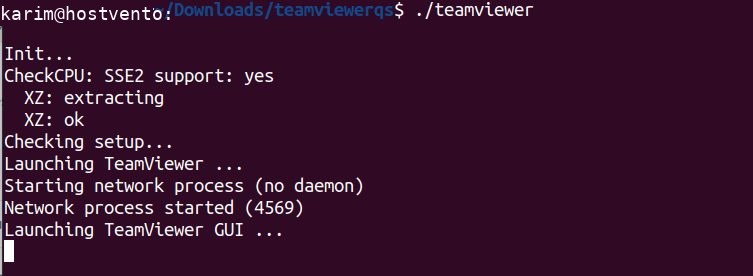
Step 5: Accept the license when it asks.
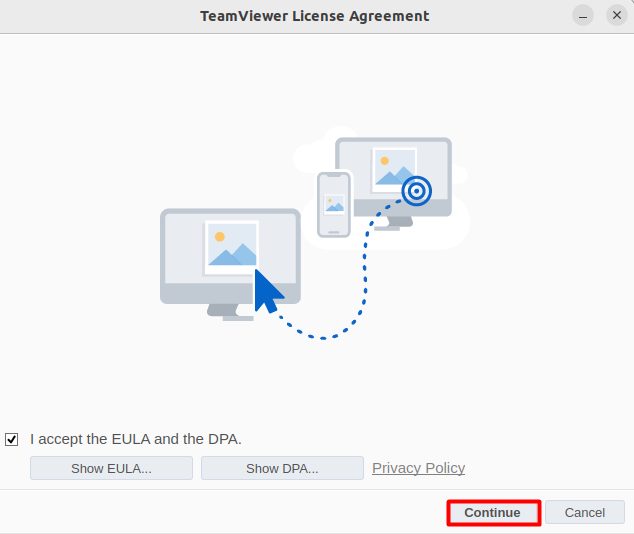
Step 6: Use it. The window shows your ID and password.
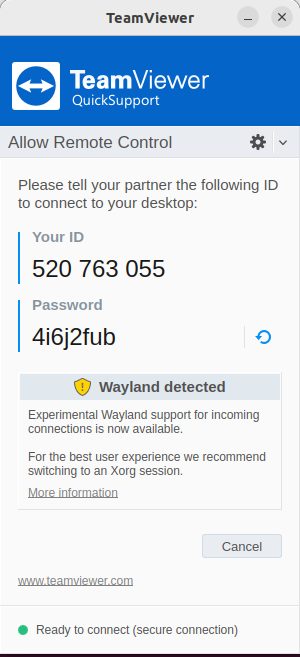
Method 2: The .deb package
Step 1: Download the package
wget https://download.teamviewer.com/download/linux/teamviewer_amd64.deb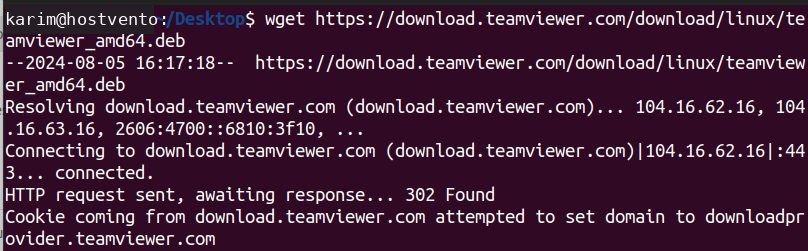
Step 2: Install it
sudo dpkg -i teamviewer_amd64.deb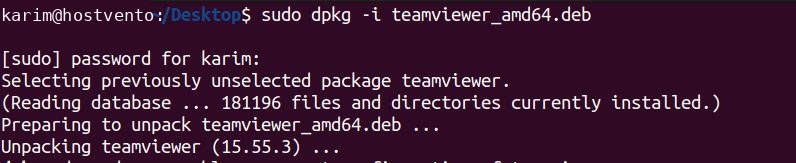
Step 3: Fix missing dependencies
sudo apt install -f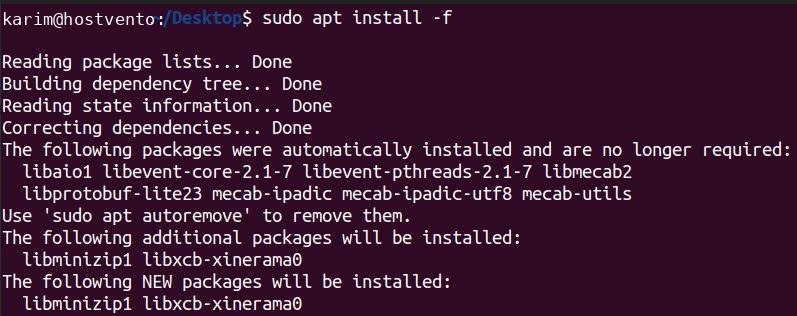
Then start TeamViewer from the application menu.
Note: A desktop environment is needed. On a server with no desktop, the TeamViewer window cannot open.
Why use TeamViewer
- Easy to use for new users.
- Remote access to your computer from anywhere.
- File transfer between devices.
- Works on Windows, macOS, Linux and mobile.
- Encrypted connections.
Quick recap
- The
.debmethod is the easiest to keep updated. - Fix dependencies with
sudo apt install -f.