

What you need
- A current Ubuntu release.
- Python 3.9 or newer, check the TensorFlow site for the supported range.
- A recent pip.
- CUDA and a compatible NVIDIA GPU, only if you want GPU support.
Step 1: Update Ubuntu
sudo apt update && sudo apt full-upgrade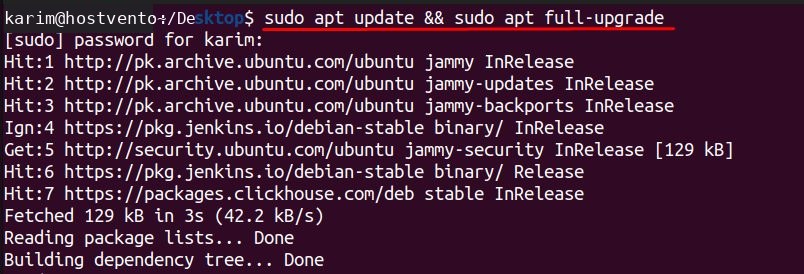
Step 2: Install pip
Check if pip exists:
pip --version
If it is missing, install it with the venv module:
sudo apt install python3-pip python3-venv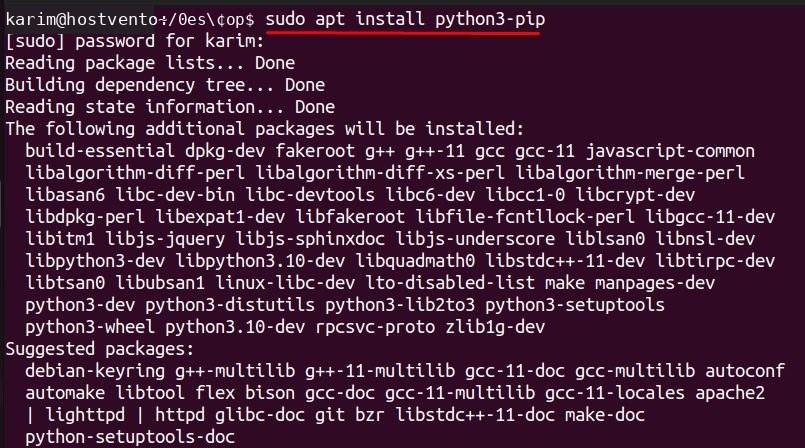
Step 3: Install TensorFlow
Use a virtual environment so TensorFlow does not mix with system packages:
python3 -m venv ~/tf-env
source ~/tf-env/bin/activate
pip install tensorflow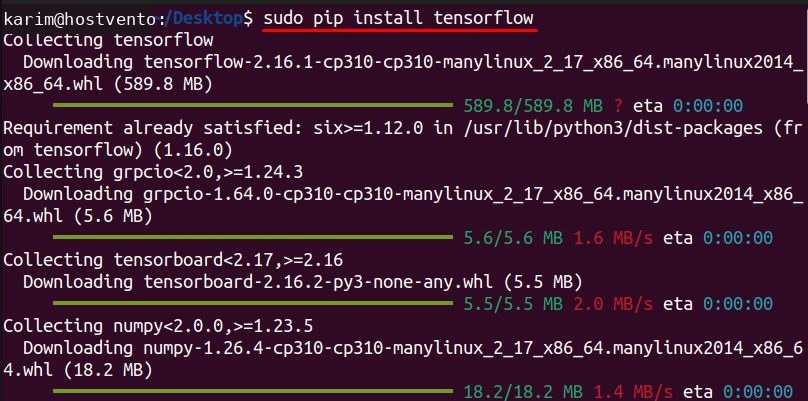
Note: Newer Ubuntu releases block
pip install into the system Python. A virtual environment avoids that error.Step 4: Check it
python3Then in the Python shell:
import tensorflow as tf
print(tf.__version__)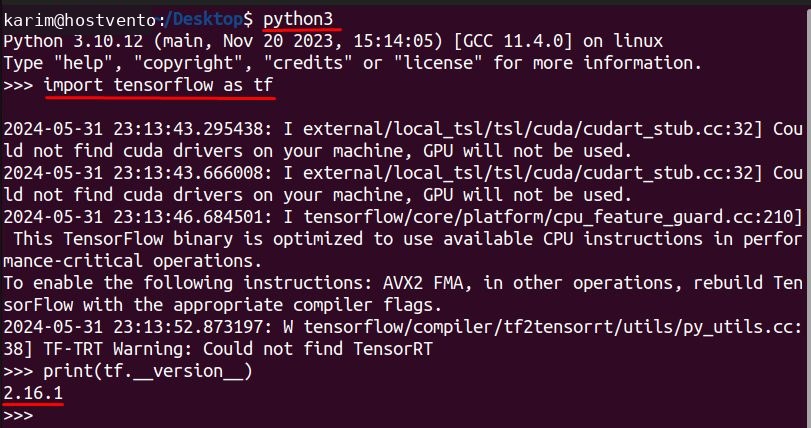
What is TensorFlow
TensorFlow is a free machine learning library from Google. It is used to build and train neural networks for images, text, speech and prediction.
Key features:
- Keras API for quick model building.
- CPU and GPU support.
- TensorBoard for charts of your training.
- Deployment options for servers, mobile and browsers.
Quick recap
- Update Ubuntu and install
python3-pipandpython3-venv. - Create a virtual environment and run
pip install tensorflow. - Check with
tf.__version__.