

Method 1: Snap
Step 1: Update Ubuntu
sudo apt update && sudo apt upgrade
Step 2: Install Snap
sudo apt install snapd
Step 3: Install Terraform
sudo snap install terraform --classic
Step 4: Check it
terraform --version
Method 2: HashiCorp apt repository
Step 1: Add the GPG key
wget -O- https://apt.releases.hashicorp.com/gpg | sudo gpg --dearmor -o /usr/share/keyrings/hashicorp-archive-keyring.gpg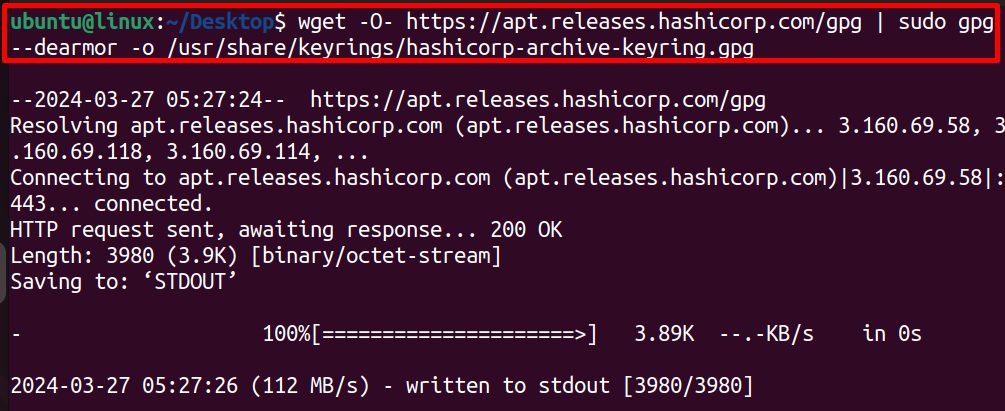
Step 2: Add the repository
echo "deb [signed-by=/usr/share/keyrings/hashicorp-archive-keyring.gpg] https://apt.releases.hashicorp.com $(lsb_release -cs) main" | sudo tee /etc/apt/sources.list.d/hashicorp.list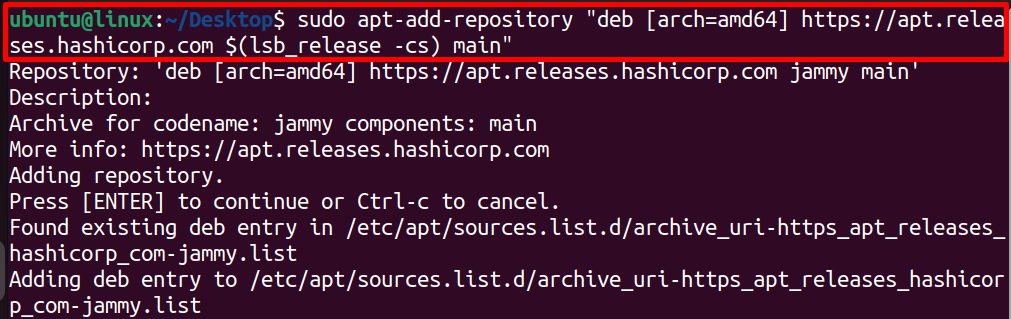
Step 3: Update the package list
sudo apt updateStep 4: Install Terraform
sudo apt install terraform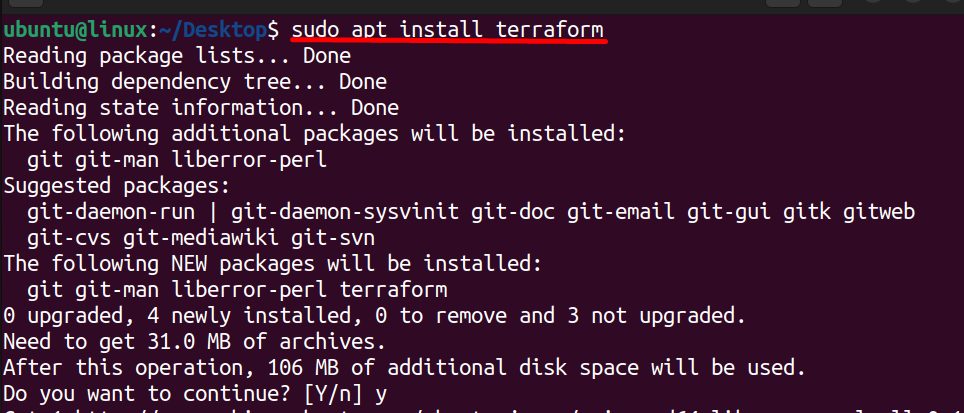
Step 5: Check it
terraform --version
Quick recap
- Snap is the fastest way.
- The apt repository gives updates through normal
apt upgrade. - Use
terraform --versionto confirm.