

What is Tor
Tor sends your traffic through several servers around the world. This hides your IP address and location from the sites you visit.
Why use Tor on Kali Linux
- Penetration testing. Hide the source of your tests during authorized work.
- Privacy. Reach information that is blocked or censored.
- Safe communication. Journalists and sources can talk with less risk.
Two ways to install
- Tor Browser bundle. A ready browser that already uses Tor.
- Tor from the repositories. More control, runs as a service.
Method 1: Tor Browser bundle
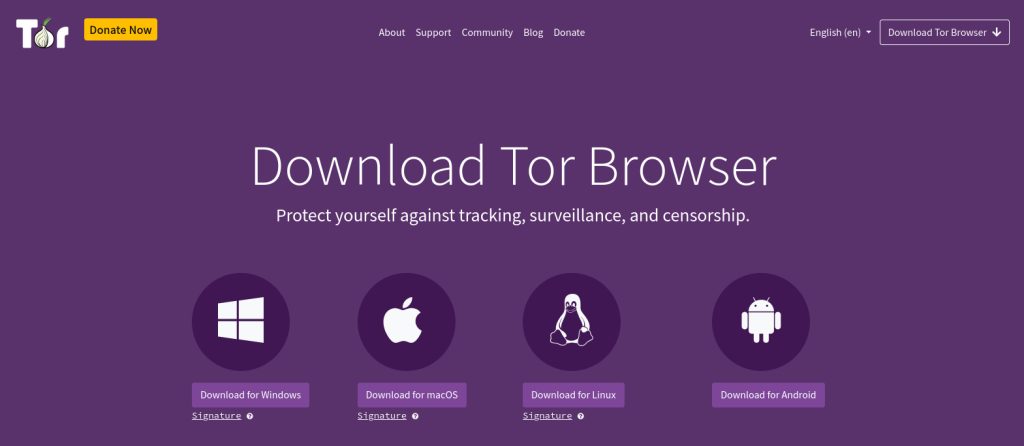
- Open the official Tor Project website and download the Linux version.
- Extract the archive:
tar -xvf tor-browser-linux-x86_64.tar.xz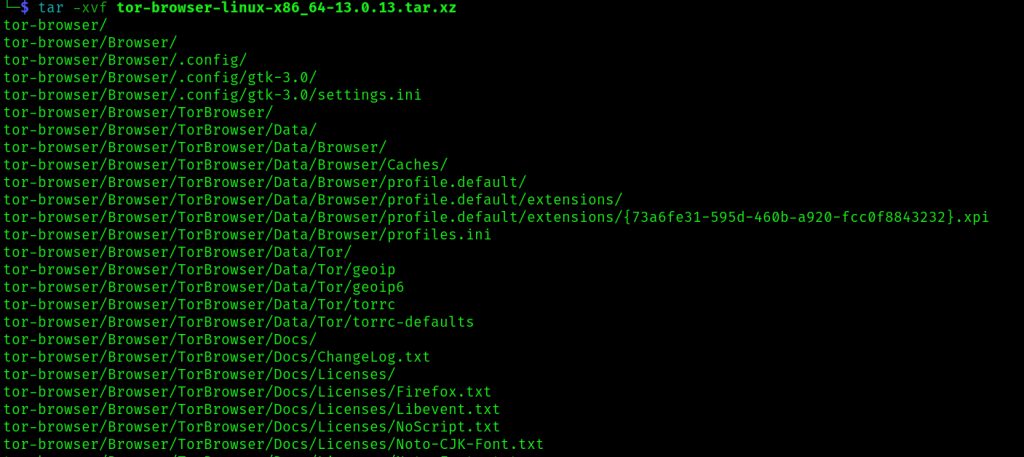
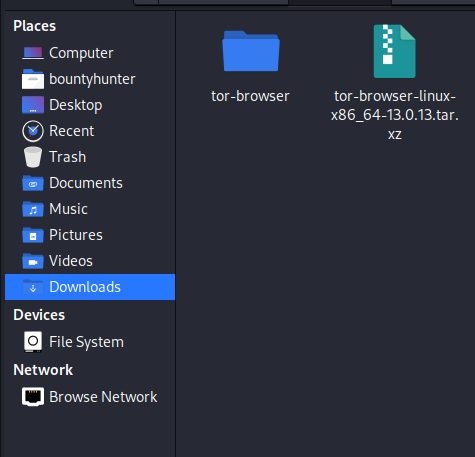
- Open the extracted folder.
- Start the browser:
cd tor-browser
./start-tor-browser.desktop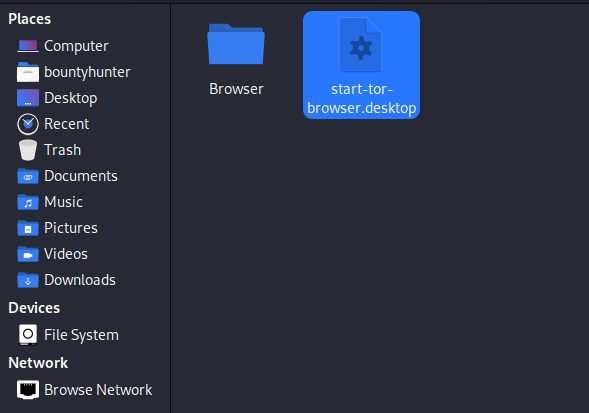
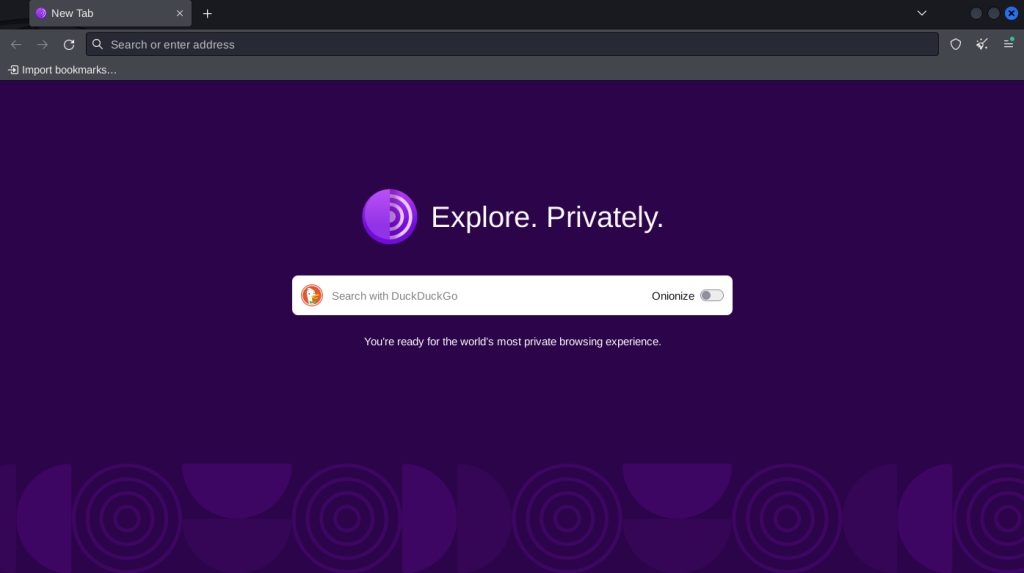
- Click Connect. The browser opens.
Method 2: Tor from the repositories
- Update the package list:
sudo apt update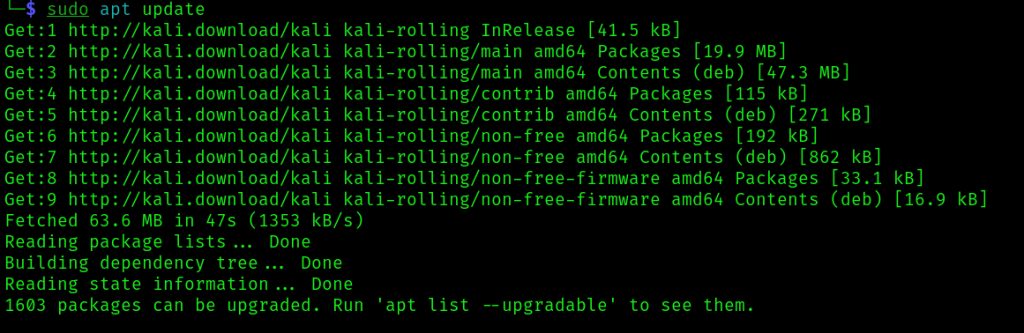
- Install Tor:
sudo apt install tor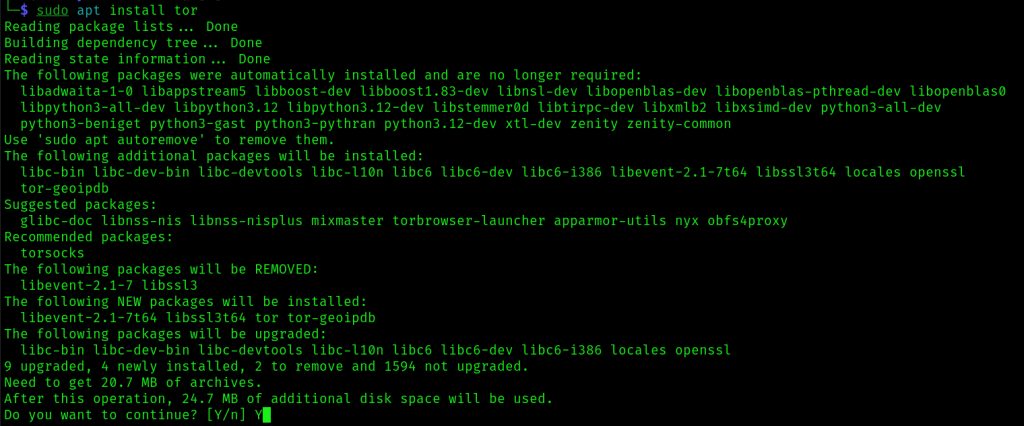
- Check it:
tor --version
- Start the service:
sudo systemctl start torUse Tor with Firefox
The Tor service listens on 127.0.0.1 port 9050 as a SOCKS5 proxy.
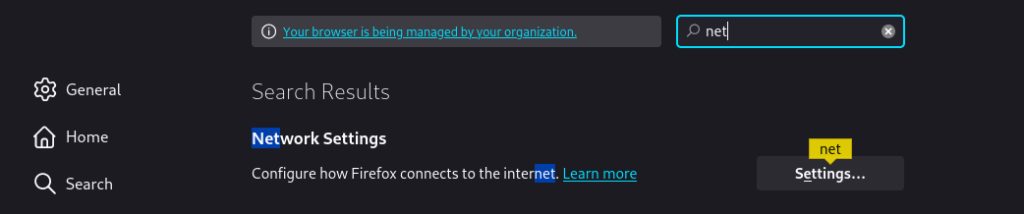
- Open Firefox Settings.
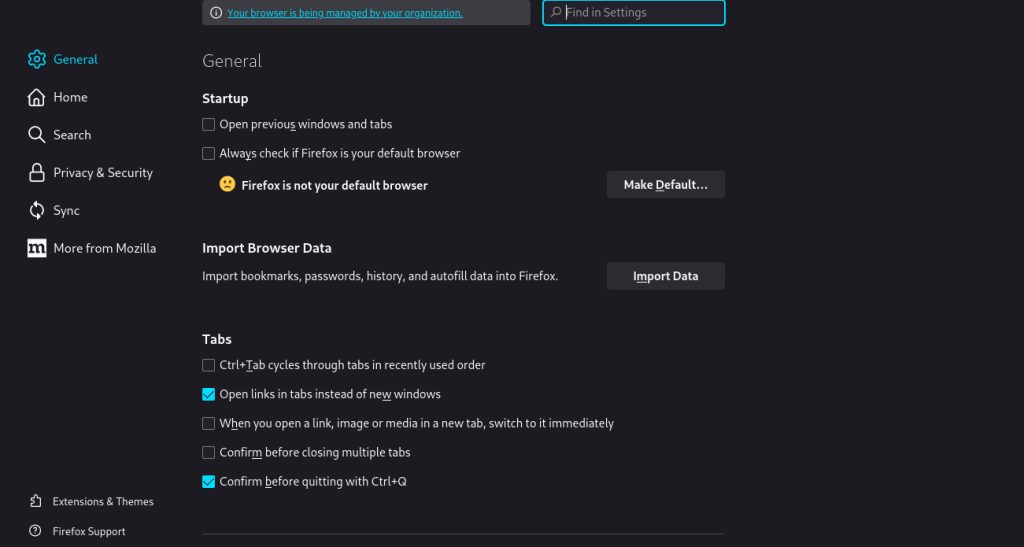
- Find Network Settings and click Settings.
- Choose Manual proxy configuration. Set SOCKS Host to
127.0.0.1, Port to9050and select SOCKS v5.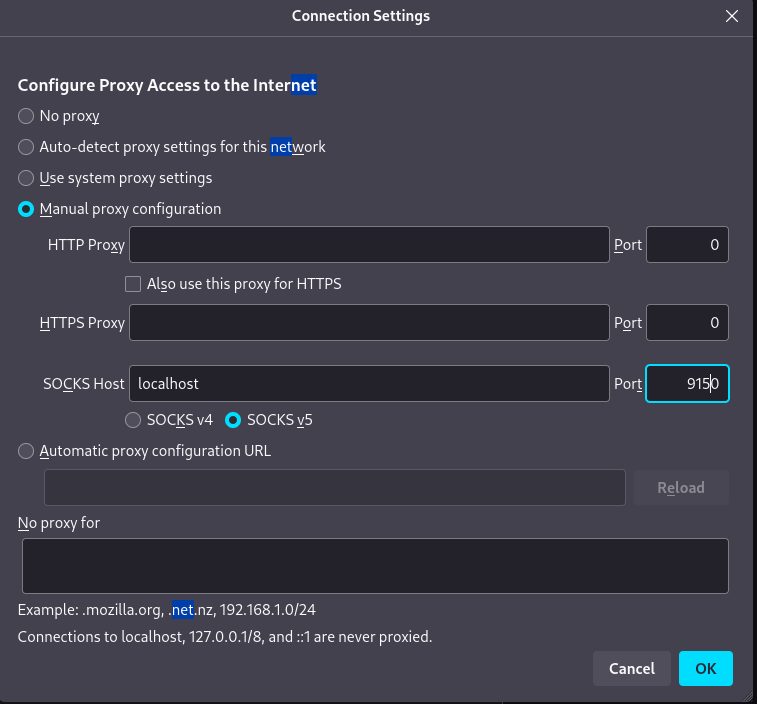
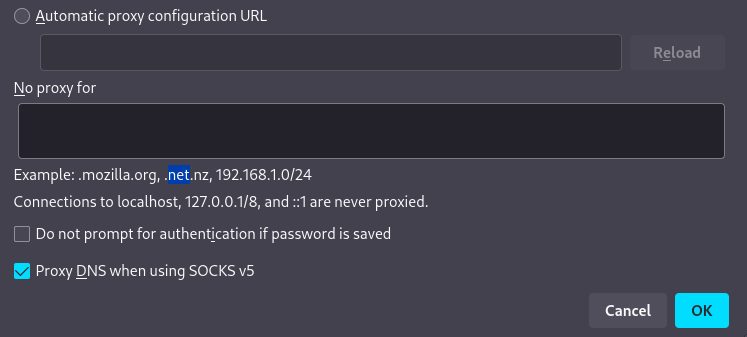
- Tick Proxy DNS when using SOCKS v5 so DNS requests also go through Tor.
Warning: Ordinary Firefox is less private than Tor Browser. For anonymity, use the Tor Browser bundle.
Quick recap
- Tor Browser is the easiest and safest option.
sudo apt install torgives a local SOCKS5 proxy on port 9050.