

What is Tor
Tor sends your traffic through several relays so sites cannot see your real IP address or location.
Why use Tor on Ubuntu
- It hides your identity and location.
- It can bypass internet censorship.
- It reaches sites that are blocked in your area.
- It gives a safer way to communicate privately.
Method 1: Install from the website
- Open the Tor Project website and download the Linux archive.
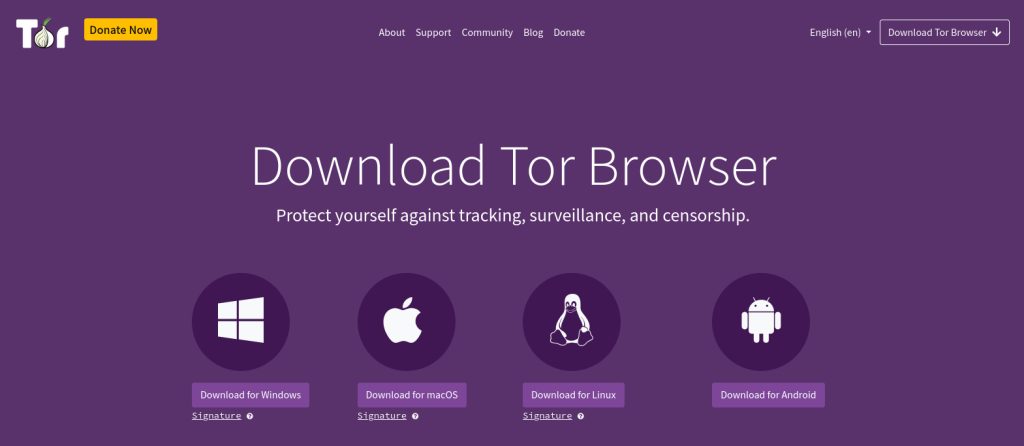
- Right-click the archive and extract it, or use the terminal.
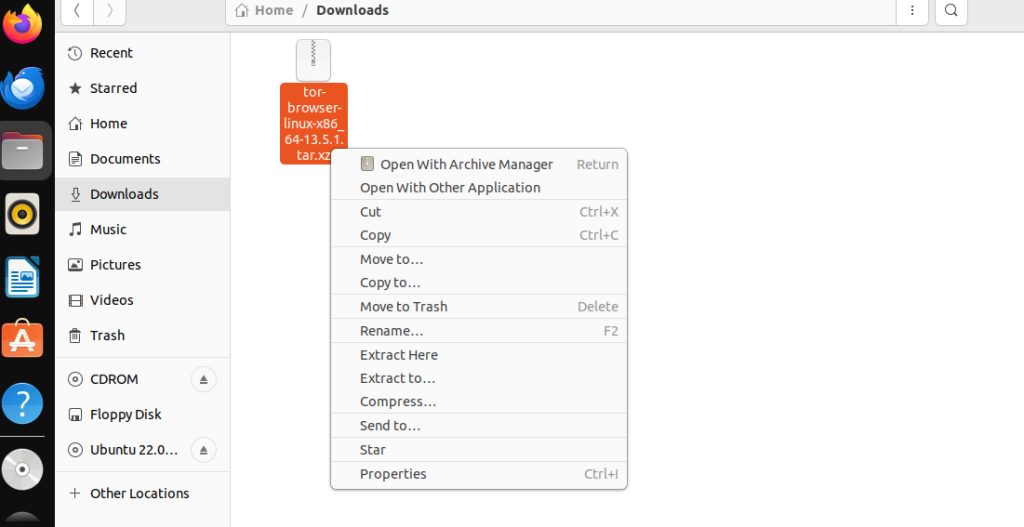
tar -xvf tor-browser-linux-x86_64.tar.xz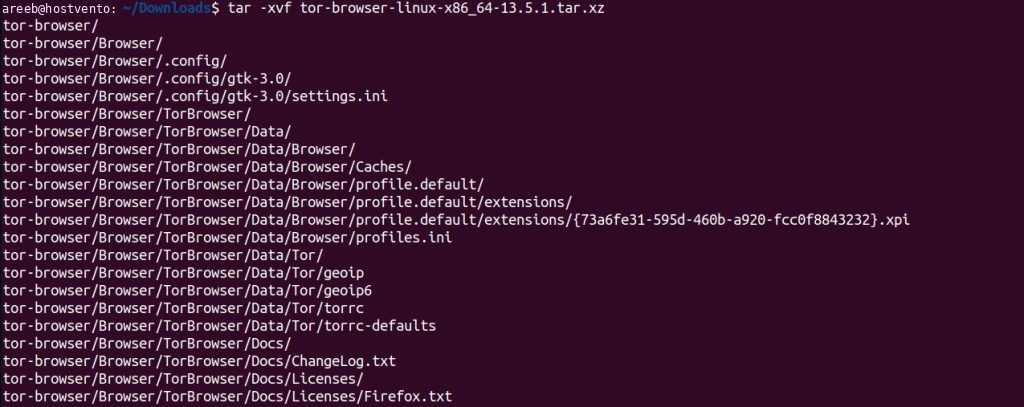
- Start Tor Browser from the extracted folder:
cd tor-browser
./start-tor-browser.desktop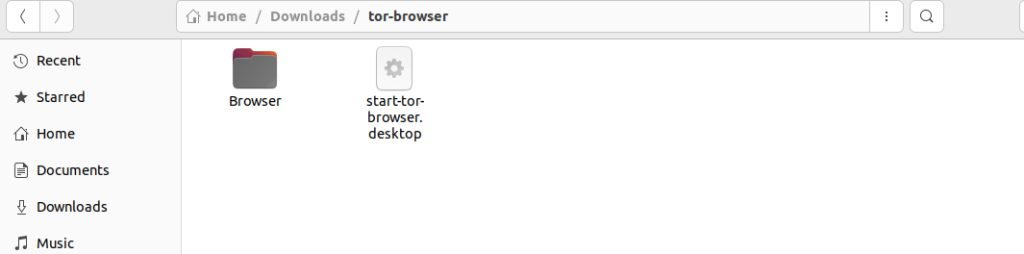
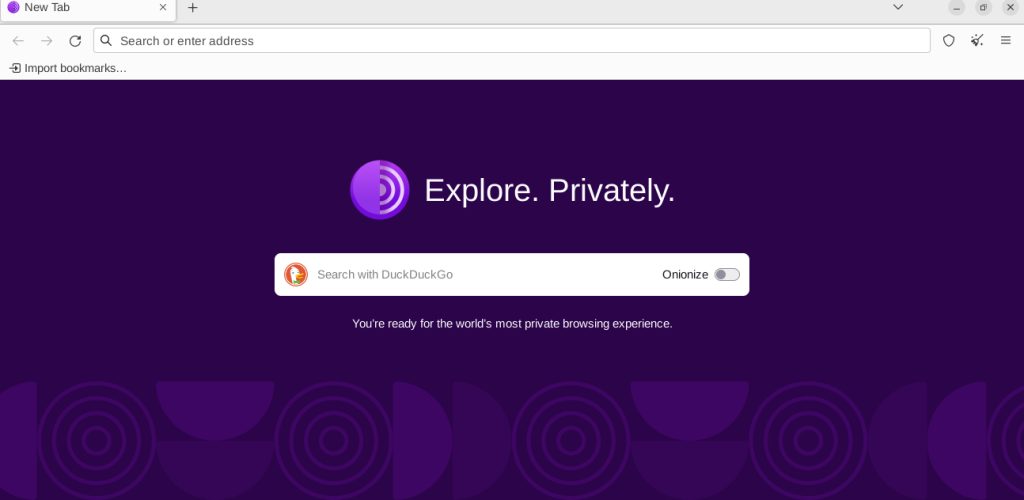
- Click Connect. You can then browse and search with the default search engine.
Method 2: Install from the terminal
- Update the package list:
sudo apt update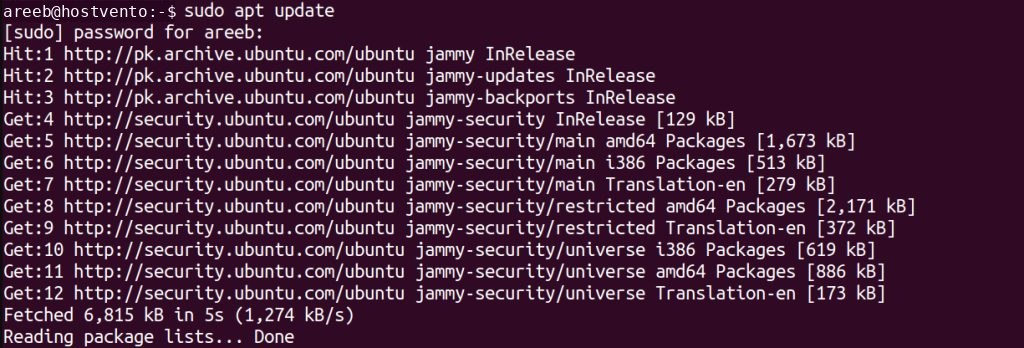
- Install the launcher:
sudo apt install torbrowser-launcher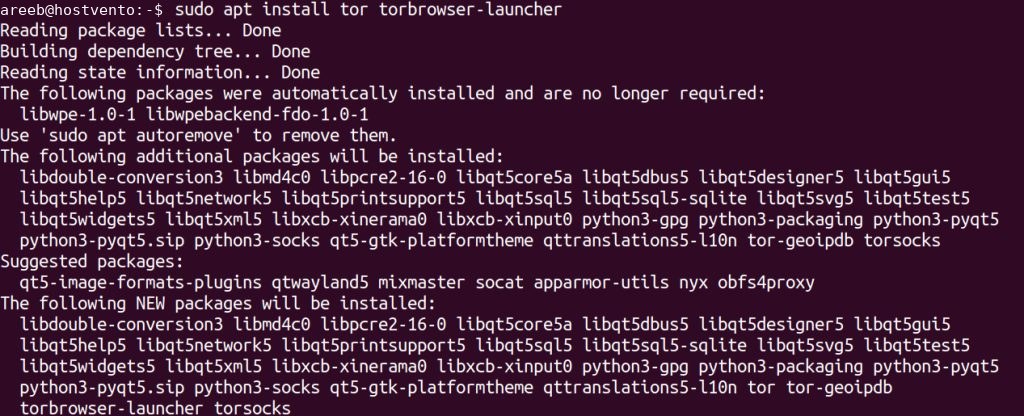
- To install the Tor service only, run:
sudo apt install tor
tor --version
- Start Tor Browser:
torbrowser-launcher
The first start downloads the browser files.
Quick recap
- Use the Tor Project archive or
torbrowser-launcher. - Click Connect on first start.