

Requirements
- Graphics: NVIDIA or AMD card with at least 2 GB of VRAM and a current driver.
- OS: Ubuntu 20.04 LTS or newer.
- CPU: 64-bit dual-core, Intel Core i5 or AMD equivalent.
- Memory and disk: 8 GB RAM and 20 GB of free disk space.
- Internet to download the editor.
Update the system first:
sudo apt update && sudo apt upgradeStep 1: Add the public signing key
wget -qO - https://hub.unity3d.com/linux/keys/public | gpg --dearmor | sudo tee /usr/share/keyrings/Unity_Technologies_ApS.gpg > /dev/null
wget -qO -downloads the key quietly and prints it.gpg --dearmorconverts it into a keyring format.sudo teewrites it to the keyring file.> /dev/nullhides the extra output.
Step 2: Add the repository
sudo sh -c 'echo "deb [signed-by=/usr/share/keyrings/Unity_Technologies_ApS.gpg] https://hub.unity3d.com/linux/repos/deb stable main" > /etc/apt/sources.list.d/unityhub.list'
Step 3: Install Unity Hub
sudo apt update
sudo apt-get install unityhub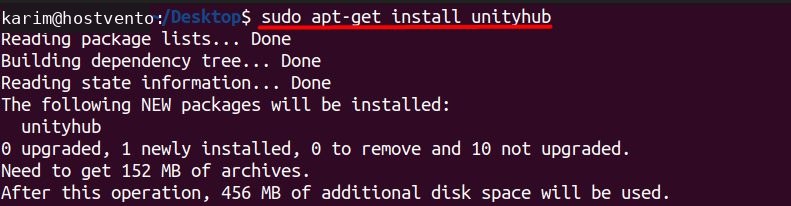
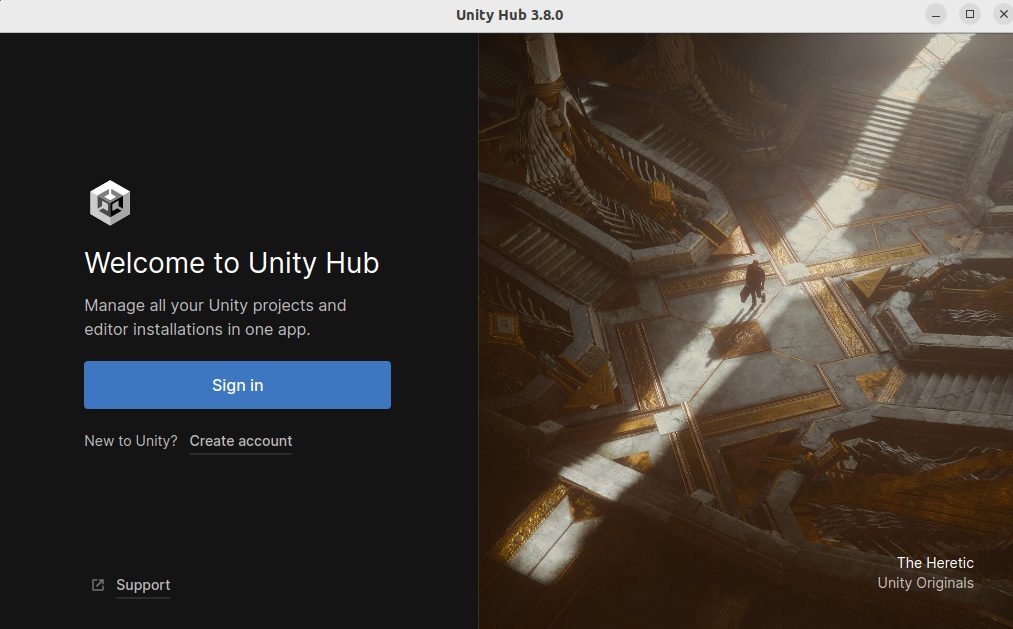
Step 4: Start Unity Hub
Open Unity Hub from the applications menu and sign in with your Unity ID. From there you can install an editor version.
Quick recap
- Add the key and the repository, then install
unityhub. - Sign in and install an editor from the Hub.