

Method 1: apt
Step 1: Update the system
sudo apt update && sudo apt upgrade -y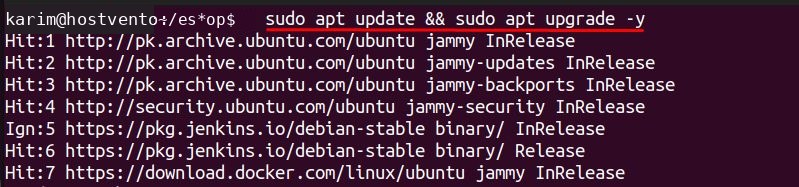
Step 2: Install Vagrant
sudo apt install vagrant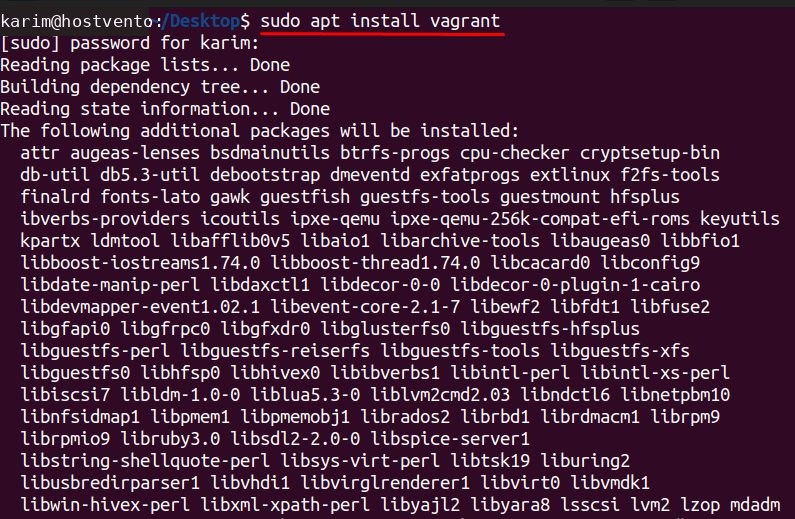
Step 3: Check it
vagrant --version
Method 2: The official package
Step 1: Download the package
wget https://releases.hashicorp.com/vagrant/2.4.1/vagrant_2.4.1-1_amd64.deb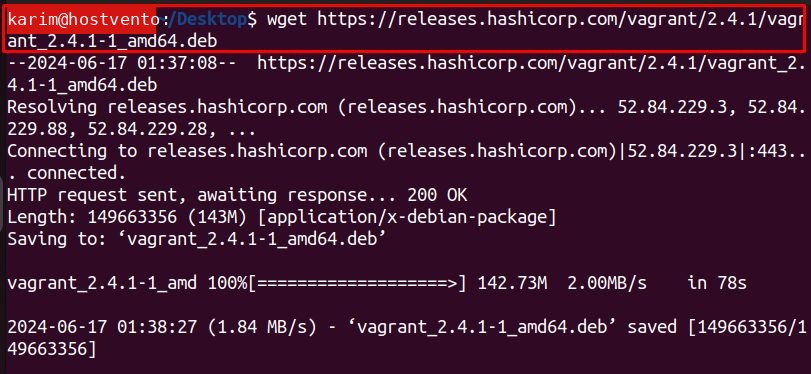
Step 2: Install it
sudo dpkg -i vagrant_2.4.1-1_amd64.deb
Step 3: Check it
vagrant --version
Which version to use
The version in the Ubuntu repository is often older. The package from HashiCorp is newer and has the latest fixes and features.
Vagrant also needs a provider, such as VirtualBox, to run the machines.
Start a project
Step 1: Create a folder
mkdir my-vagrant-project
cd my-vagrant-project
Step 2: Create a Vagrantfile
vagrant init
Edit the Vagrantfile to set the box, for example config.vm.box = "ubuntu/jammy64", then run vagrant up.
Benefits of Vagrant
- Portable and repeatable. The same setup on every computer.
- Flexible. Many boxes and providers.
- Efficient. Use disposable machines for testing.
- Team friendly. Share the Vagrantfile.
Quick recap
- Install with apt or the .deb package.
- Use
vagrant initandvagrant up.