

Debian and Ubuntu
Step 1: Update the package list
sudo apt update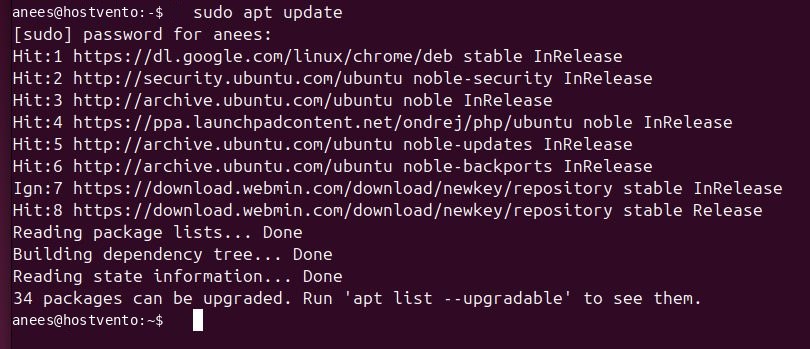
Step 2: Install the dependencies
sudo apt install software-properties-common apt-transport-https wget gpg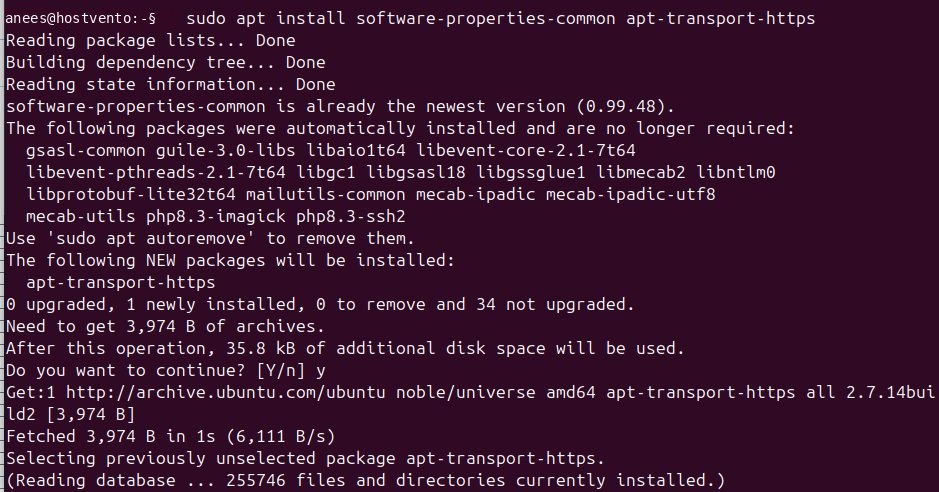
Step 3: Download the Microsoft key
wget -qO- https://packages.microsoft.com/keys/microsoft.asc | gpg --dearmor > packages.microsoft.gpg
Step 4: Install the key
sudo install -D -o root -g root -m 644 packages.microsoft.gpg /etc/apt/keyrings/packages.microsoft.gpg
Step 5: Add the repository
echo "deb [arch=amd64,arm64,armhf signed-by=/etc/apt/keyrings/packages.microsoft.gpg] https://packages.microsoft.com/repos/code stable main" | sudo tee /etc/apt/sources.list.d/vscode.list
Step 6: Install VS Code
sudo apt update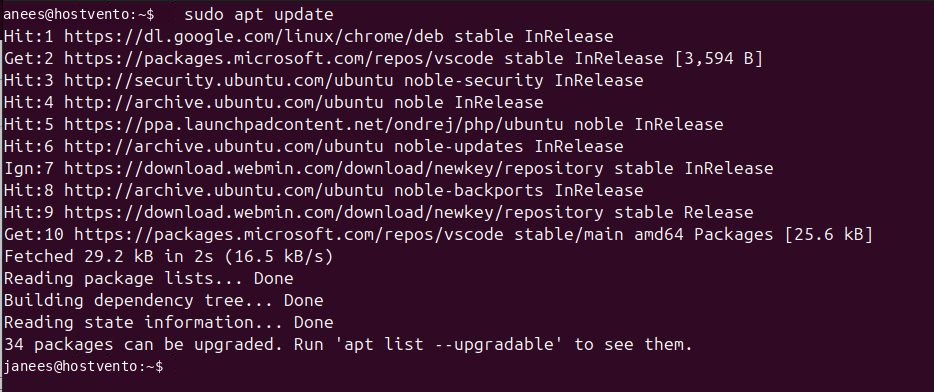
sudo apt install code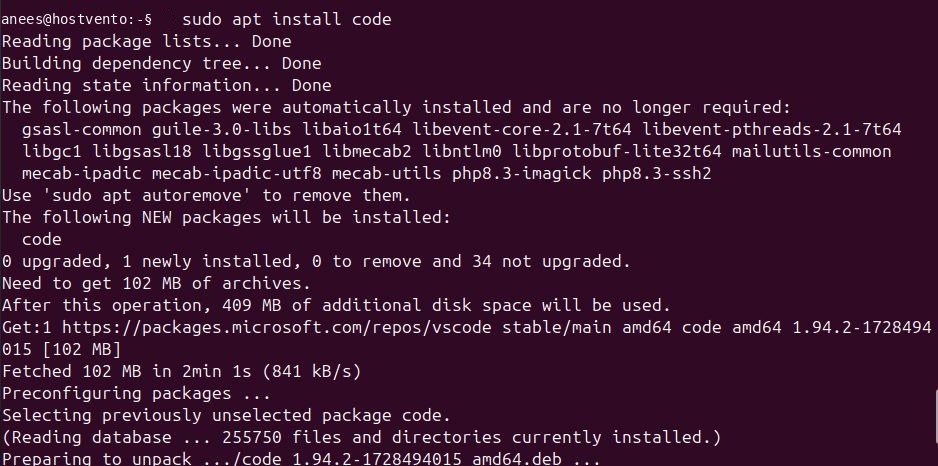
Step 7: Start it
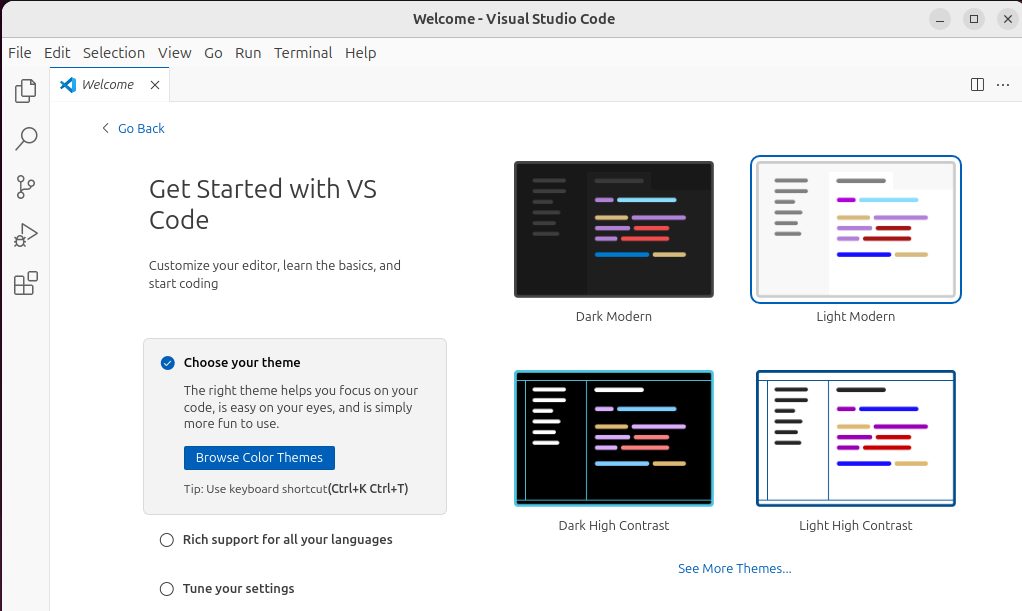
Run code or open Visual Studio Code from the application menu.
Red Hat, CentOS, Fedora and AlmaLinux
sudo dnf update
sudo rpm --import https://packages.microsoft.com/keys/microsoft.asc
Create the repository file:
sudo tee /etc/yum.repos.d/vscode.repo <<'REPO'
[code]
name=Visual Studio Code
baseurl=https://packages.microsoft.com/yumrepos/vscode
enabled=1
gpgcheck=1
gpgkey=https://packages.microsoft.com/keys/microsoft.asc
REPO
Install:
sudo dnf install codeFlatpak
Add Flathub:
flatpak remote-add --if-not-exists flathub https://flathub.org/repo/flathub.flatpakrepo
Install and start:
flatpak install flathub com.visualstudio.code
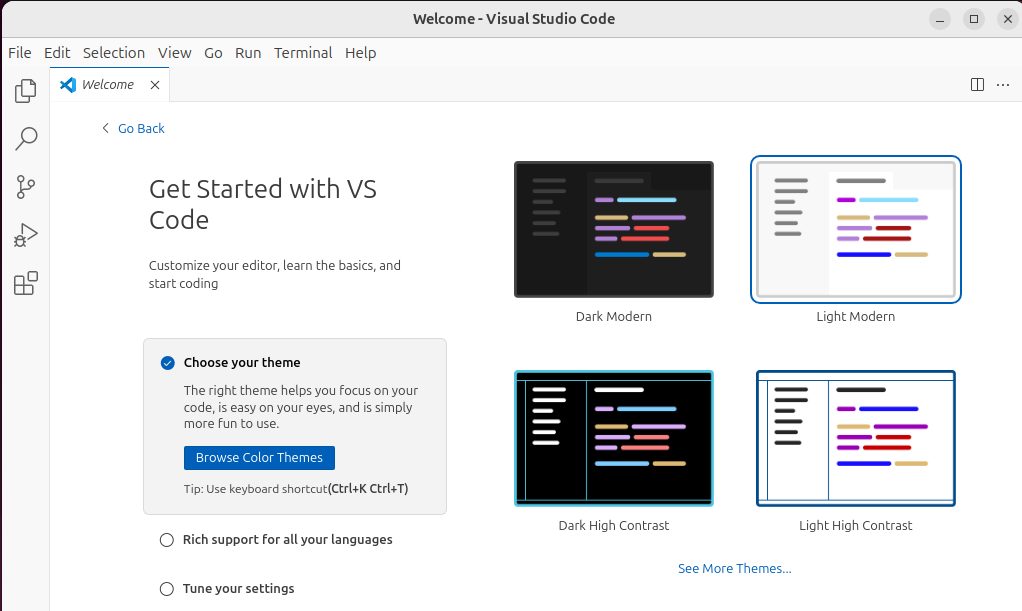
flatpak run com.visualstudio.code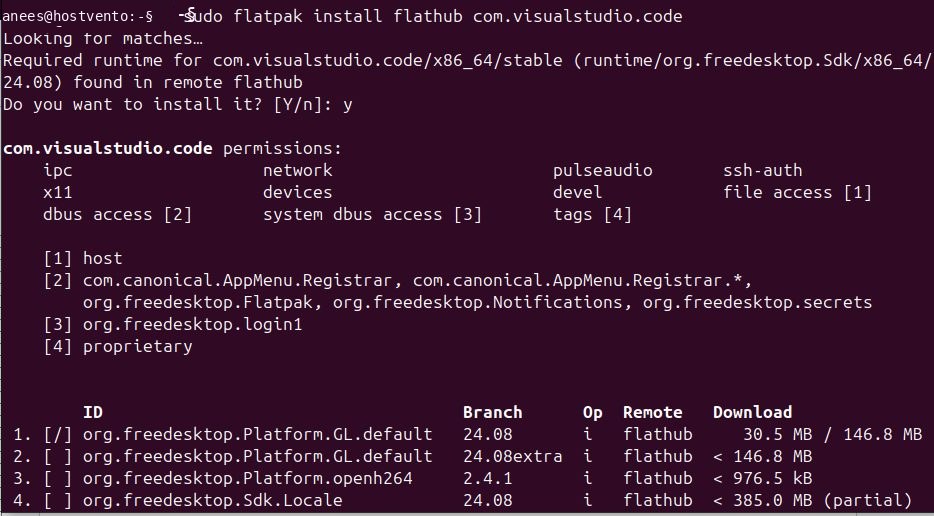
Note: VS Code is a desktop app. On a server with no desktop, use SSH remote development from your own computer instead.
Quick recap
- On Debian/Ubuntu, add the Microsoft repository and run
sudo apt install code. - On Red Hat systems use
dnf install code.