

What is Wine
Wine lets you run many Windows programs on Linux without a Windows license.
Step 1: Update the system
sudo apt update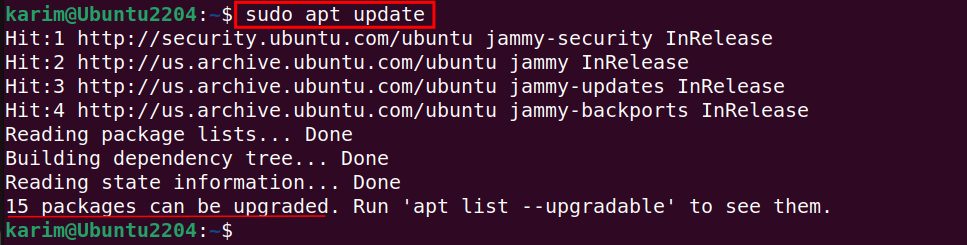
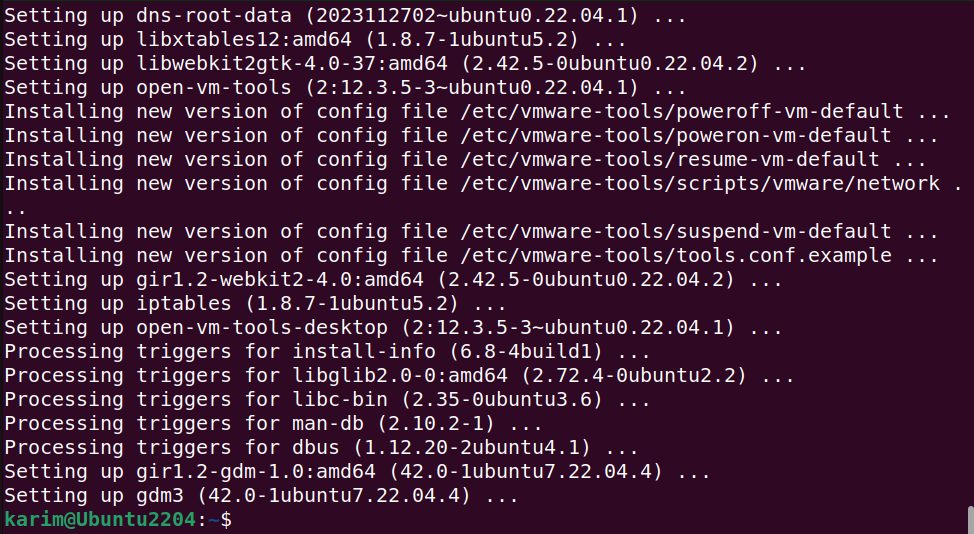
Step 2: Upgrade the packages
sudo apt upgrade -y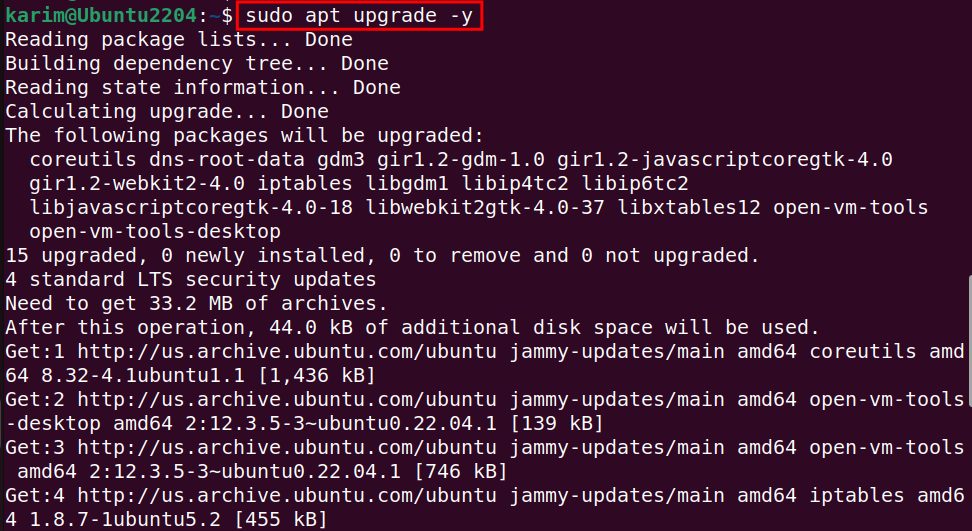
Step 3: Enable 32-bit architecture
sudo dpkg --add-architecture i386
Step 4: Create the keyring folder
sudo mkdir -pm755 /etc/apt/keyrings
Step 5: Download the WineHQ key
sudo wget -O /etc/apt/keyrings/winehq-archive.key https://dl.winehq.org/wine-builds/winehq.key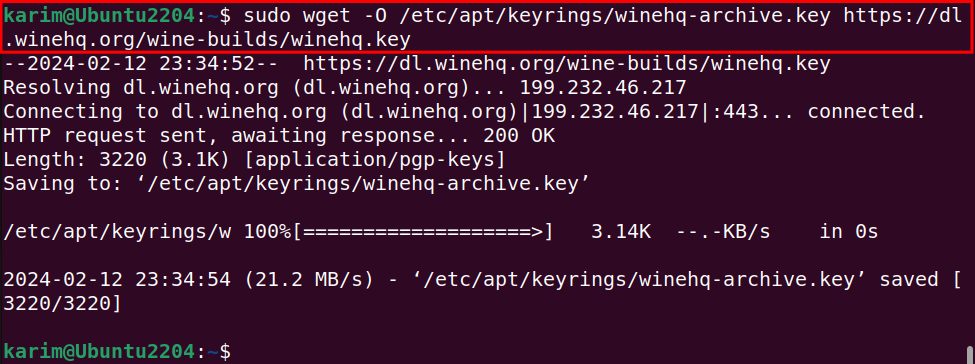
Step 6: Add the source file
sudo wget -NP /etc/apt/sources.list.d/ https://dl.winehq.org/wine-builds/ubuntu/dists/jammy/winehq-jammy.sources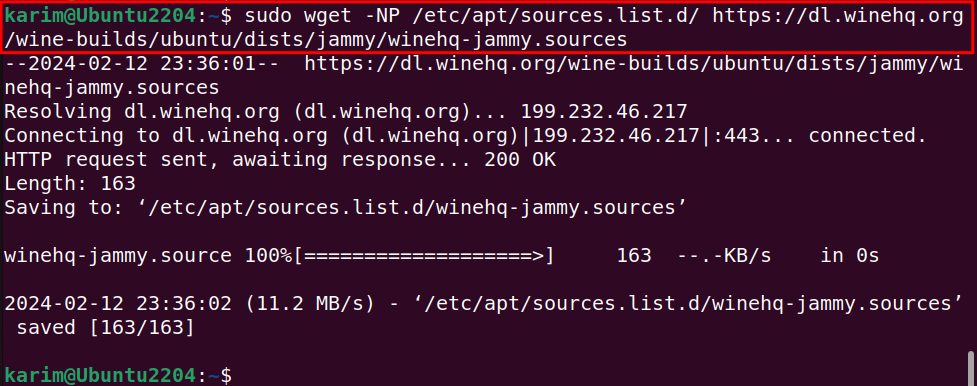
Step 7: Refresh the package list
sudo apt update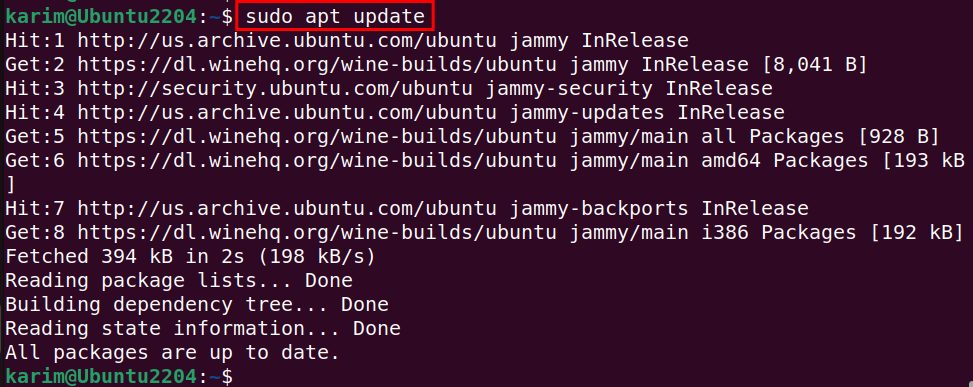
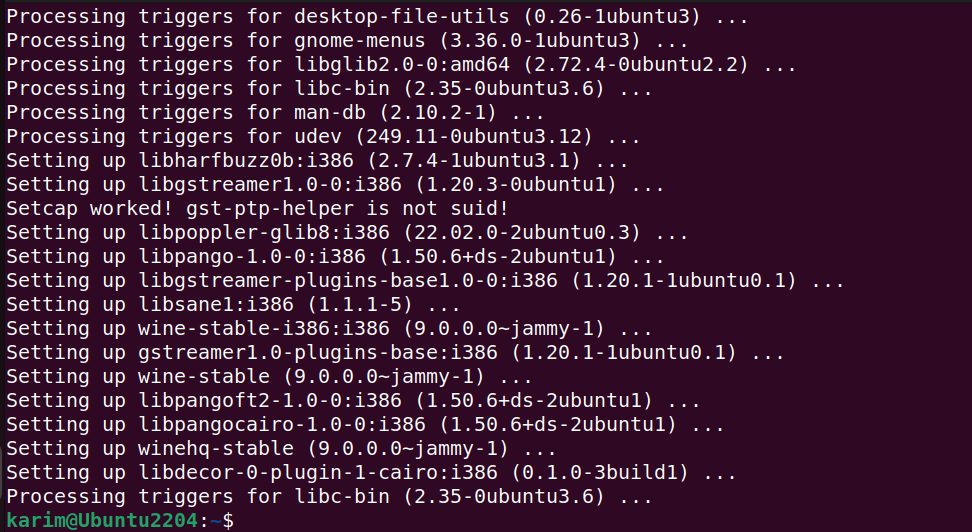
Step 8: Install Wine stable
sudo apt install --install-recommends winehq-stable -y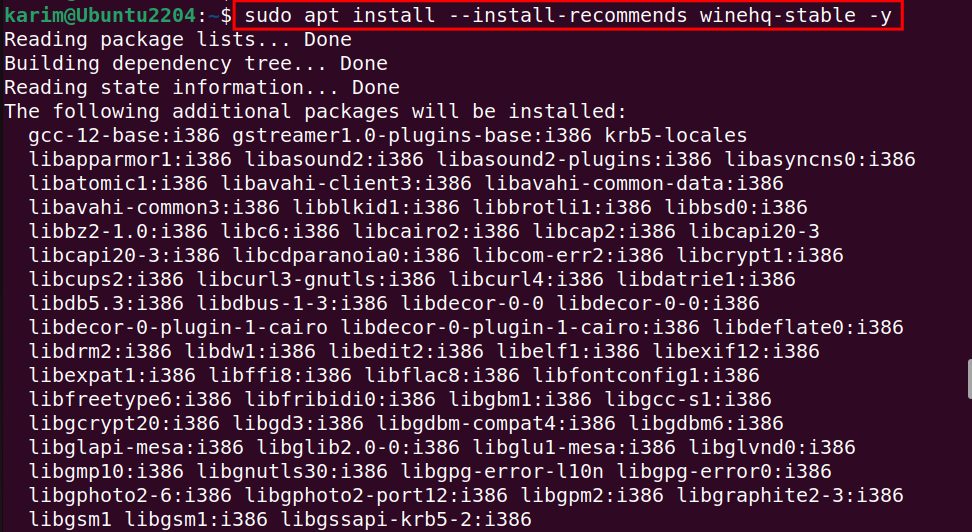
Step 9: Check it
wine --version
Remove Wine
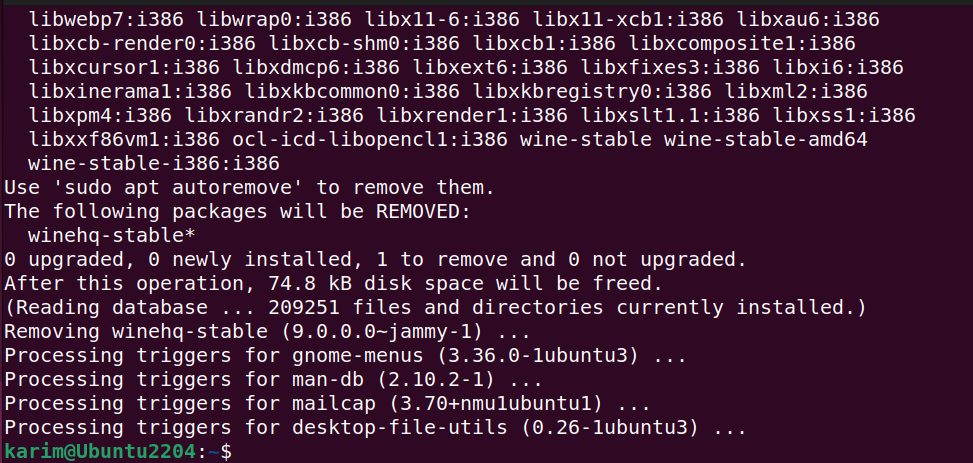
sudo apt purge winehq-stable -y
sudo apt autoremove -y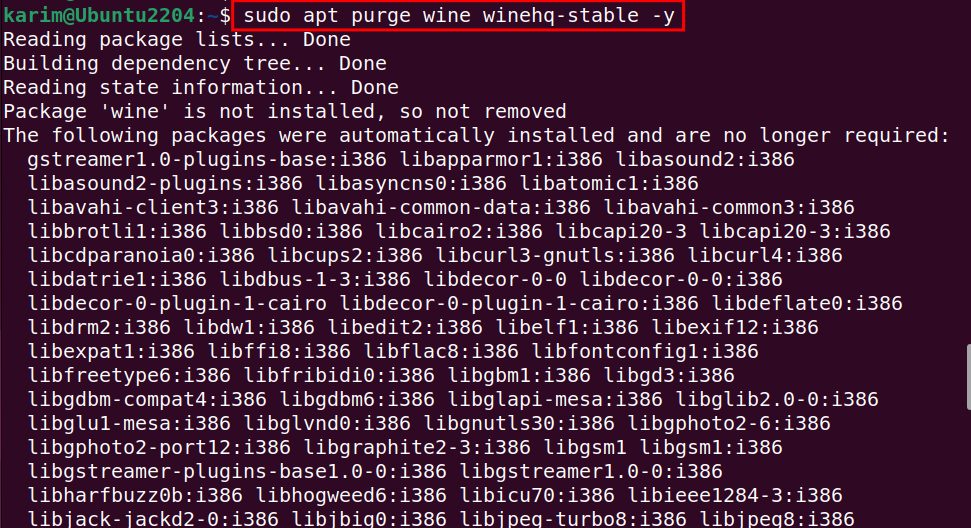
Check again:
wine --version
Quick recap
- Add the 32-bit architecture and the WineHQ repository.
- Install
winehq-stableand check withwine --version.