

Method 1: apt
1. Update the package list
sudo apt update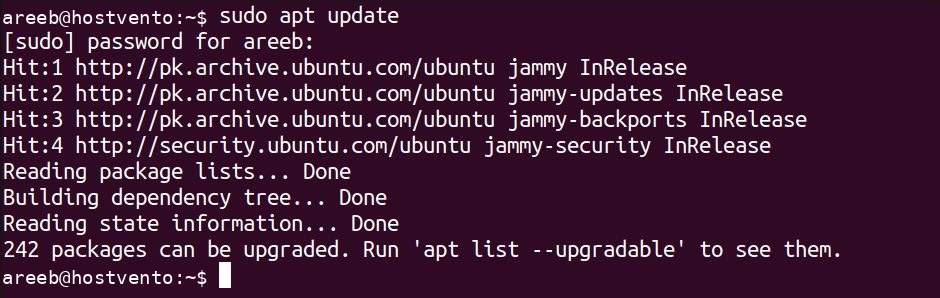
2. Install Wireshark
sudo apt install wireshark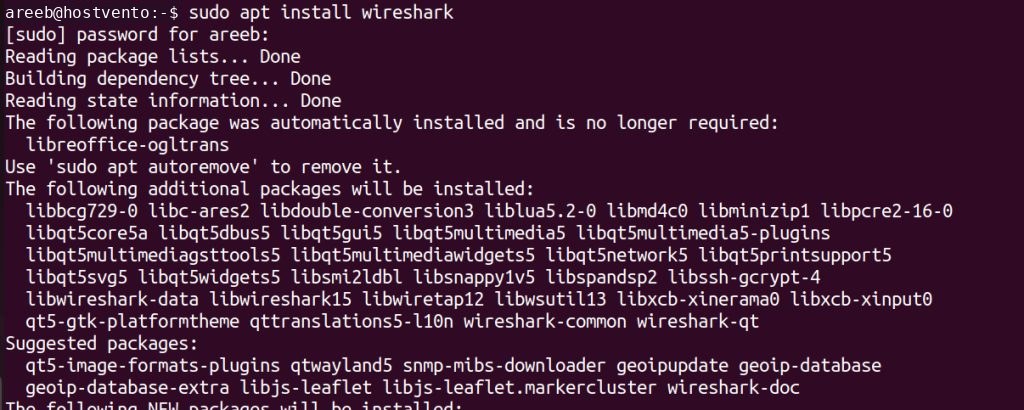
During the install a question asks if non-superusers may capture packets. Choose Yes to allow members of the wireshark group to capture without root. Then add your user:
sudo usermod -aG wireshark $USERLog out and in again.
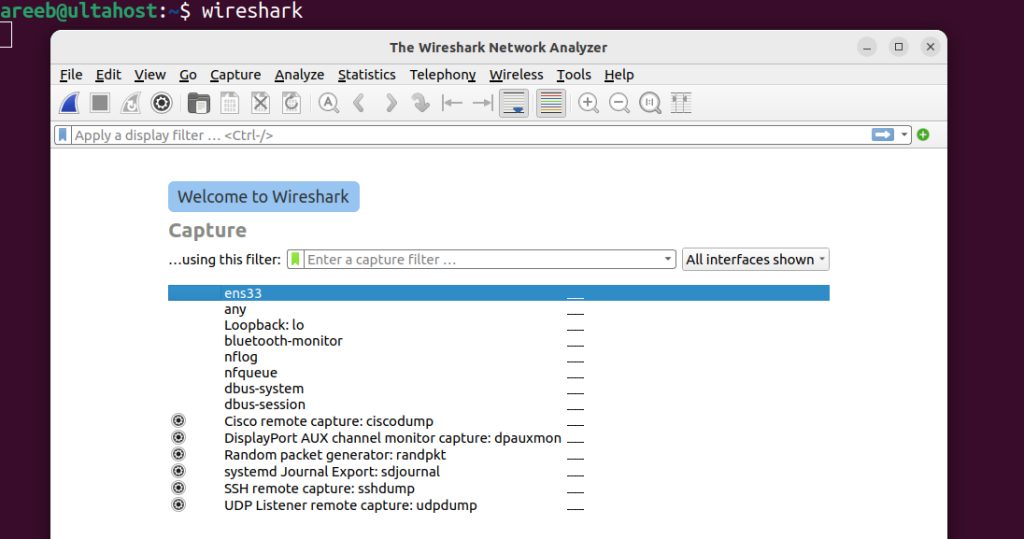
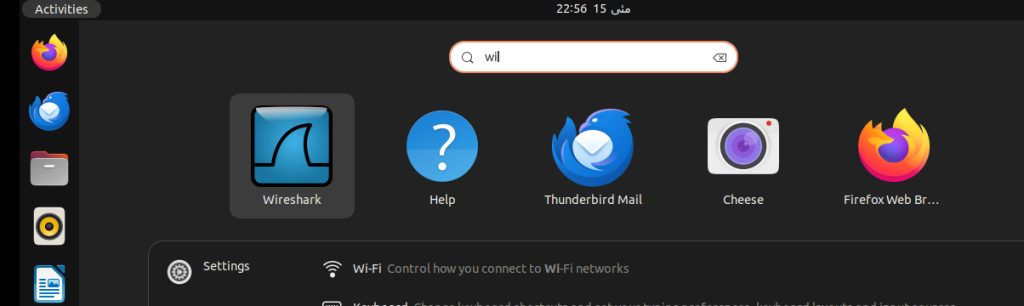
3. Start Wireshark
Run wireshark or open it from the applications menu.
Run with root rights
sudo wiresharkWarning: Running a GUI program as root has risks. The
wireshark group method is safer.Method 2: Build from source
Requirements
- A C compiler such as
gccand a C++ compiler such asg++. - The GTK or Qt development libraries.
libpcap-dev.cmakeandninja-build, or the build tools named in the Wireshark developer guide.
Steps
- Download the latest source from the Wireshark website.
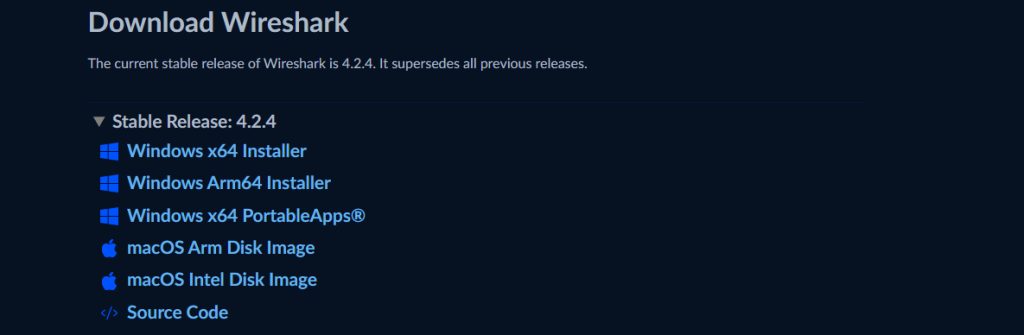
- Extract it:
tar -xvf wireshark-x.y.z.tar.xz
cd wireshark-x.y.z- Install the dependencies. Wireshark provides a helper script for Debian and Ubuntu:
sudo tools/debian-setup.sh --install-optional- Build and install:
mkdir build && cd build
cmake ..
make
sudo make install
Note: Newer Wireshark versions use CMake. Old
./configure instructions apply only to very old releases.Quick recap
sudo apt install wiresharkis enough for most users.- Add your user to the
wiresharkgroup to capture without root.