

Prerequisites
Update the system:
sudo apt update && sudo apt upgrade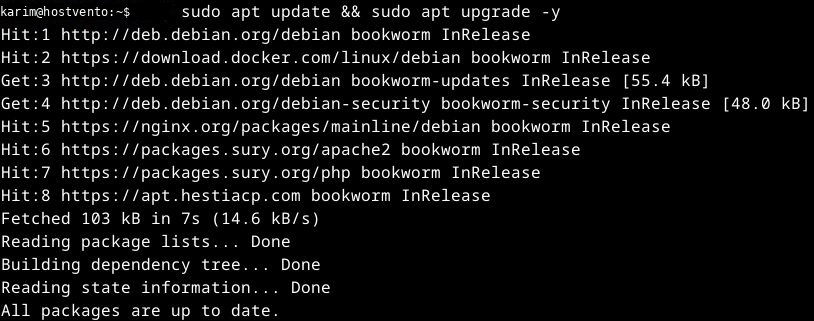
Install Node.js and npm:
sudo apt install nodejs npm -y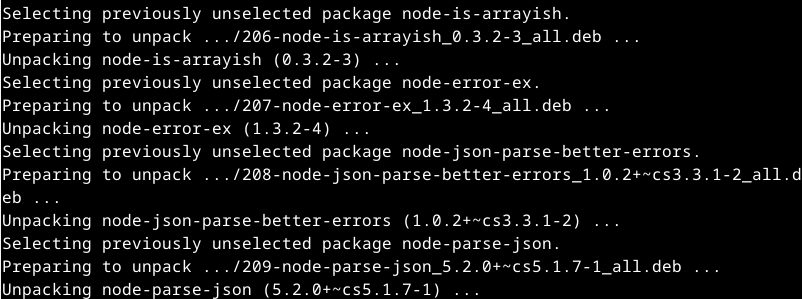
Check them:
node -v
npm -v
Method 1: Debian repository
sudo apt install yarnpkg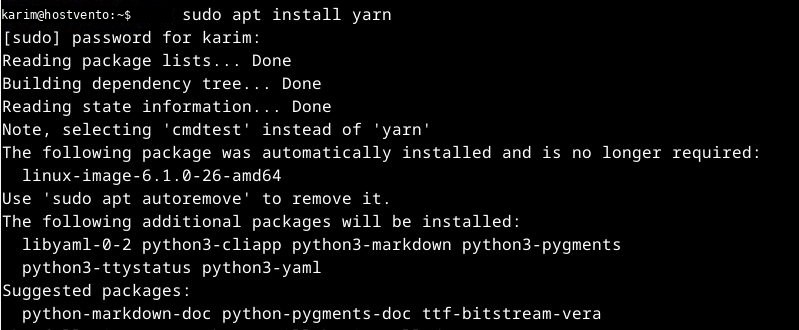
On Debian the package is named yarnpkg, and it provides the yarnpkg command. Some releases also link yarn. Check:
yarn --version
If yarn is not found, use yarnpkg --version or install it with npm.
Method 2: npm
sudo npm install --global yarn
Why use Yarn
- Speed. Parallel downloads.
- Consistency. The
yarn.lockfile gives the same versions on every machine. - Security. It checks package integrity.
- Workspaces. Manage several packages in one repository.
- Offline mode. Reuse downloaded packages.
Basic commands
Start a project:
yarn initAdd a package:
yarn add <package>Upgrade a package:
yarn upgrade <package>Remove a package:
yarn remove <package>Install all dependencies:
yarn installQuick recap
- Install Node.js, then
yarnpkgwith apt oryarnwith npm. - Check with
yarn --version.