

Prerequisites
Update Ubuntu:
sudo apt update && sudo apt upgrade -y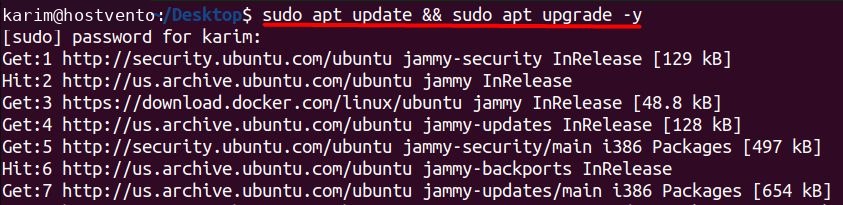
You need sudo rights. Install Node.js and npm:
sudo apt install nodejs npm -y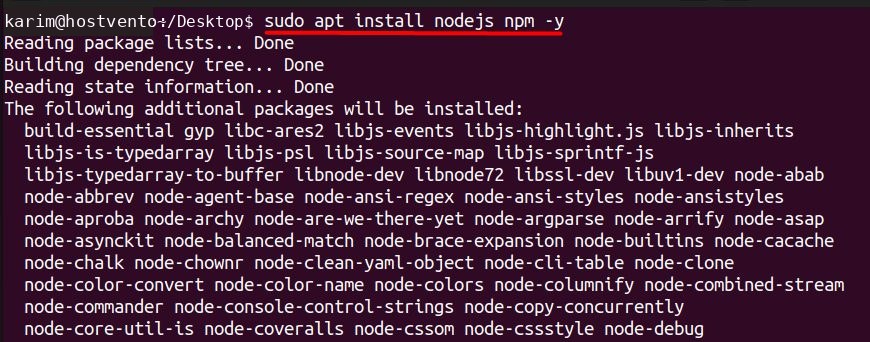
Key features of Yarn
- Fast. Downloads packages in parallel.
- Secure. Checks package integrity.
- Reliable. The
yarn.lockfile fixes the versions. - Offline install. Reuses cached packages.
- Good network use. Retries and limits requests.
- Better dependency resolution.
Install with npm (recommended)
sudo npm install --global yarn
Check:
yarn --version
Install from the Ubuntu repository
On Ubuntu the yarn package name can point to a different tool (cmdtest), so the npm method is safer. The repository package is named yarnpkg on newer releases:
sudo apt install yarnpkg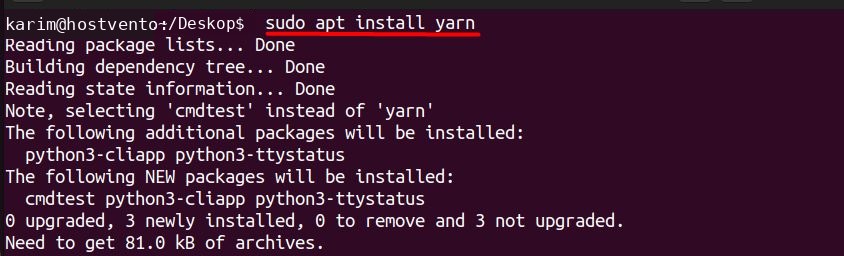
Common commands
yarn initcreates a new project with apackage.json.yarn add [package]adds a package.yarn remove [package]removes a package.yarn installinstalls all the dependencies.yarn upgradeupdates the packages.yarn run [script]runs a script frompackage.json.
Quick recap
- Install Node.js, then
sudo npm install --global yarn.