Note: This is a server-wide setting in the Webuzo admin panel. It needs root access, which VPS and dedicated customers have.
What is a file extension?
A file extension is the ending of a file name, like .php in index.php. The web server looks at the ending to decide what to do. For a .php file, it runs the code with PHP. PHP is a language that builds web pages.
Some older sites use other endings, such as .php3, .php5 or .phtml. If the server does not know them, visitors may see raw code or get a download box instead of a page. You fix this by adding the ending to the list of PHP types.
Before you start
- Take a backup of your server or your site. Wrong web server settings can break pages.
- Know which ending you need. Check the file names of your site.
Steps
- Log in to the Webuzo admin panel. The address and login are in your welcome email.
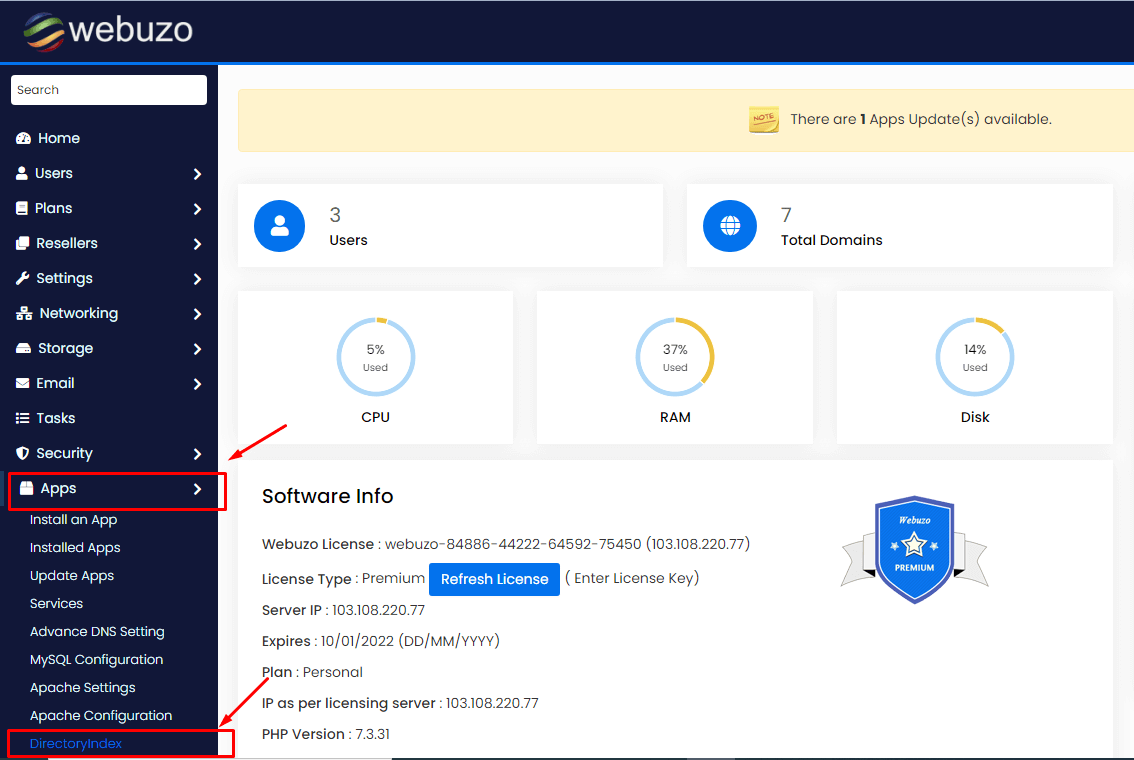
- Type PHP in the search box and look for a tool about PHP settings or file extensions. The label can differ by Webuzo version, so use the search results as a guide.
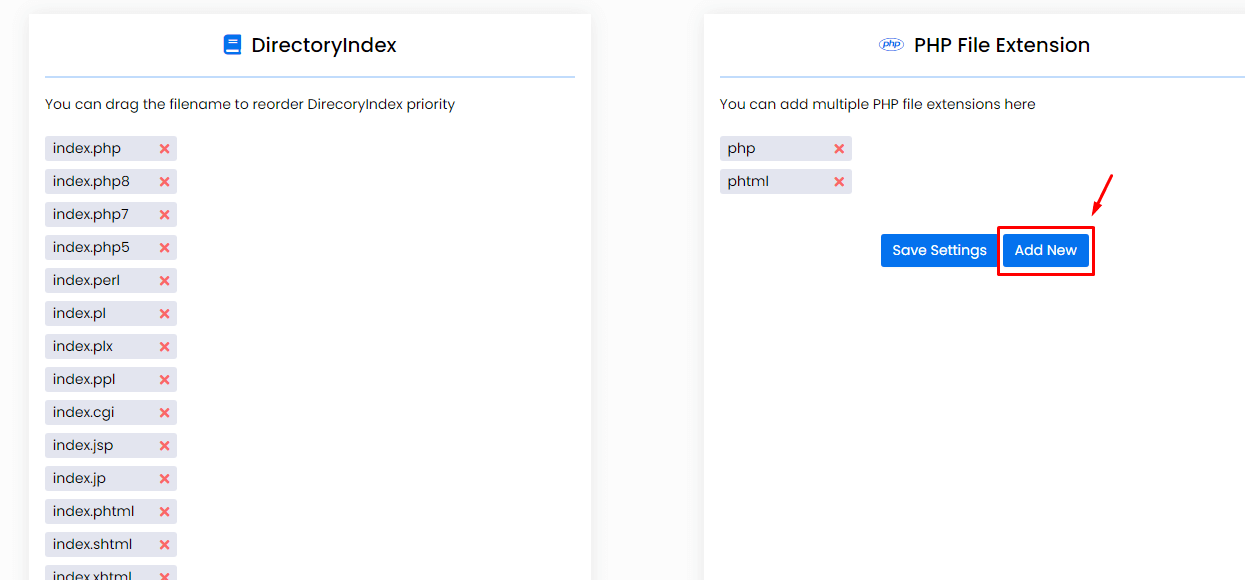
- Open the tool. You see the current list of endings that PHP handles.
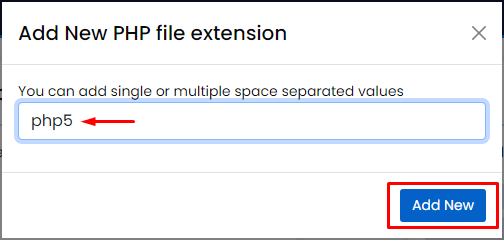
- Click in the field for adding a new ending.
- Type the ending you need. Example:
phtml. - Click Add or Save.
- Webuzo updates the web server and restarts it. Wait a few seconds.
Test it
- Make a small file named
test.phtmlin your site folder. - Put this inside:
This prints a short message when PHP runs the file.<?php echo "PHP works"; ?> - Open it in your browser, such as yourdomain.com/test.phtml.
- If you see "PHP works", it is set up well.
- Delete the test file afterwards.
If it does not work
- Clear your browser cache and try again.
- Check the spelling of the ending. Do not type the dot unless the tool asks for it.
- Ask Hostvento support for help through a support ticket.
Tip: Add only the endings you truly need. Fewer types means fewer surprises.
Quick recap
- The server uses file endings to decide how to handle a file.
- Add old endings like .phtml to the PHP list in Webuzo admin.
- Test with a tiny PHP file and delete it after.