

What is PEAR?
PHP is a language that builds web pages. PEAR is a library of ready-made PHP code. A PEAR package is one piece of that library. It does a job for you, like sending mail or handling dates, so you do not write the code yourself. Think of it as borrowing a tool instead of building one.
Webuzo has a page where you can pick PEAR packages and install them in a few clicks.
Before you start
- Know the package name. The PEAR website lists names such as
MailorNet_SMTP. - Check what your app needs. The app's guide tells you.
- Installing for the whole server needs root access. VPS and dedicated customers have it. On shared hosting, ask Hostvento support whether you can do this.
Warning: Installing or changing packages affects every site that uses that PHP. Take a backup first.
Steps in Webuzo
- Log in to the Webuzo panel. The address and login are in your welcome email.
- Type PEAR in the search box.
- Open PHP PEAR Packages. The label may differ, so use the search results.

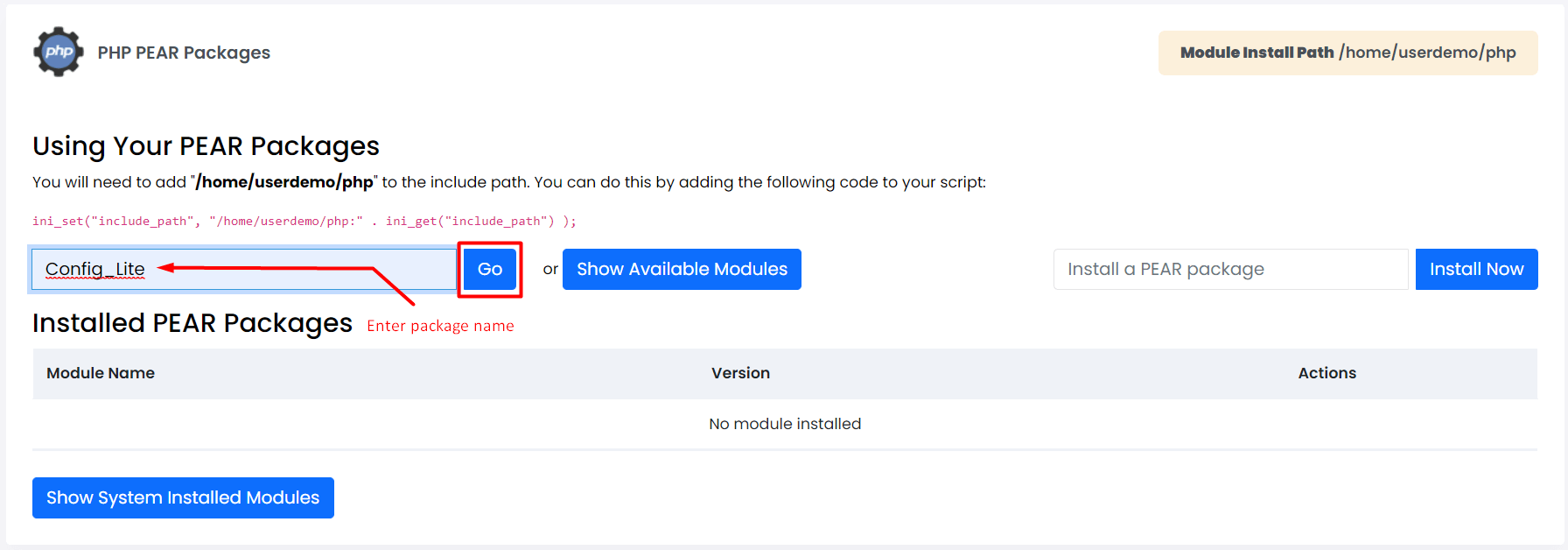
- If PEAR itself is not installed, find it in the software list and install it first.
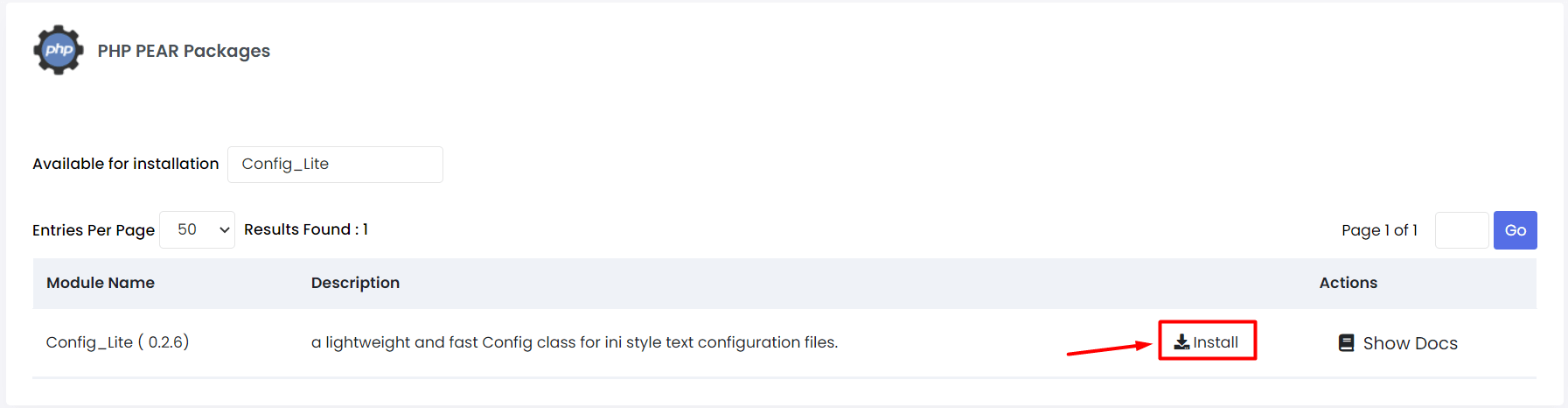
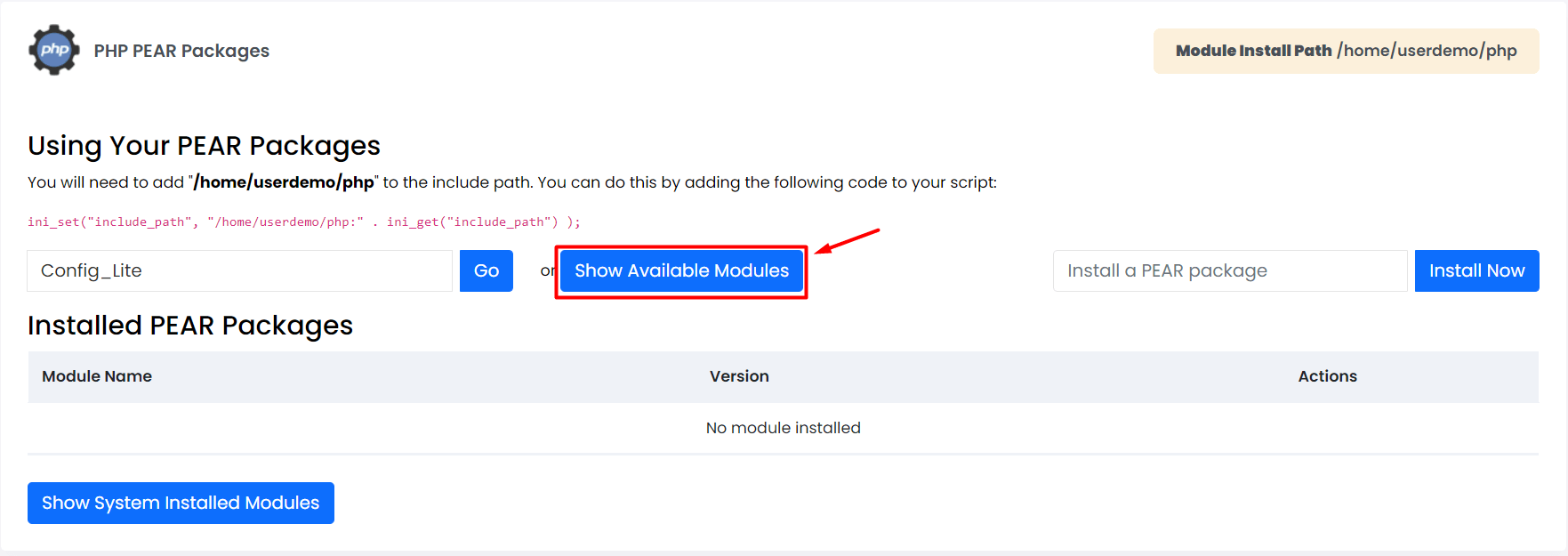
- In the package box, type the name of the package you need.
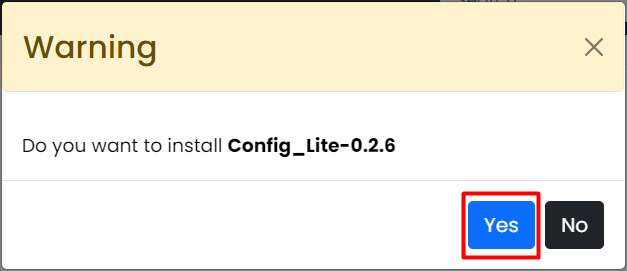
- Click Install.
- Wait. Webuzo downloads and installs the package. A message tells you when it is done.
- Your package now shows in the installed list.
Remove a package
- Open the same page.
- Find the package in the installed list.
- Click Uninstall or the bin icon.
Using SSH instead
If you have root access over SSH, you can use the command line. SSH is a safe way to type commands on your server.
pear install MailThis downloads and installs the Mail package.
pear listThis shows every package that is installed.
Test it
- Check your app. It should no longer complain about a missing package.
- If the error stays, restart the web server or ask Hostvento support. You can open a support ticket.
Tip: PEAR is old. Many modern apps use Composer instead. Use PEAR only when your app asks for it.
Quick recap
- PEAR holds reusable PHP code in packages.
- Use the PEAR page in Webuzo and click Install.
- You can also run
pear installover SSH.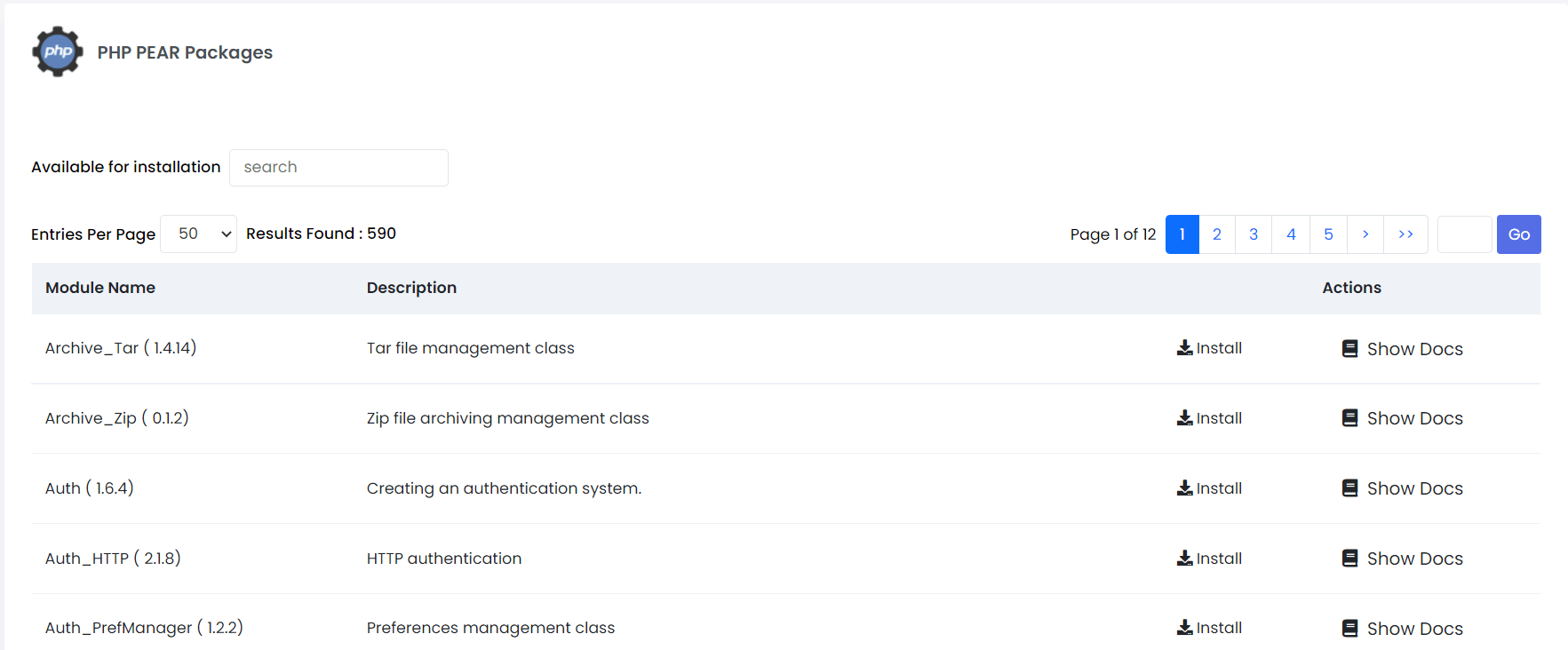
- Back up first, because packages affect all sites on that PHP.