What is a backup?
A backup is a spare copy of your files and data. It is like a photo of your homework before you try to fix it. If something breaks, you can go back to the copy.
Webuzo is a control panel, a dashboard for your server. Ask Hostvento support if it is on your plan.
Why back up?
- You may delete a file by mistake.
- An update may break your site.
- A hacker may damage your site.
- The server may have a fault.
Steps to make a backup
- Log in to the Webuzo panel.
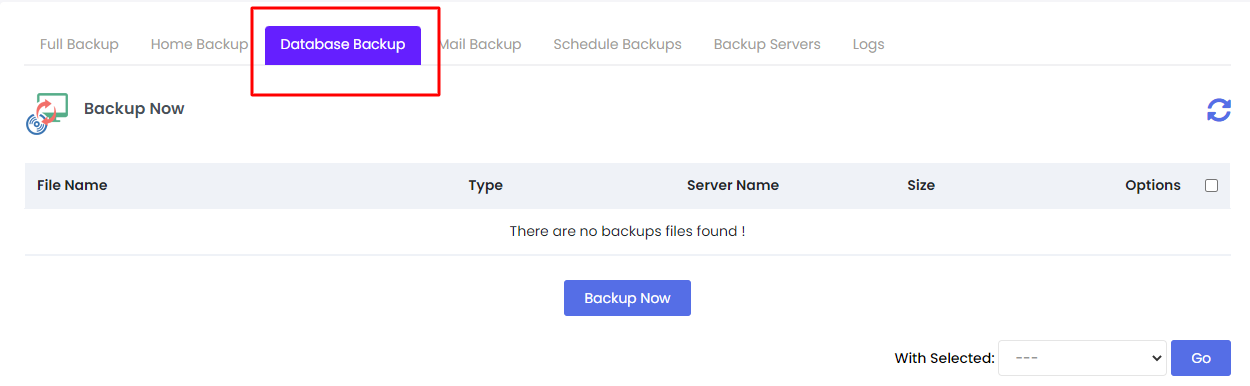
- Look for Backups in the menu. It may be under a section such as Server Utilities or Files. Use the search box if needed.
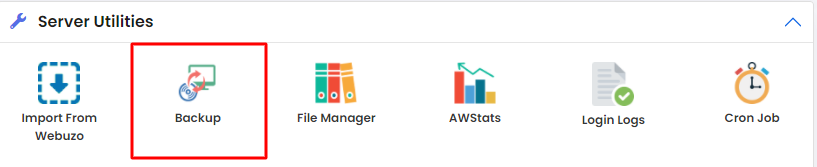
- Open the page. Choose to create a new backup.
- Pick what to include. You may see options for files, databases and email.
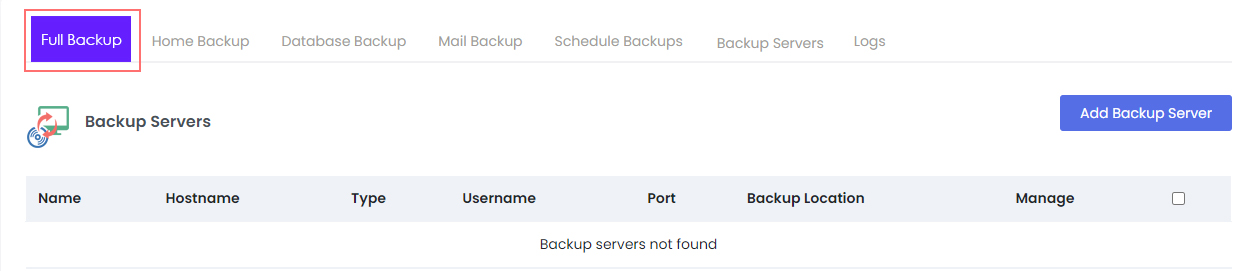
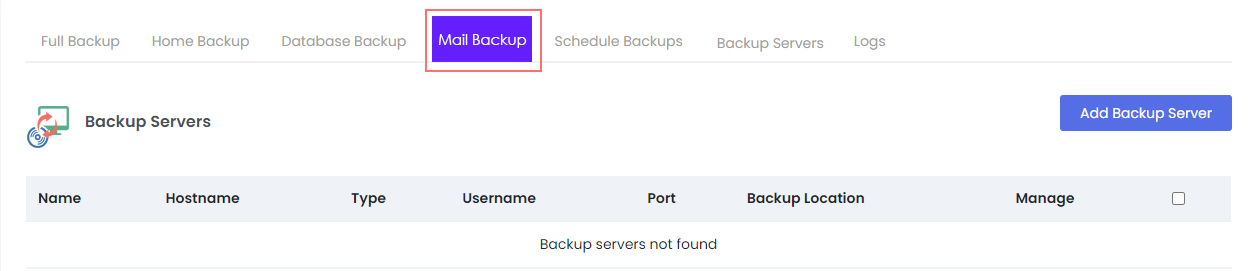
- Choose where to store it. Some setups also let you pick a remote place.
- Click Create Backup or Backup Now.
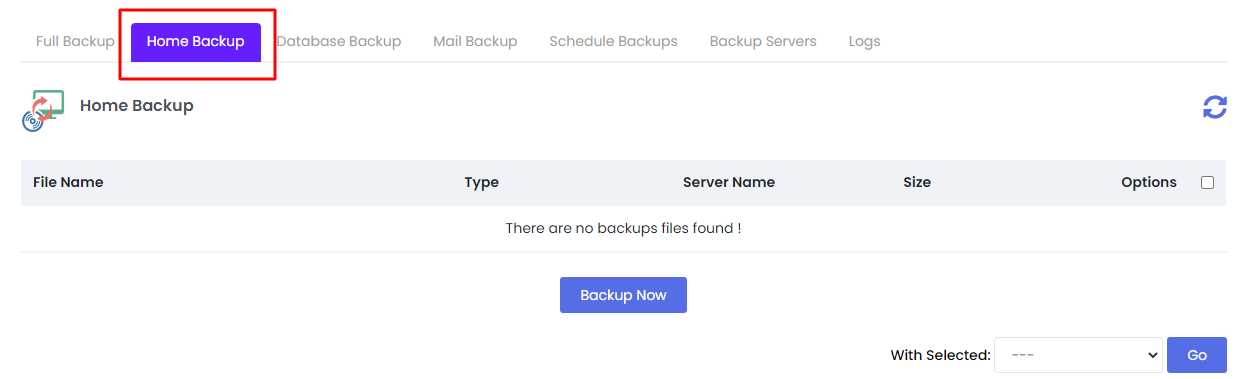
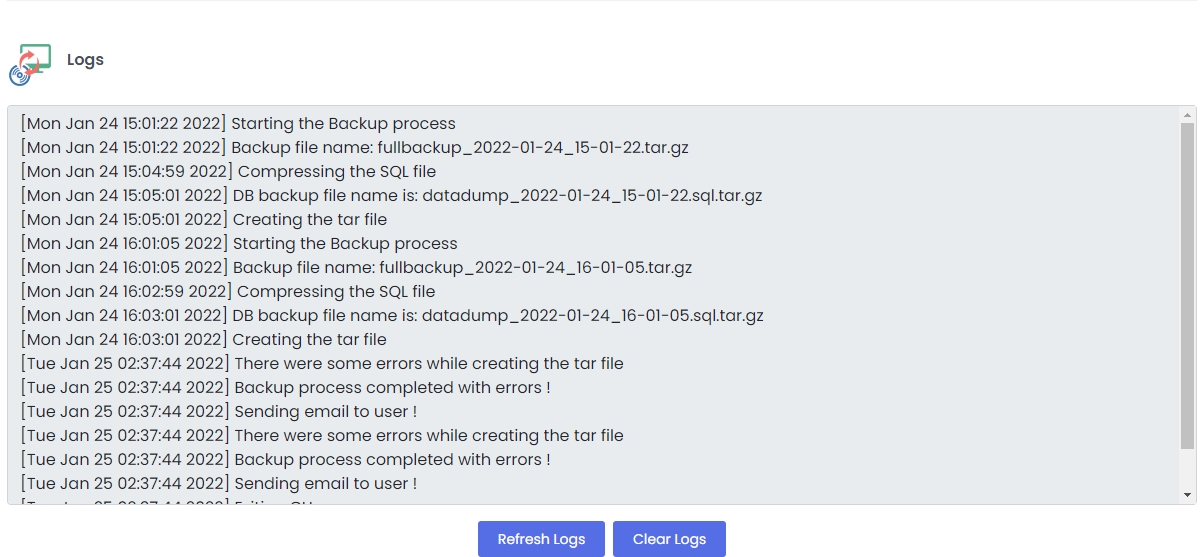
- Wait until the status says it is finished.
- Download the backup file to your own computer for safe keeping.
Menu names can differ by version. Look for the closest match.
Steps to restore a backup
Warning: restoring replaces your current data. Make a fresh backup before you restore.
- Open the same Backups page.
- Find the backup in the list. If it is on your computer, upload it first.
- Click Restore next to it.
- Confirm and wait for the success message.
- Open your site and check that it works.
Good habits
- Back up before every update or big change.
- Keep a copy away from the server.
- Set a regular schedule if the panel offers one.
- Test a restore once in a while.
Tip: Ask Hostvento support whether your plan already includes automatic backups. Do not rely on that alone.
Quick recap
- A backup is a spare copy of your site.
- Create one from the Backups page in Webuzo.
- Download it to your own computer.
- Restore only after making a fresh backup.