

What is WHM and the Terminal?
WHM stands for WebHost Manager. It is the control panel for the whole server. A control panel is a web page where you manage things by clicking.
The Terminal is a window where you type commands. Each command is a short written instruction for the server. WHM has one built in, so you can use it right in your browser.
Steps
- Log in to WHM as root. The address is usually your server's IP address or host name followed by
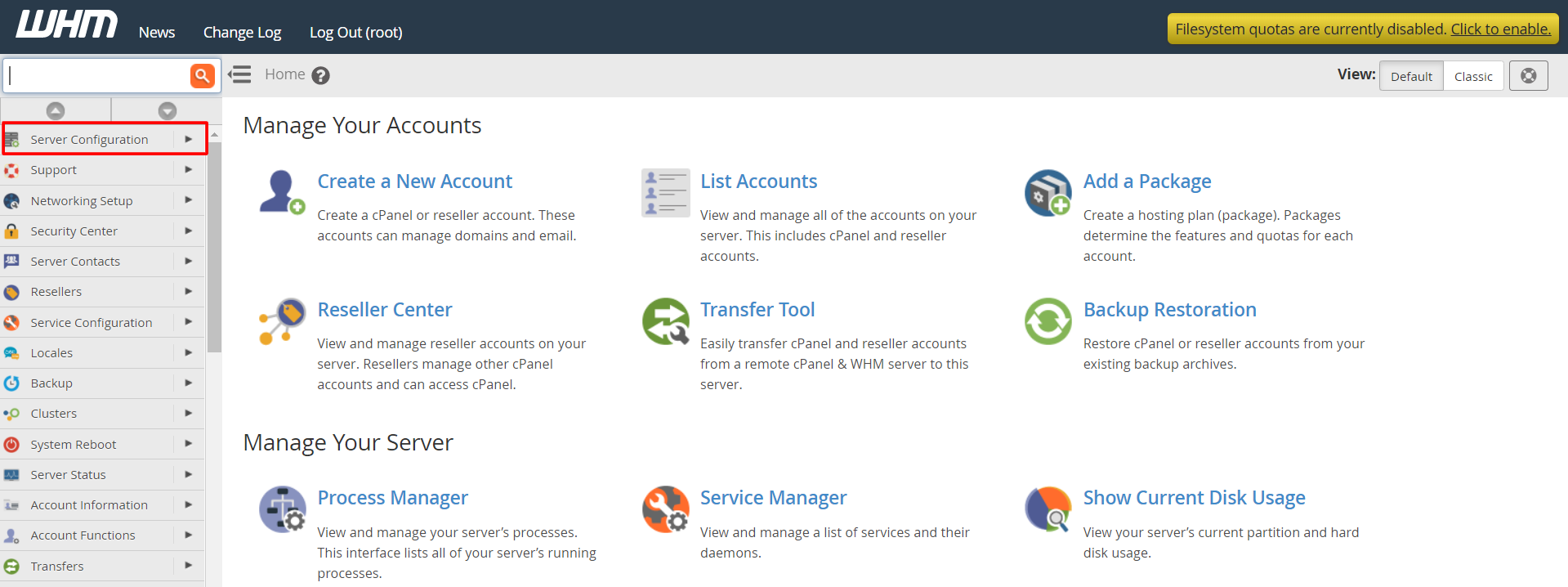
:2087. Your welcome email or Hostvento support can confirm the details. - Look at the menu on the left side.
- Type Terminal in the search box at the top of the menu.
- Click Terminal in the results. It is found in the Server Configuration section.
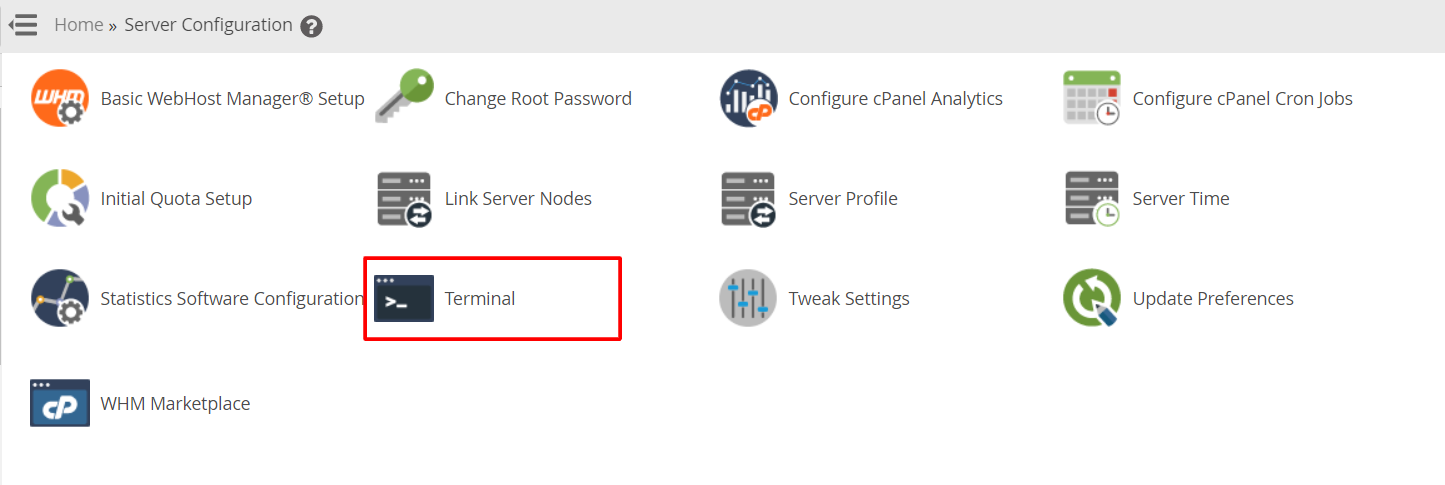
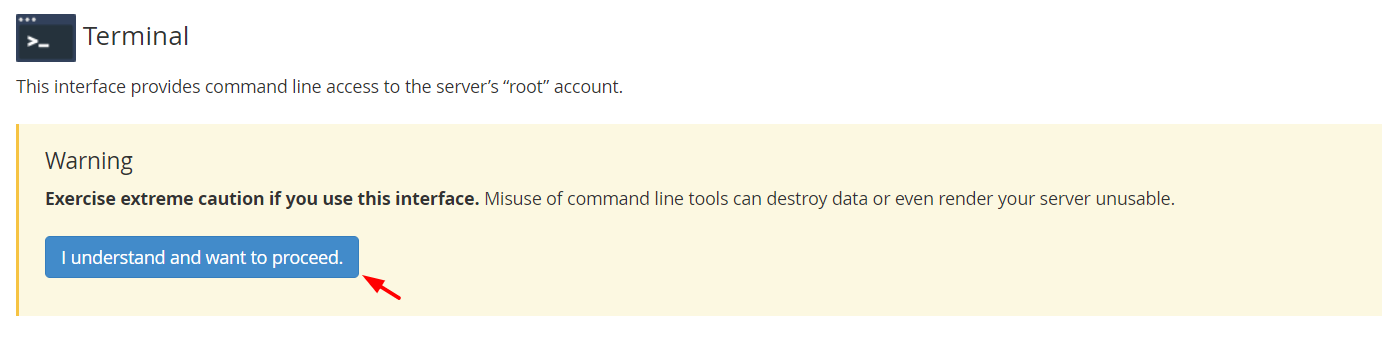
- Read the notice that appears and click the button that lets you continue.
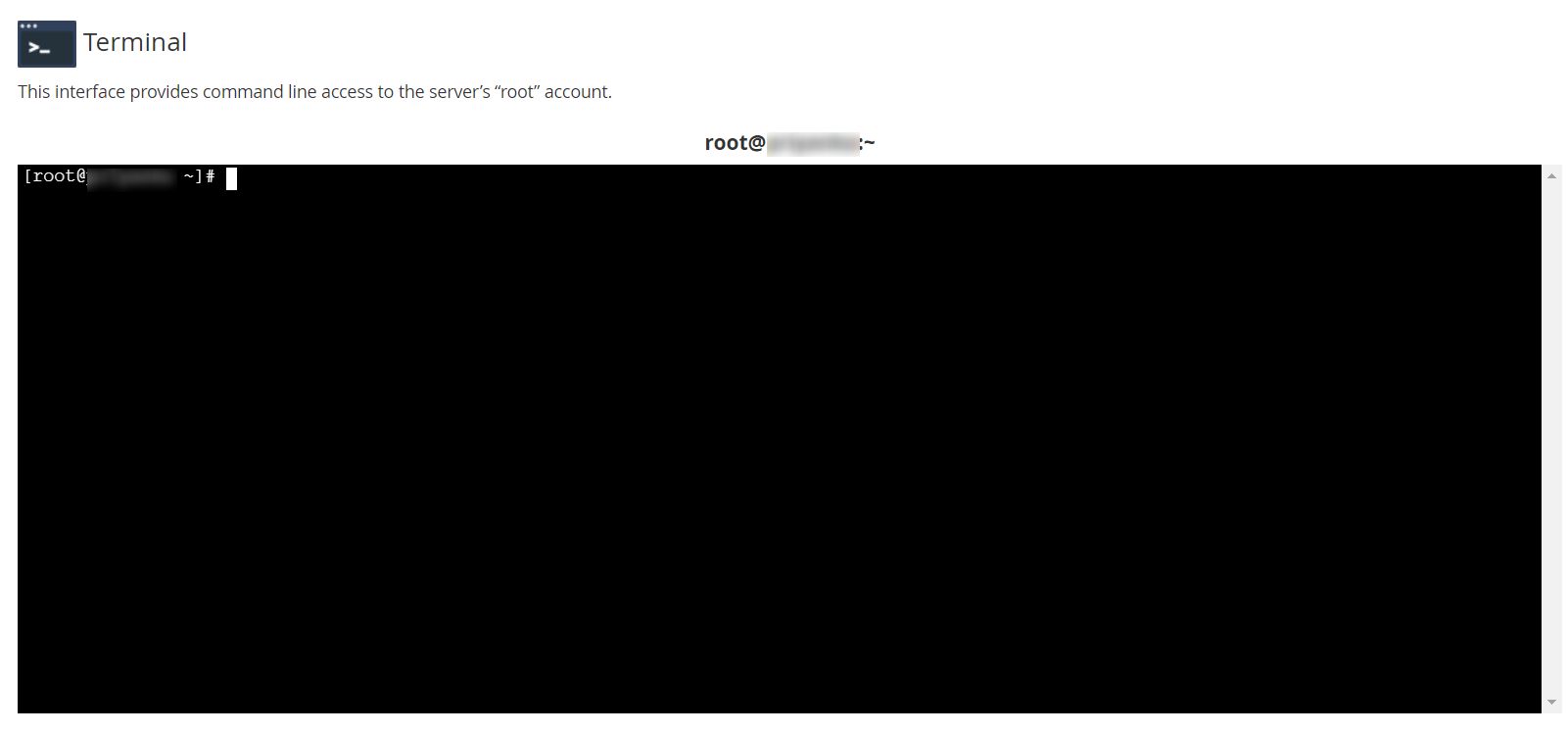
- A black command window opens.
- Type a command and press Enter. Try this safe one:
It shows the name of the user you are logged in as.whoami - When you finish, close the browser tab or type
exit.
Handy safe commands
pwdshows the folder you are in.lslists the files in that folder.df -hshows how much disk space is used.uptimeshows how long the server has been on.
Warning: The root user can change or delete anything on the server. Do not paste commands you do not understand. Take a backup before you change important files.
Tip: If you do not see Terminal, you may not be logged in as root. A reseller account does not get this tool. Ask Hostvento support if you think it should be available.
Quick recap
- The WHM Terminal is a command window in your browser.
- Log in as root and search for Terminal.
- Type commands carefully.
- Back up before big changes.