

What is a feature list?
A feature list is a checklist of cPanel tools, such as Email Accounts or File Manager. If a tool is ticked, the user can see it. If not, it is hidden. You make the lists in WHM, the Web Host Manager used by server owners and resellers.
A list is not given to an account directly. It is attached to a package. A package is a bundle of limits for an account, such as disk space and number of email accounts. When an account uses a package, it follows that package's feature list.
So there are two steps. First put the list in a package. Then put the account on that package.
Step 1: Put the feature list in a package
- Log in to WHM.
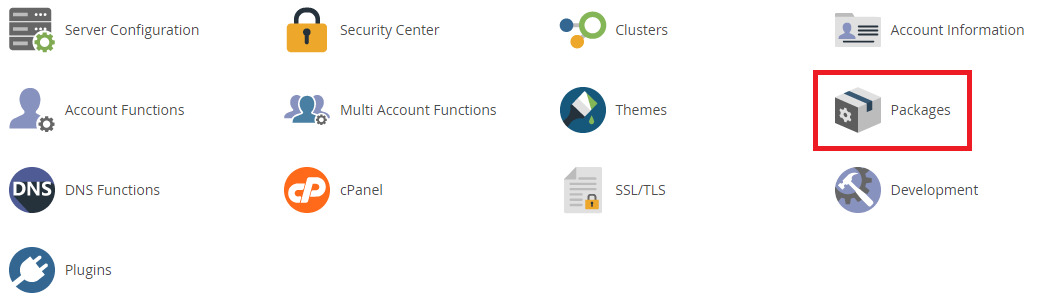
- Search for Edit a Package and open it.
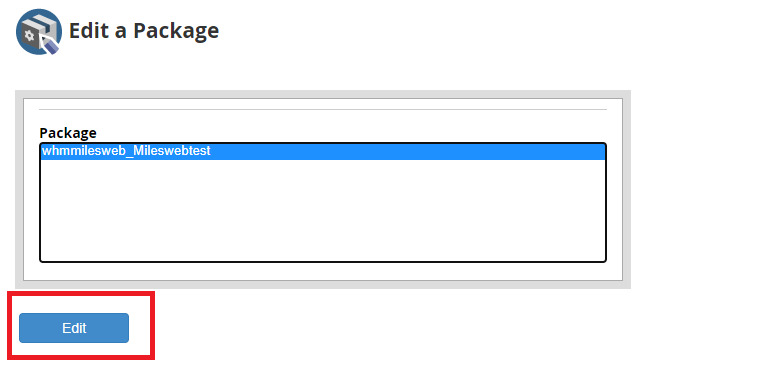
- Choose the package from the list.
- Click Edit.
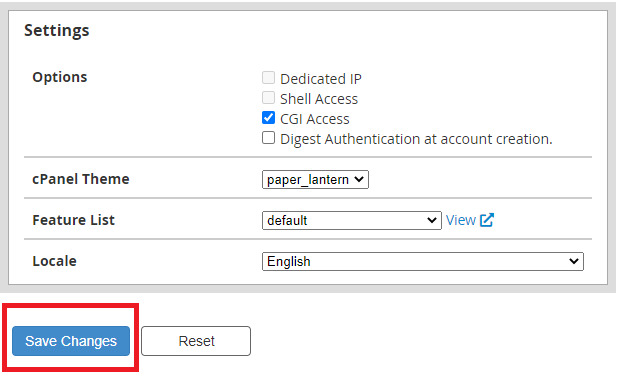
- Find Feature List and open the drop-down.
- Choose your list.
- Click Save Changes.
Every account already on this package now follows the new list.
Step 2: Move an account to the package
Skip this if the account is already on the package.
- Search for Modify an Account and open it.
- Choose the account and click Modify.
- Scroll to Package.

- Choose the package that has your feature list.
- Click Save.
Warning: Changing the package also changes the account's limits, like disk space. Check the package limits before you switch an account.
Check the result
- In WHM, find the account in List Accounts.
- Click the cPanel icon next to the account to log in as that user.
- Look at the cPanel home page. Hidden tools should be gone.
If you use Hostvento shared hosting, you cannot change these. Open a support ticket to ask.
Quick recap
- A feature list decides which cPanel tools a user sees.
- Attach the list to a package in Edit a Package.
- Put the account on that package in Modify an Account.
- Log in as the user to check.