

What is a reseller account?
A reseller buys hosting space in bulk and then sells small parts of it to other people. Think of renting a big shop and letting stalls inside it. The reseller gets their own panel to make and manage customer accounts. They can only use the space and limits you give them.
WHM is the Web Host Manager. It is the panel server owners use to control hosting accounts.
Steps
- Log in to WHM as
root.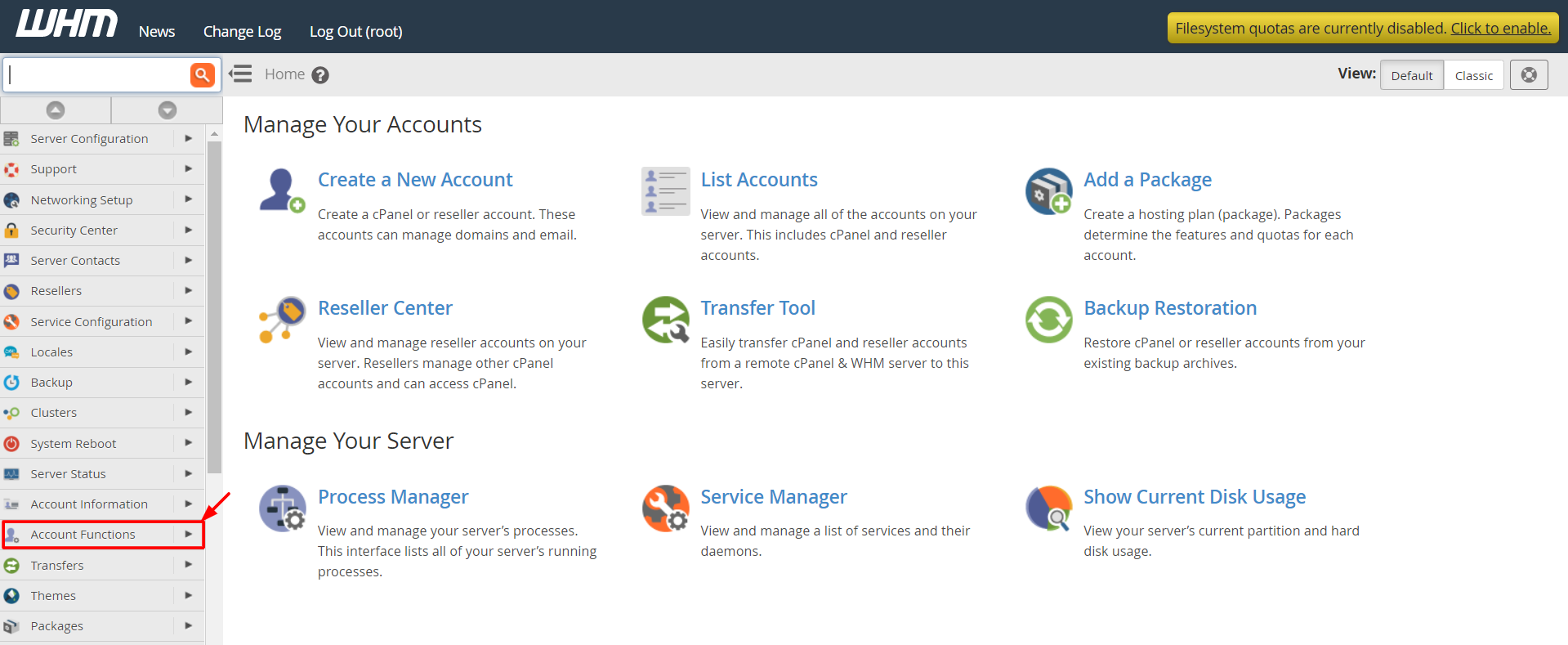
- Click Create a New Account, or use the search box and type that name.
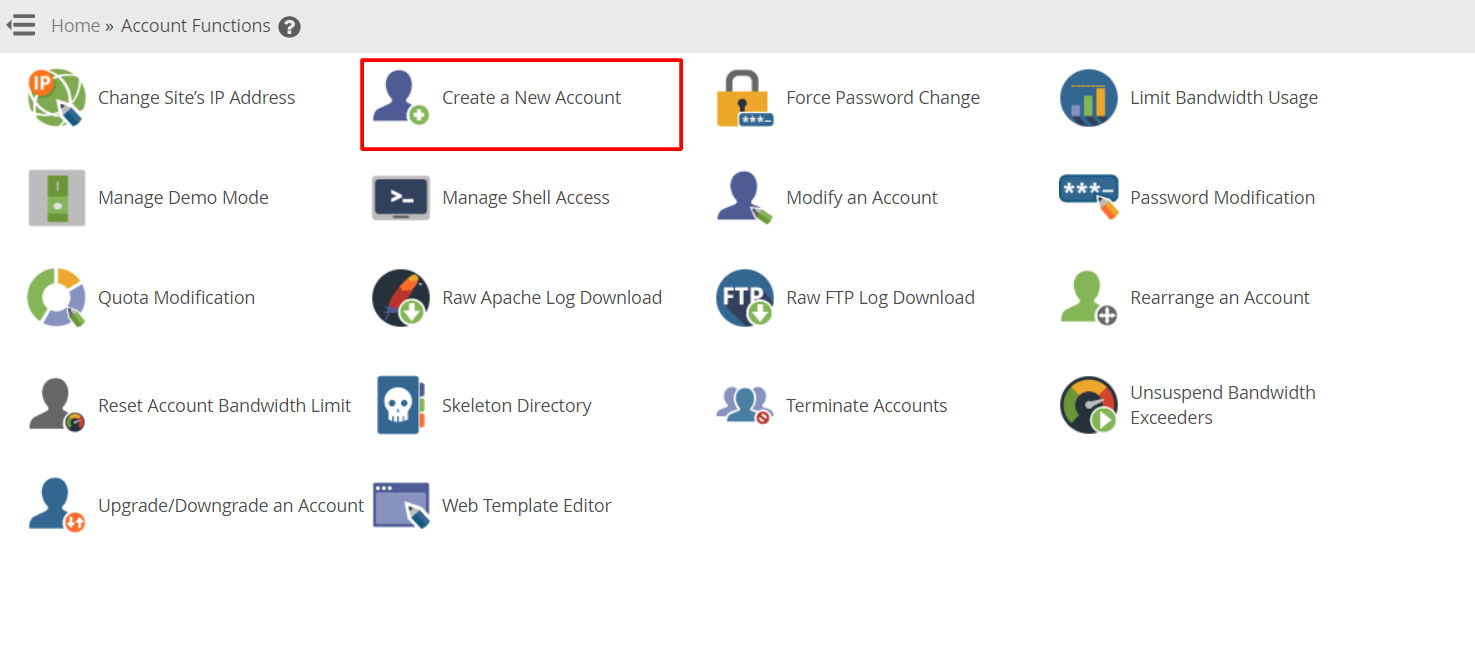
- Type the domain name. This is the website address, such as
example.com. - Type a username. WHM may fill it in for you.
- Type a strong password, or click Password Generator.
- Type the owner's email address.
- Choose a package. A package is a ready-made set of limits such as disk space and email accounts. Choose a package made for resellers, or choose Select Options Manually.
- Scroll down to Reseller Settings.
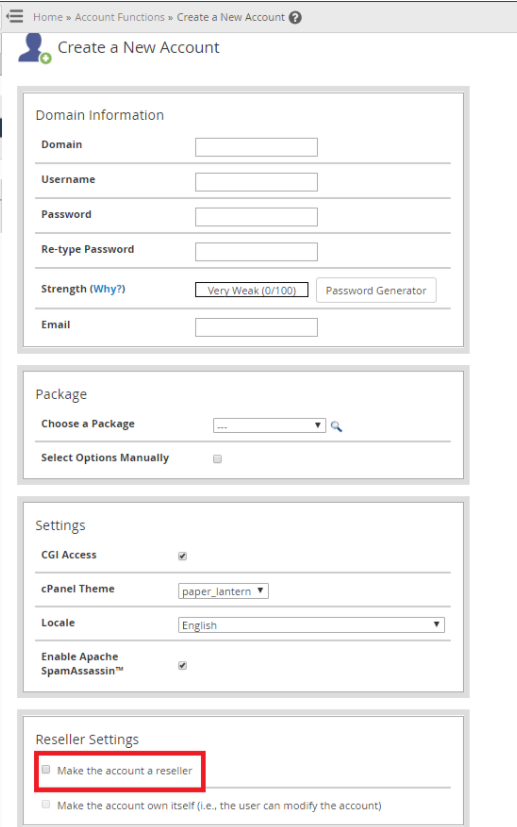
- Tick Make the account a reseller.
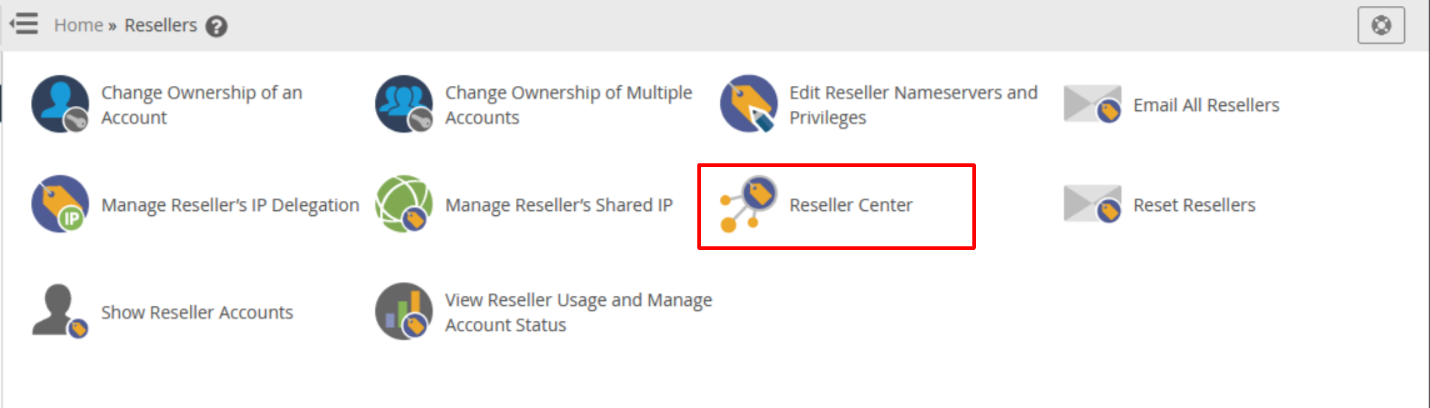
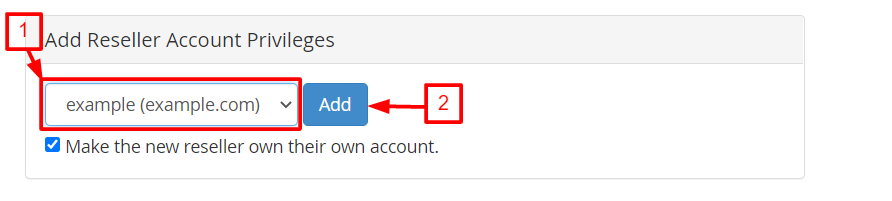
- Tick Make the account own itself if the reseller should be the owner of their own account. Leave it off if you want to stay the owner.
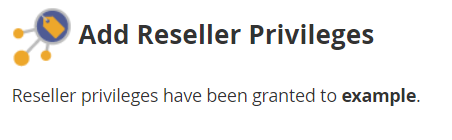
- Click Create.
WHM shows a summary page when it is done. Save the username and password to send to your customer.
Set the reseller's limits
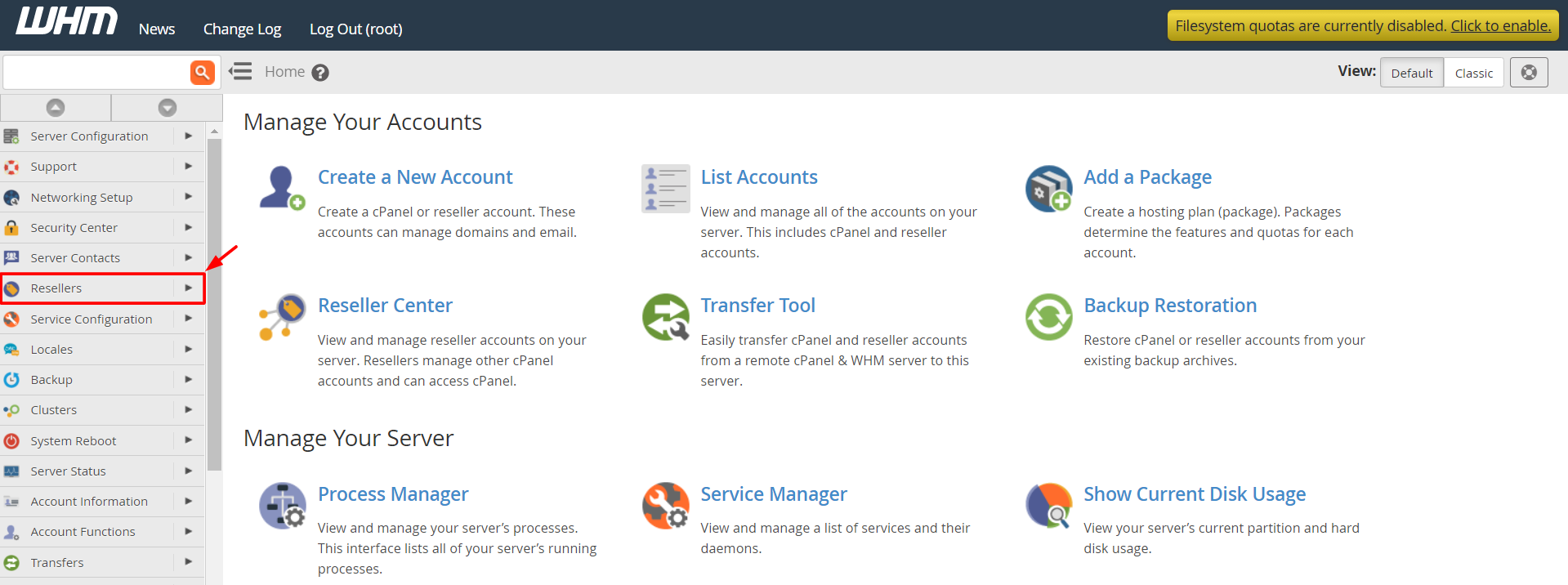
- Go to Resellers in the left menu, then Edit Reseller Privileges and Nameservers.
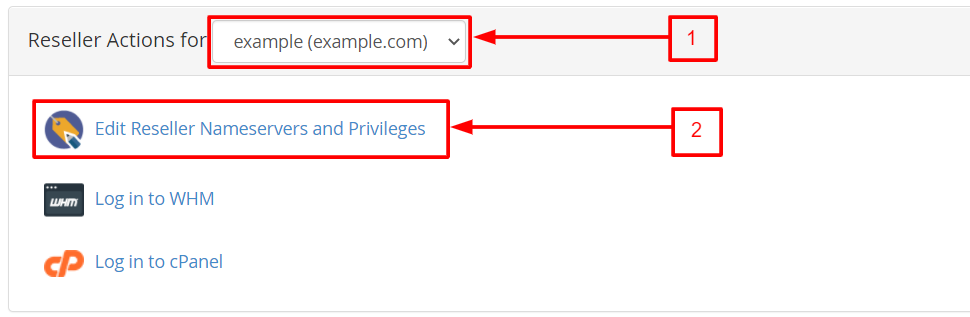
- Pick the reseller from the list.
- Choose what they can do, such as create accounts or suspend accounts.
- Click Save.
- Use Reseller Center or Edit Reseller Nameservers and Privileges to set disk space and bandwidth limits if you want a cap. Bandwidth is the amount of data visitors may download.
Tip: Start with fewer rights and add more later. It is easier than taking rights away.
Not sure which package or limits to use? Open a support ticket and ask Hostvento.
Quick recap
- A reseller sells hosting space to other people.
- Use Create a New Account in WHM and tick the reseller option.
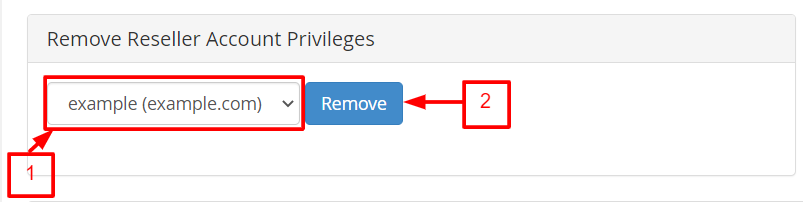
- Set privileges and limits afterwards under the Resellers menu.
- Give the new owner their login details safely.