

What is SSH on a VPS?
A VPS is a Virtual Private Server. It is your own slice of a big computer, and you get the main admin login, called root. SSH (Secure Shell) is a safe way to send typed commands to that server from your own computer.
Each cPanel account is a separate user. By default, a user may not be allowed to use the shell. The shell is the text window where commands are typed. As the VPS owner, you decide who gets it.
Steps in WHM
- Log in to WHM with your root details. The WHM address is in your welcome email.
- In the search box, type Manage Shell Access.
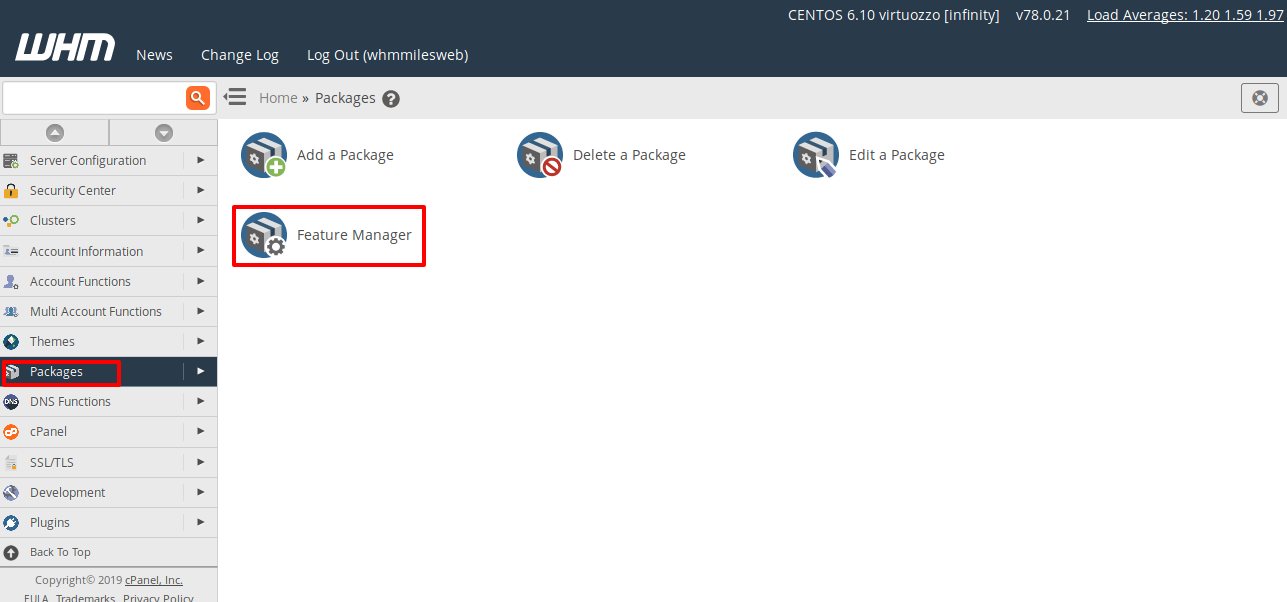
- Open it. You see a list of all accounts.
- Find the account you want to change.
- Next to it, choose Jailed Shell or Normal Shell from the list. Jailed means the user can only see their own files. Normal means more freedom, so use it only for people you trust.
- Click Save or Update.
If you do not see the shell choices, the Shell Fork Bomb Protection or a server rule may be in the way. Also check Modify an Account and look at the Shell Access box for that user.
Log in with SSH
- Open a terminal on your computer.
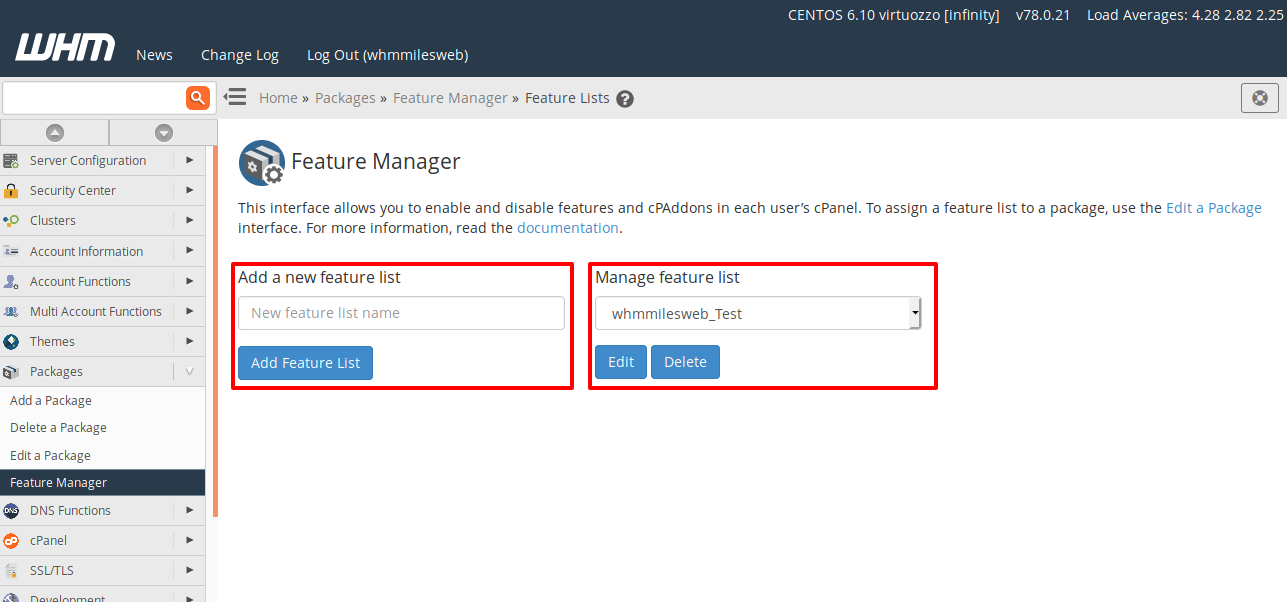
- Run this command, using the real username and the server's IP address (the number that names your server):
ssh username@123.123.123.123This connects you to the server as that user. The numbers above are only an example.
- Type the password. The screen shows nothing while you type, which is normal.
If it will not connect
- Check the username and password.
- Check the SSH port. Your VPS may use a custom one instead of 22. Add
-pand the number, for examplessh -p 2222 username@123.123.123.123.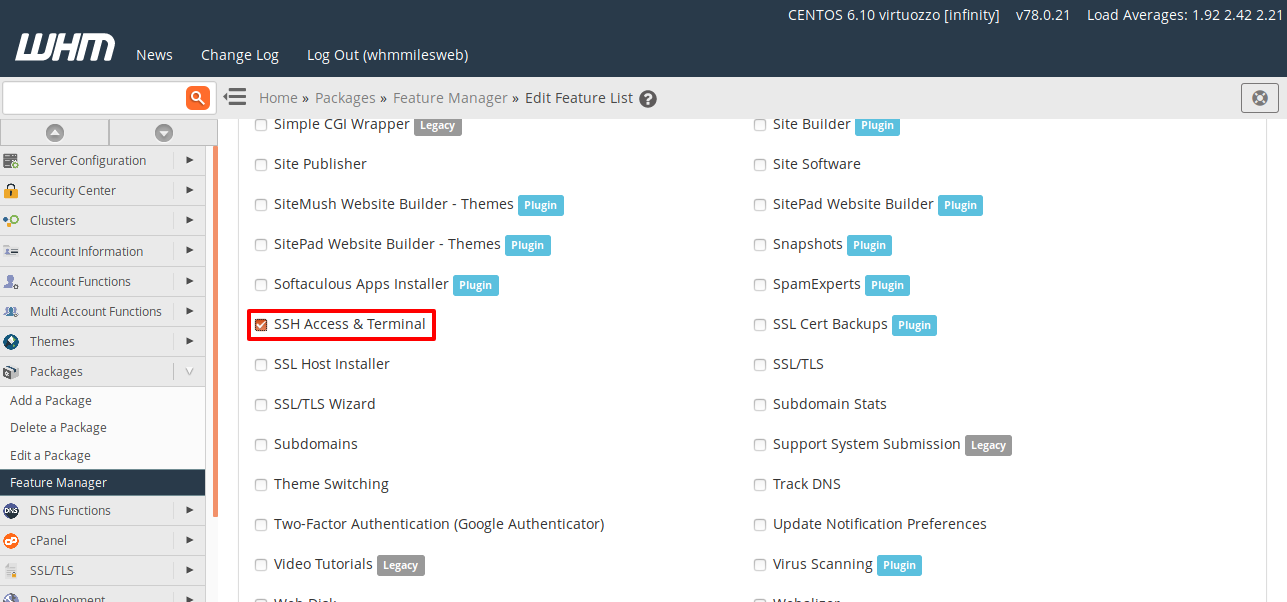
- Check the server firewall allows the SSH port.
Need more help? Open a support ticket.
Tip: Root login over SSH is very powerful. Use a long password, or SSH keys, for root.
Quick recap
- A cPanel user needs shell access before SSH works.
- Use Manage Shell Access in WHM.
- Jailed shell is safer than normal shell.
- Test with
ssh username@server-ip.