

What it means
You try to move an account or domain to a server (for example with the transfer tool in WHM) and get The account already exists on host.
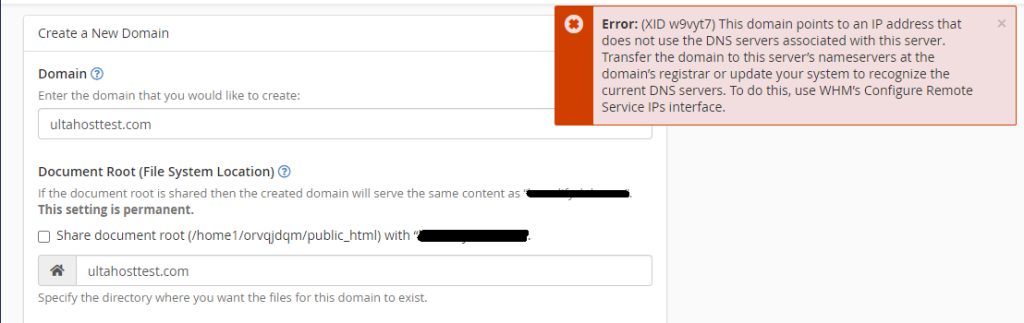
Common causes:
- The domain or user name already exists as an account on the server.
- A pending transfer for the same domain.
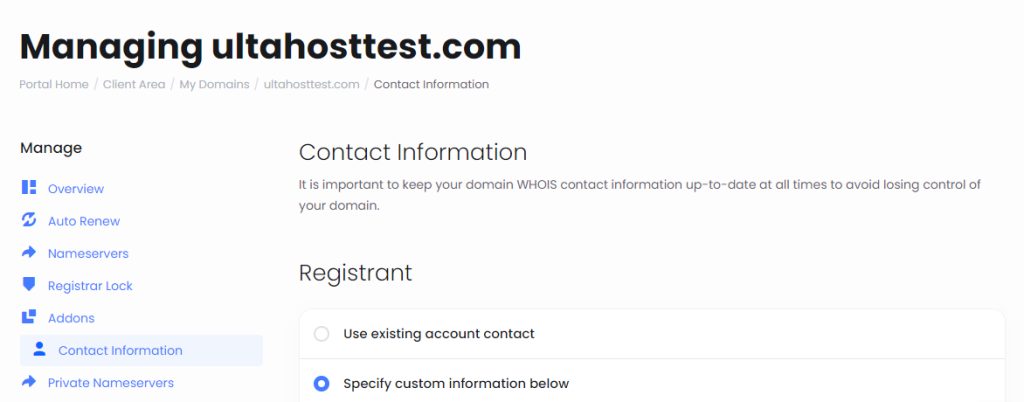
- The contact data of the domain does not match.
- A limit or rule of the provider that blocks a second account.
Checks before you start
- Is the domain eligible for transfer? It must be unlocked and not too recently registered or transferred.
- Is the domain unlocked at the current registrar or host?
Find the cause
Find the host. Check on which server or account the domain is.
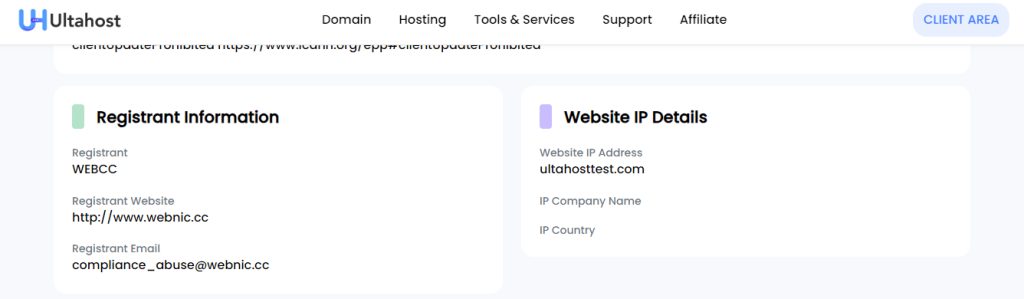
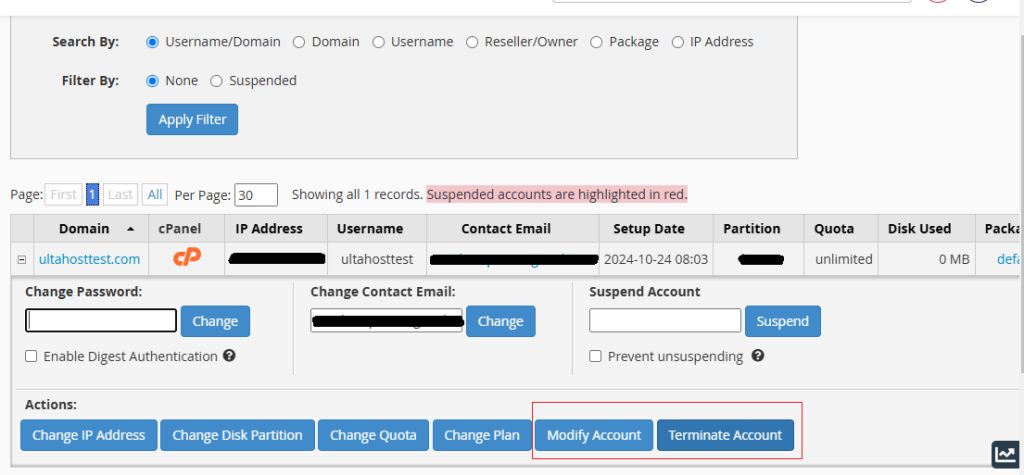
Look for duplicates. Search the account list for the user name and the domain.
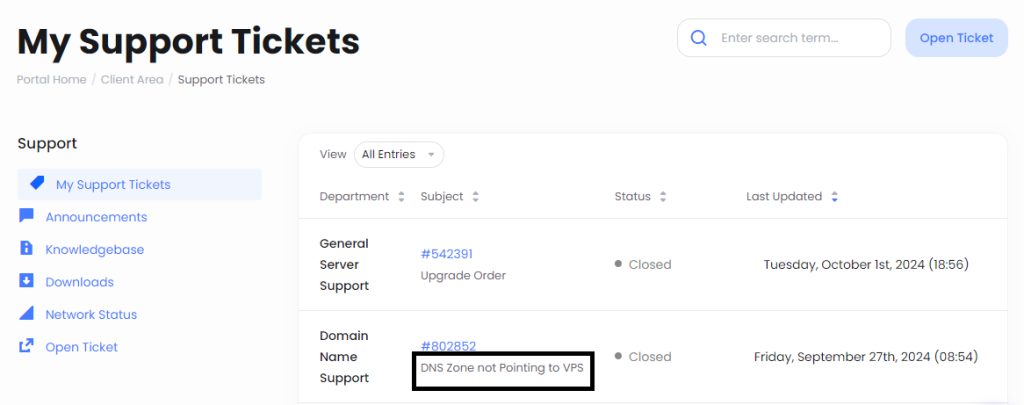
Contact the host. If the existing account is not yours, or you cannot see it, ask your provider (for Hostvento customers, open a support ticket).
Retry the transfer in WHM
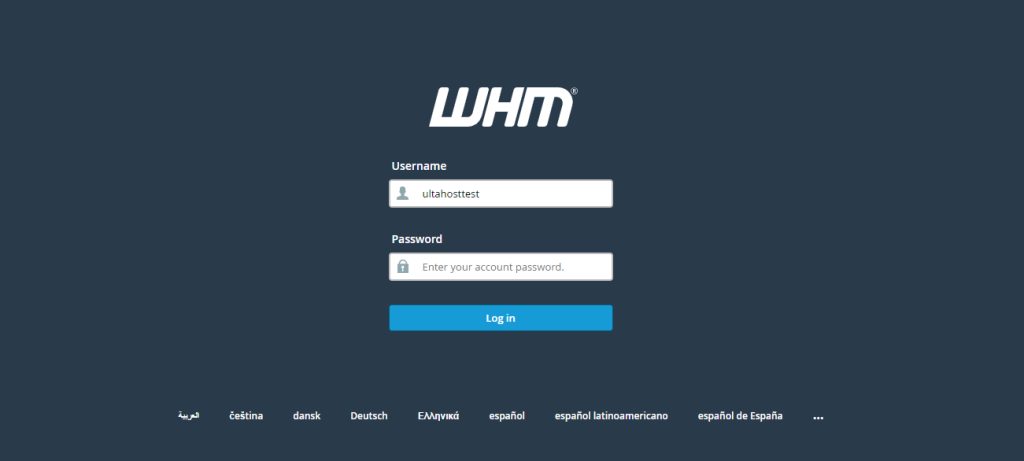
- Log in to WHM.
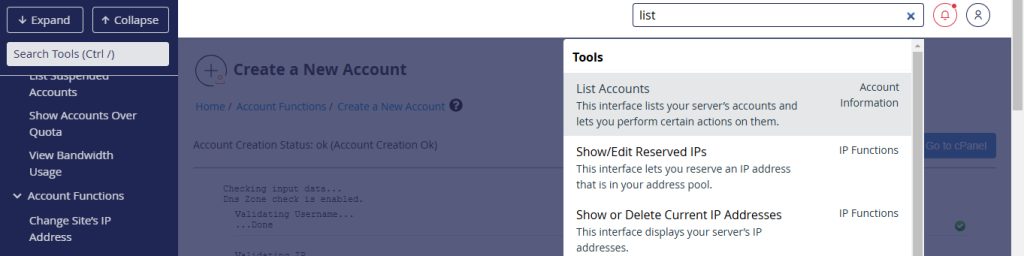
- Use the search box, or go to List Accounts, and look for the user name and domain.
- If you find a matching account, delete it (if you do not need it), or rename the user name or domain in the transfer request.
- Find the transfer request in WHM.
- Change the user name or domain name to a value that is unique.
- Make sure the new names do not clash with any other account.
- Start the transfer again.
Add the domain with cPanel
If you only need to add the domain to an existing hosting account:
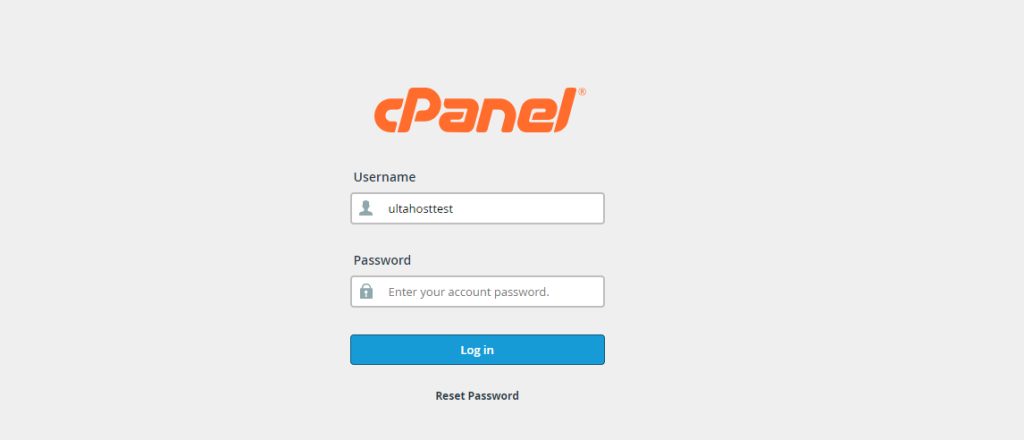
- Log in to cPanel.
- Open Domains in the Domains section.
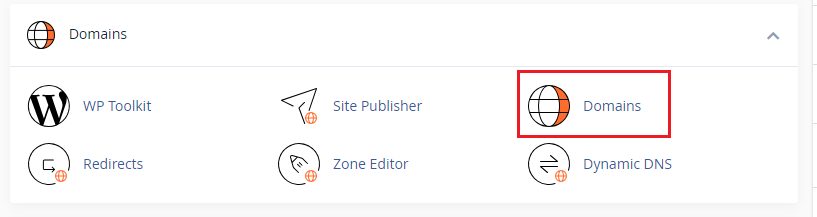
- Click Create A New Domain. Type the domain name and choose the folder for it.
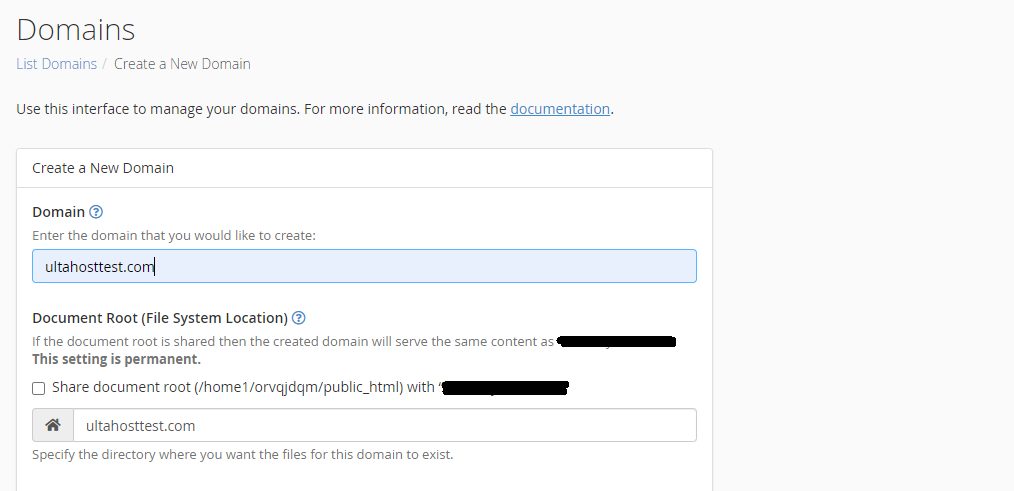
- If you want an FTP account for the domain, tick the box for it.
- Click Submit.
Good to know
- Most registrars show a transfer status page. Check it for pending transfers.
- Keep the domain contact data up to date.
- If nothing works, contact support with the exact error text.
Quick recap
- The account or domain is already on the server.
- Delete or rename the duplicate, then retry.
- Use cPanel's Domains section to add the domain to an existing account.