

What is a package?
A package is a ready-made set of limits for an account. It says how much disk space the account may use, how much data visitors can download, and how many email accounts it can have. Think of it as a menu set, like "Small", "Medium" and "Large". When you create an account, you pick one.
Disk space is the room for files. Bandwidth is the amount of data that moves in and out when people visit a site. You need root or reseller access to WHM.
Steps
- Log in to WHM.
- In the search box, type Add a Package and open it. It is under Packages.
- In Package Name, type a clear name, such as
starter. - Under Resources, set the Disk Quota. Pick a number in MB, or choose Unlimited if your server allows it.
- Set the Monthly Bandwidth Limit.
- Set Maximum FTP Accounts, Maximum Email Accounts, Maximum Databases, and Maximum Addon Domains as you wish. FTP accounts let people upload files. Databases hold website data.
- Set the Maximum Hourly Email by Domain Relayed if you want to limit how many emails each domain can send. This helps stop spam.
- Under Settings, pick a Feature List. A feature list decides which cPanel tools the user sees. Choose default if unsure.
- Pick a Locale (language) if needed.
- Click Add.
WHM shows a message that the package was created.
Use the package
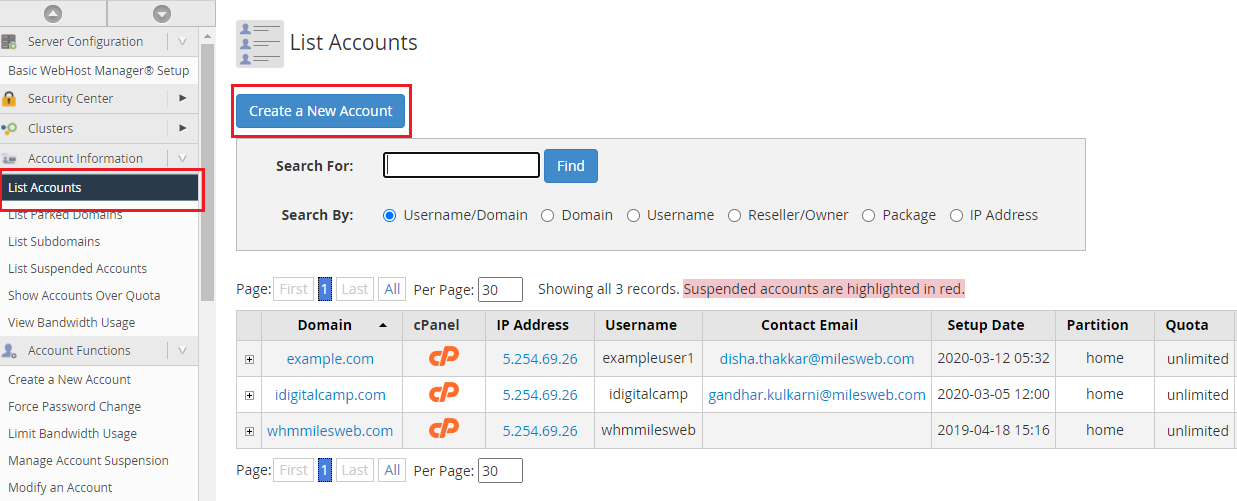
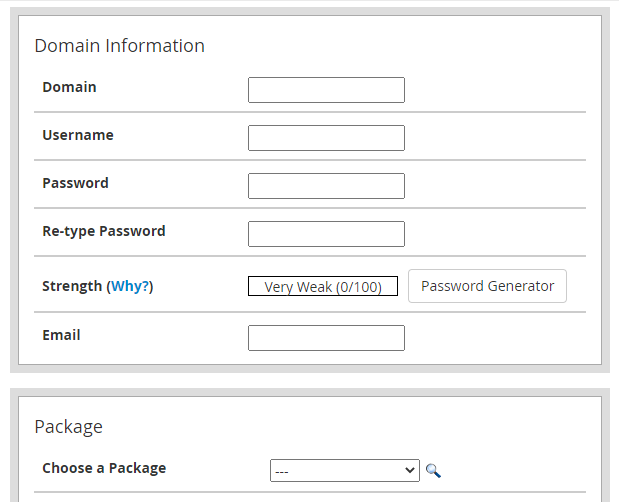
- Go to Create a New Account.
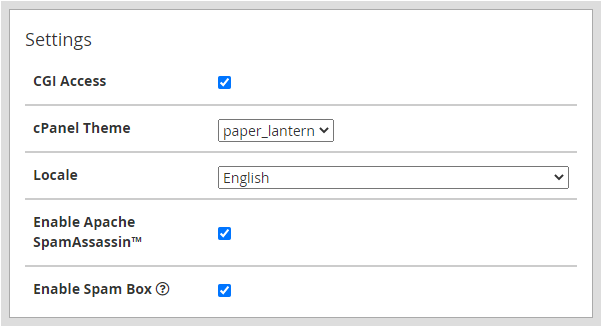
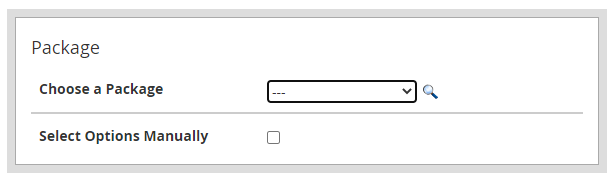
- In the Package section, choose your new package.
- WHM applies all the limits at once.
Pick numbers that your server can really support. You decide what each package offers, so choose sizes that fit your own plans. If you are on a Hostvento service and do not know the right values, ask Hostvento support.
Warning: If you later edit a package, all accounts that use it change too. Check the numbers before you save.
small or business, so you pick the right one at a glance.Open a support ticket if you need help.
Quick recap
- A package is a saved set of account limits.
- Create it with Add a Package in WHM.
- Set disk space, bandwidth, accounts and a feature list.
- Pick it when you create new accounts.