

What is WHM?
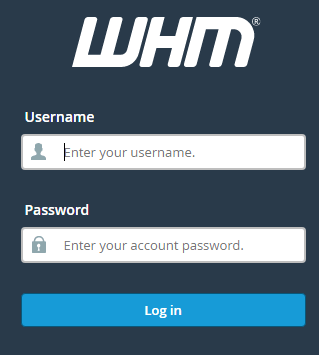
WHM stands for WebHost Manager. It is the control panel for the server owner or reseller. Think of it as the manager's office. cPanel is the panel each website owner uses. WHM is where you look after all the cPanel accounts on a server.
A reseller is a person who sells hosting to other people. You need a reseller or root login to use WHM. Your welcome email shows your login details. If you cannot find them, ask Hostvento support.
Why change a password?
- The owner forgot it.
- You think someone else learned it.
- The old password is weak or very short.
Steps
- Log in to WHM with your reseller or root details.
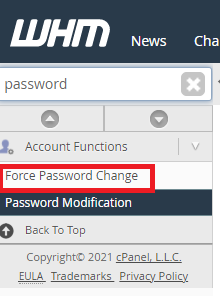
- In the search box at the top left, type Password Modification.
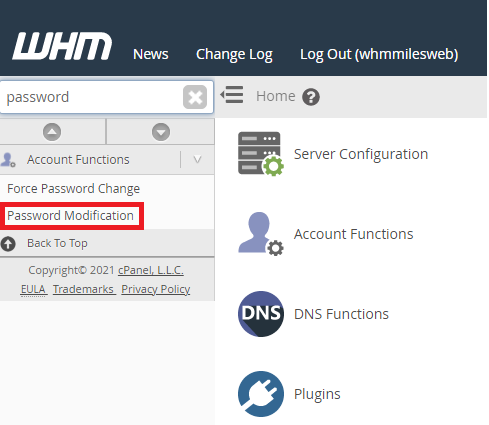
- Click Password Modification under Account Functions.
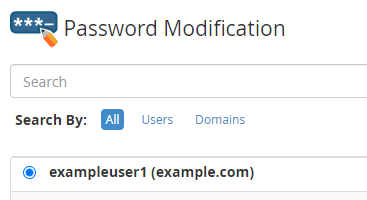
- Pick the account from the list. You can also start typing the username.
- Type the new password in the password box. You can click Password Generator to make a strong one for you.
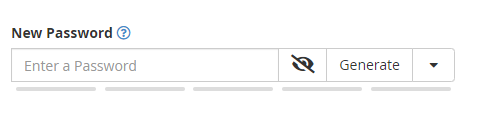
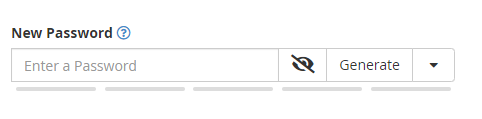
- Check the strength bar. Aim for green.
- Click Change Password.
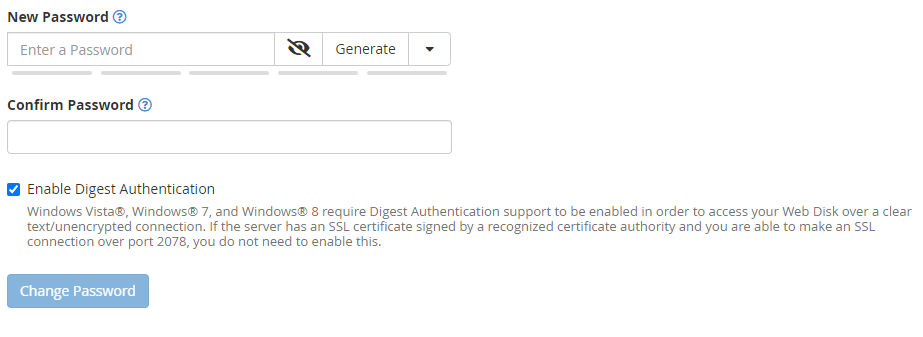
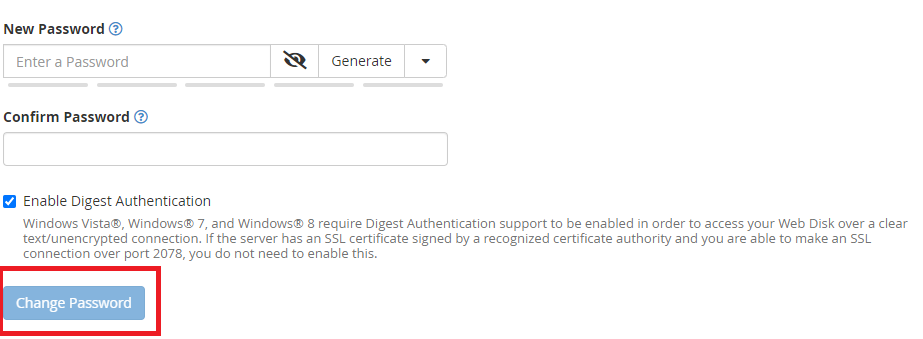
- Wait for the green success message.
Tip: A strong password is long. Mix capital letters, small letters, numbers and symbols. Do not use names or birthdays.
Good to know
- The new password works for the cPanel login of that account. It may also change the account's FTP login. FTP is the tool used to move website files to the server.
- Email accounts have their own passwords. This step does not change them.
- Tell the owner the new password in a safe way. Do not send it in a plain email if you can avoid it.
If the menu is missing
Resellers may not see every tool. The server owner decides what a reseller can use. If you do not see Password Modification, you can try Modify an Account instead. If that is missing too, open a ticket at https://secure.hostvento.com/submitticket.php.
Quick recap
- WHM is the manager panel for cPanel accounts.
- Search for Password Modification, pick the account and type a new password.
- Use the generator for a strong password.
- Click Change Password and share the new one safely.