

What is bandwidth?
Bandwidth is the amount of data that moves to and from a website. Every time a visitor opens a page, data travels from the server to them. Think of it like water through a pipe. The more visitors and the bigger the pages, the more water flows.
Disk usage is different. It is the space the files take up on the server, like boxes in a store room.
Why set limits?
- One busy site cannot use up everything.
- You can spot sites that grow fast.
- You can plan upgrades before a site runs into trouble.
Steps to view usage
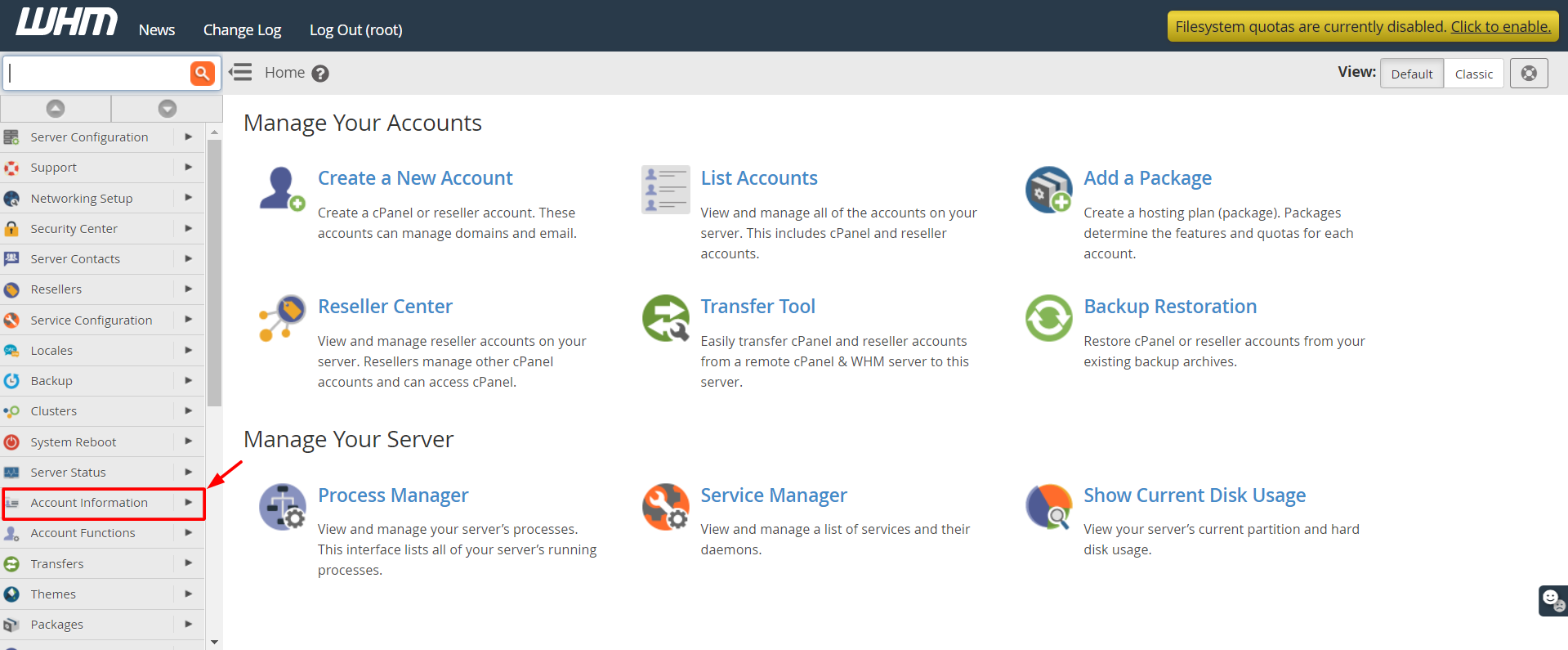
- Log in to WHM.
- Type Bandwidth in the search box.
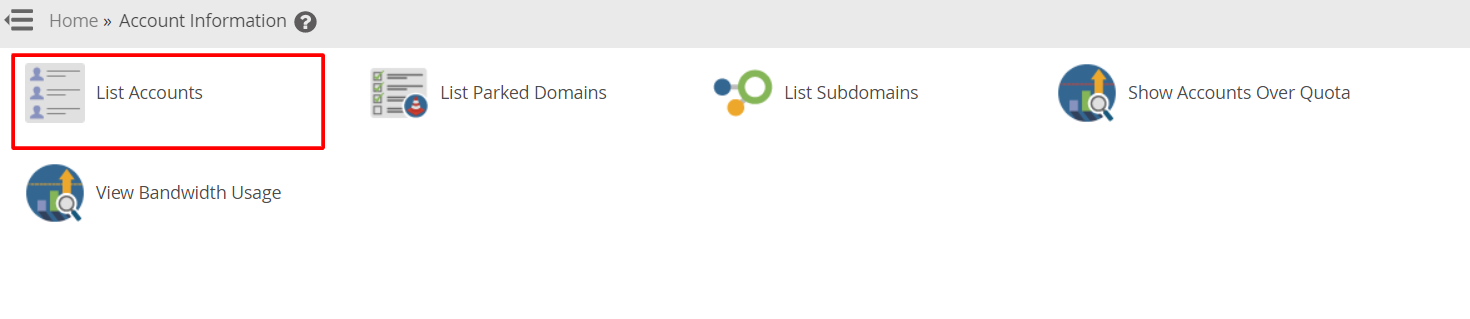
- Click View Bandwidth Usage.
- Choose the month and year at the top if you want to look at an older period.
- Read the table. It lists each account with the data it has used.
Steps to set a bandwidth limit
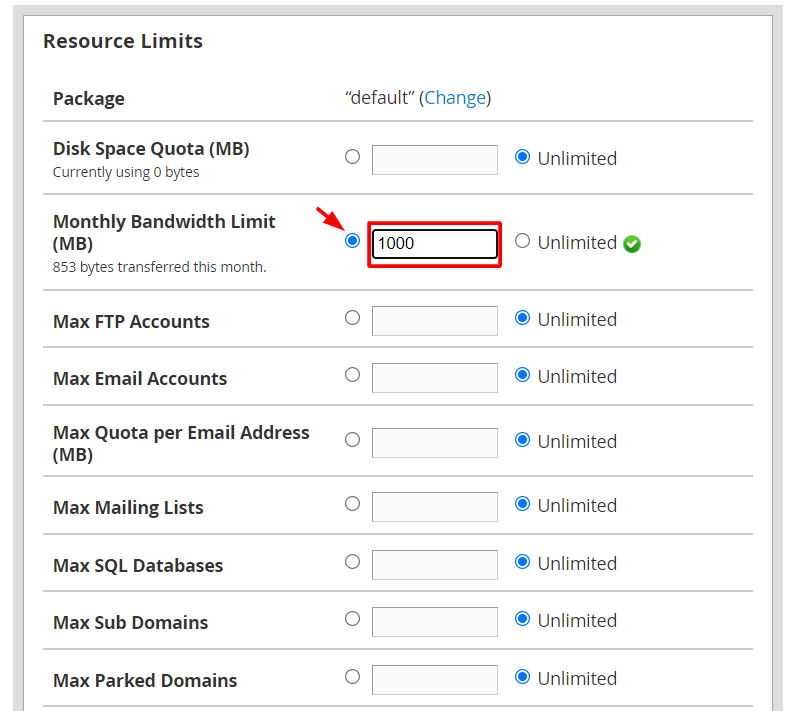
- Search for Limit Bandwidth Usage (some versions call it Bandwidth Limit Modification).
- Click it to open the page.
- Find the account you want to change.
- Type the new limit in megabytes (MB) in the box. A megabyte is a small unit of data. 1024 MB make one gigabyte.
- Click Change or Save.
Tip: Choose Unlimited only if your plan allows it. Ask Hostvento support if you are not sure.
Check disk usage
- Search for List Accounts and open it.
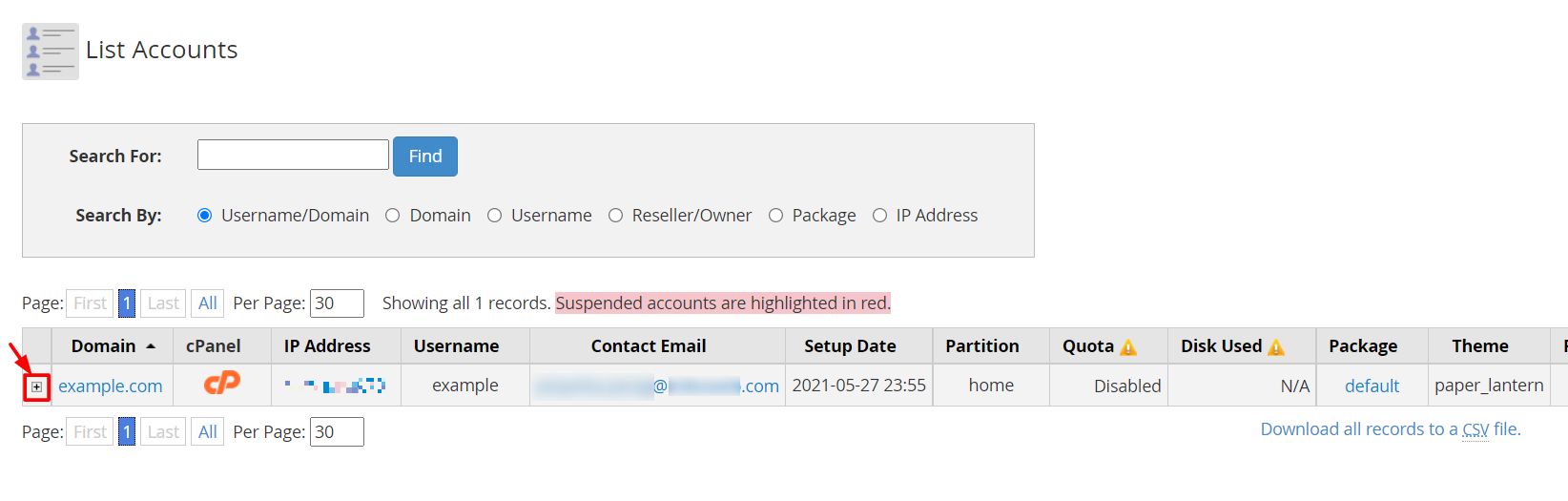
- Look at the Disk Used and Disk Limit columns for each account.
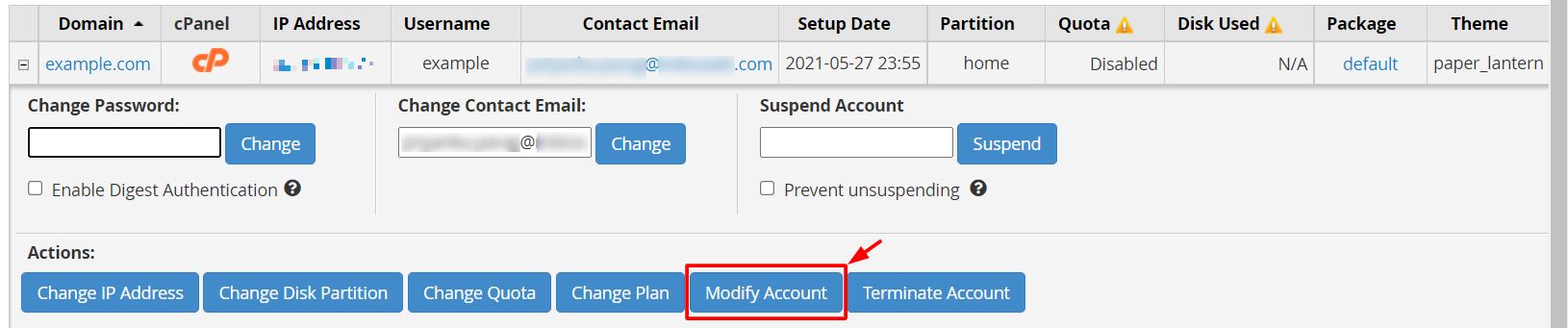
To change the disk space of one account, open Modify an Account and edit the quota there. The quota is the most space the account may use.
What happens at the limit?
When an account reaches its bandwidth limit, the server may stop showing its site until the next month or until you raise the limit. The exact result depends on how the server is set up. Warn the owner before you lower a limit.
Quick recap
- Bandwidth is data moving to and from a site. Disk usage is stored files.
- Use View Bandwidth Usage to see the numbers.
- Use Limit Bandwidth Usage to set a monthly cap in MB.

- Use List Accounts to check disk space.