

This guide needs root access and SSH. Root is the main admin login. VPS and dedicated server owners have it. SSH is a way to type commands on the server from your computer.
What is FFmpeg?
FFmpeg is a free program that changes video and sound files from one type to another. A video site might use it to turn an upload into a format that plays in any browser.
The steps below fit servers based on CentOS, AlmaLinux or Rocky Linux. Names of repositories can change. If a step fails, read the message or ask Hostvento support.
Before you start
- Take a backup or a server snapshot.
- Check your system: run
cat /etc/os-release. It prints the name and version.
Steps
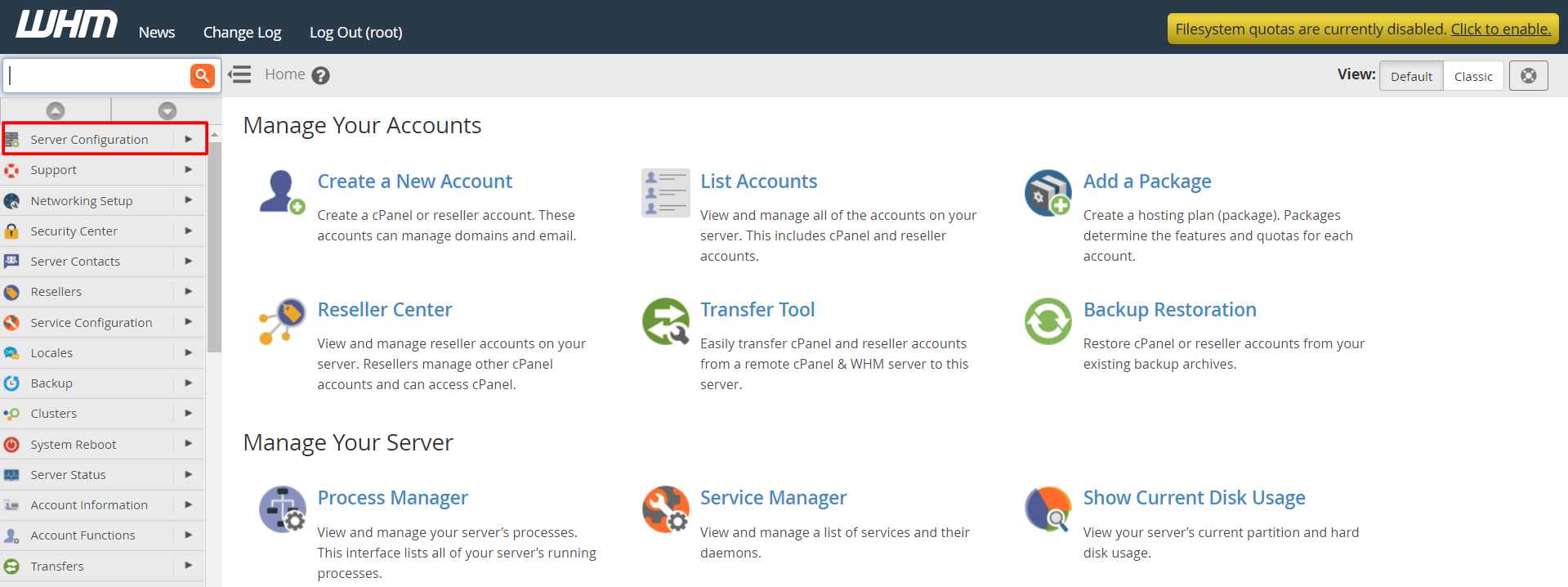
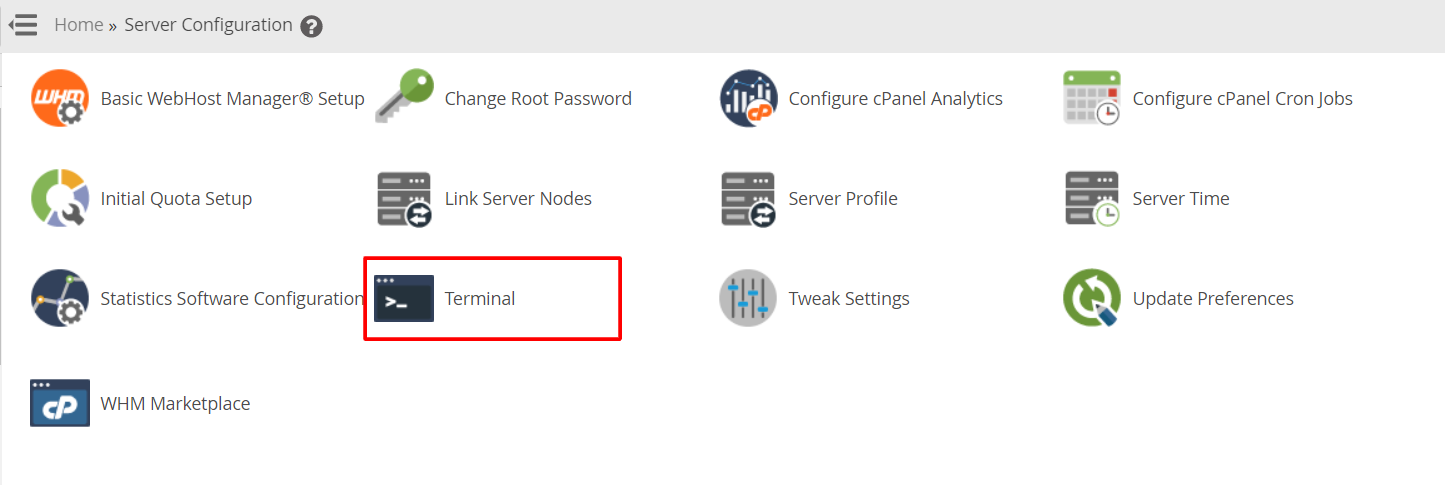
- Log in to the server by SSH as root.
- Add the EPEL repository. A repository is an online store of software your server can install from.
This adds extra packages.yum install epel-release -y - Add the RPM Fusion repository for your version. Follow the instructions on the RPM Fusion website for your exact system, because the address depends on the version number.
- Install FFmpeg.
This downloads and installs FFmpeg and its developer files.yum install ffmpeg ffmpeg-devel -y - Check the install.
This prints the version if FFmpeg is ready.ffmpeg -version
Tip: On newer systems, use
dnf in place of yum. The rest is the same.Use FFmpeg in PHP sites
Some PHP scripts call FFmpeg through the command line. They need the full path. Find it with:
which ffmpegThis prints the path, often /usr/bin/ffmpeg. Give that path to your script's settings.
If it does not work
- PHP may block command running. Check disable_functions in MultiPHP INI Editor.
- The repository may not match your system version.
- Shared hosting customers cannot install it. Ask Hostvento support if it is on your plan.
Quick recap
- FFmpeg converts video and audio files.
- Add EPEL and RPM Fusion, then install with yum or dnf.
- Check with
ffmpeg -version. - Use the full path in your PHP scripts.