

This guide needs root access. Root is the main admin login. VPS and dedicated server owners have it.
What is an RPM package?
An RPM is a file that holds a program and the instructions to install it. It works on Linux systems such as CentOS, AlmaLinux, Rocky Linux and Red Hat. It is like an installer you double-click on a computer, but you run it with a command.
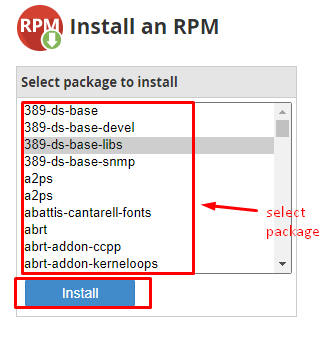
Old WHM versions had an Install a RPM page in the Software menu. Newer versions do not. The command line works on all of them.
Before you start
- Take a backup or a server snapshot.
- Only install files from sources you trust. A bad package can harm your server.
- Make sure the package fits your system version.
Steps
- Log in to the server by SSH as root. SSH is a way to type commands on a server from your computer.
- Go to a folder for downloads.
This moves you to the root user's home folder.cd /root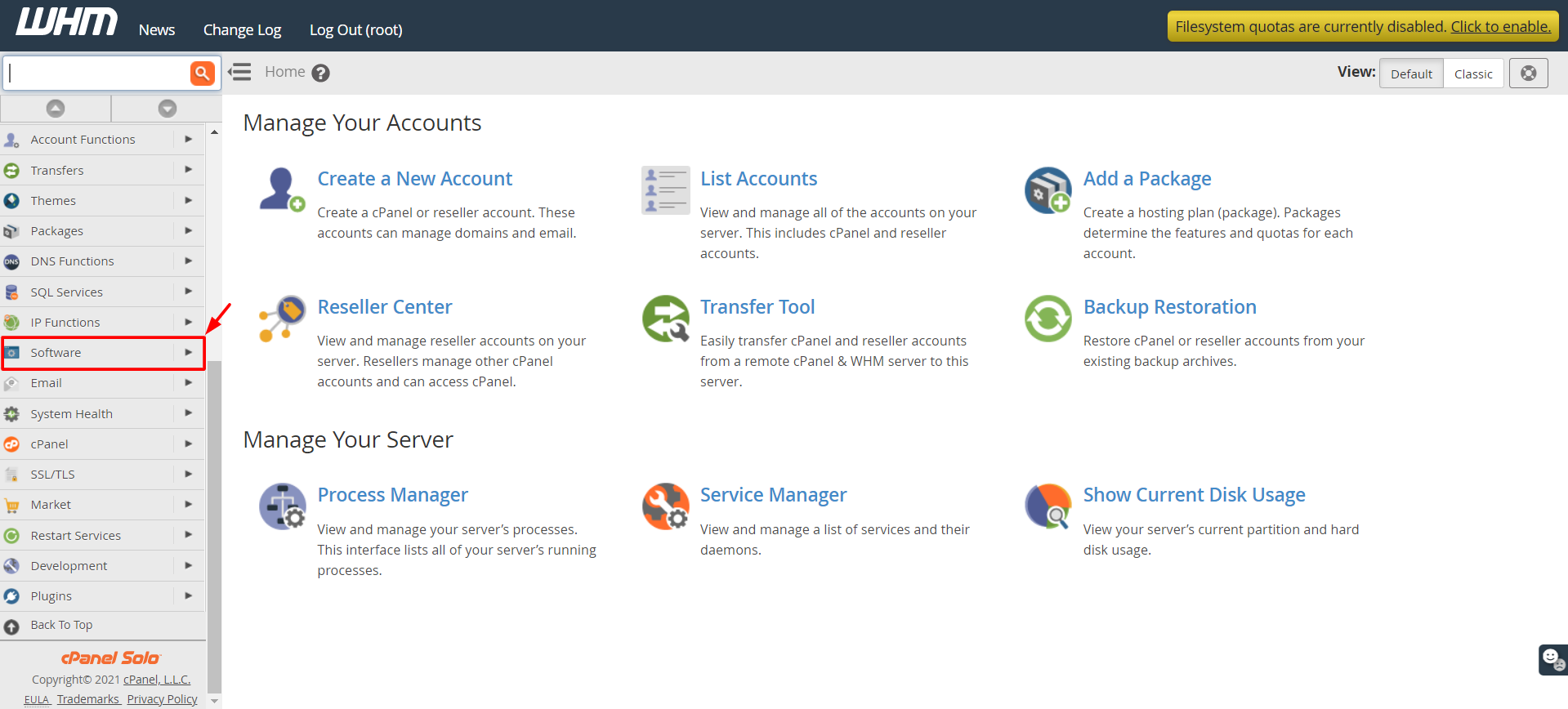
- Download the package if you do not have it yet. Replace the address with the real one.
This saves the file on the server.wget https://example.com/package.rpm - Install it with yum, which also installs anything else it needs.
This installs the file and the extra parts it depends on. On newer systems, useyum localinstall package.rpm -ydnf localinstall package.rpm -y. - Check that it is there.
This lists installed packages that match the name.rpm -qa | grep package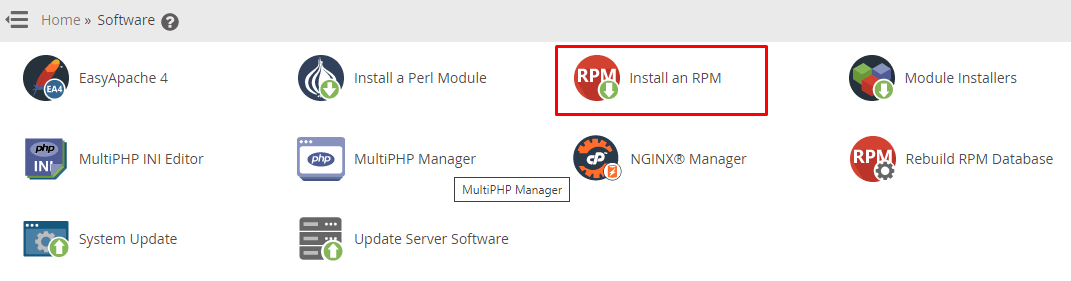
Tip: You can also run
rpm -ivh package.rpm. It installs the file but does not fetch missing parts for you.Remove a package
yum remove package -yThis removes the program. Make sure nothing else needs it first.
Common problems
- Failed dependencies means other parts are missing. Use
yum localinstallto fix it. - Package already installed means you have it. Use
yum updateto upgrade. - A cPanel server may block some packages. cPanel keeps a list of excluded ones.
Quick recap
- An RPM is an installer file for Linux.
- Use
yum localinstall file.rpmover SSH as root. - Back up first and trust the source.