

What is a local backup?
A backup is a spare copy of your files, emails and databases. If something breaks, you can bring everything back from the copy. A local backup is stored on the same server, or on a disk attached to it. It is quick, but if the whole server dies, the copy may die too. So it is wise to also keep a copy somewhere else.
This guide needs root access to WHM. VPS and dedicated server owners have it.
Steps
- Log in to WHM as root.
- Type Backup Configuration in the search box.
- Open Backup Configuration under the Backup menu.
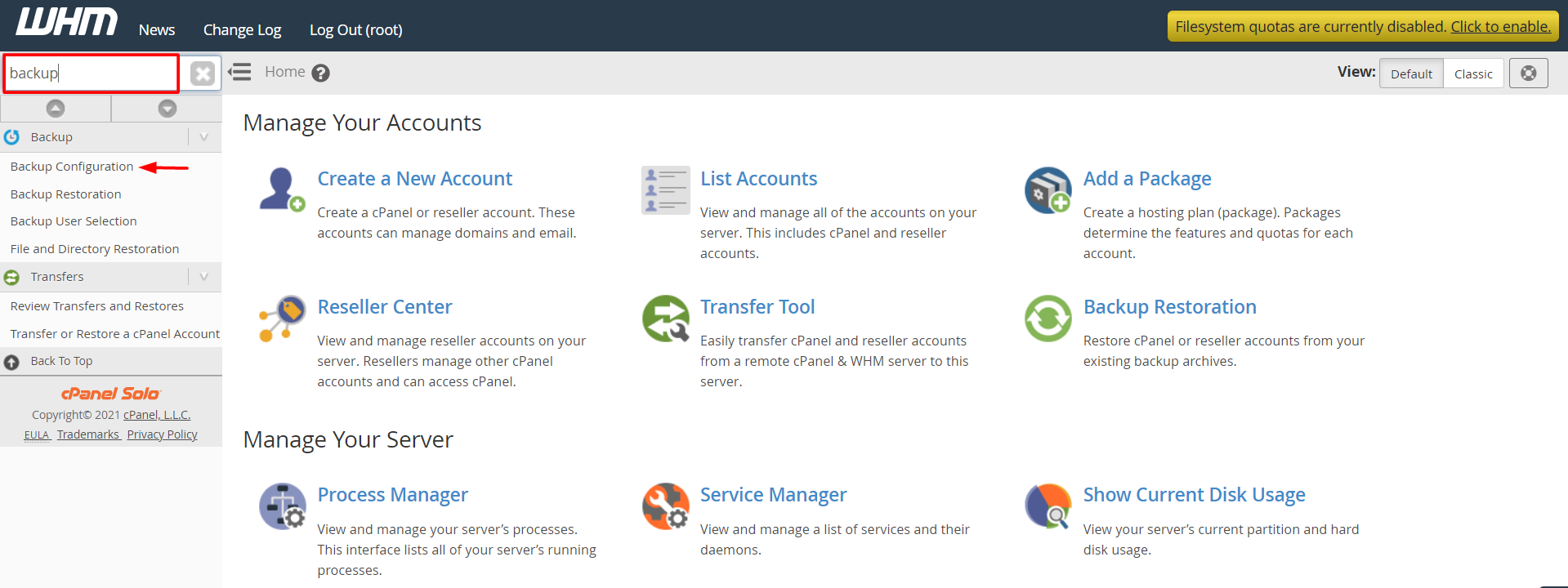
- Under Global Settings, tick Enable Backups.

- Choose a Backup Type.
- Compressed makes small files but takes longer.
- Uncompressed is fast but uses more space.
- Incremental saves only what changed since last time.
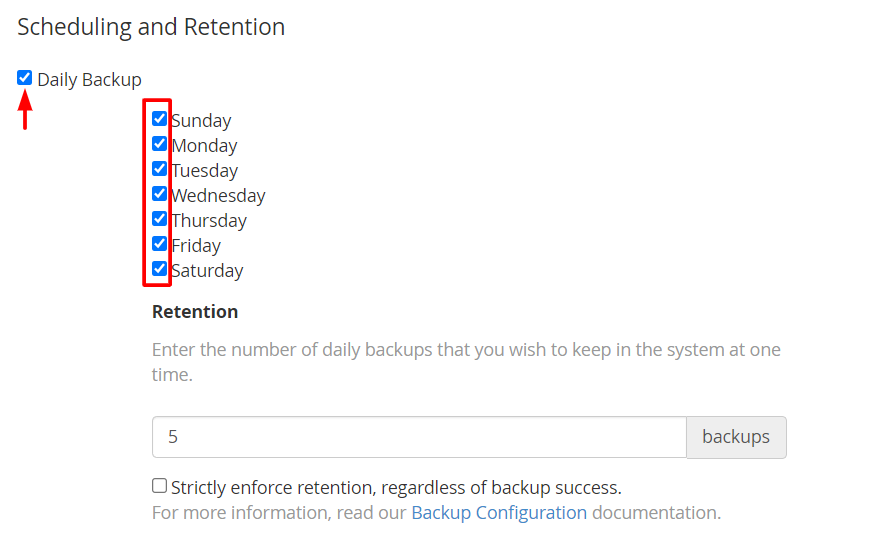
- Choose the days of the week the backup should run.
- Set how many copies to keep under Retain Backups. Older copies are deleted when this number is reached.
- Under Scheduling and Retention, tick Daily, Weekly or Monthly as you need.
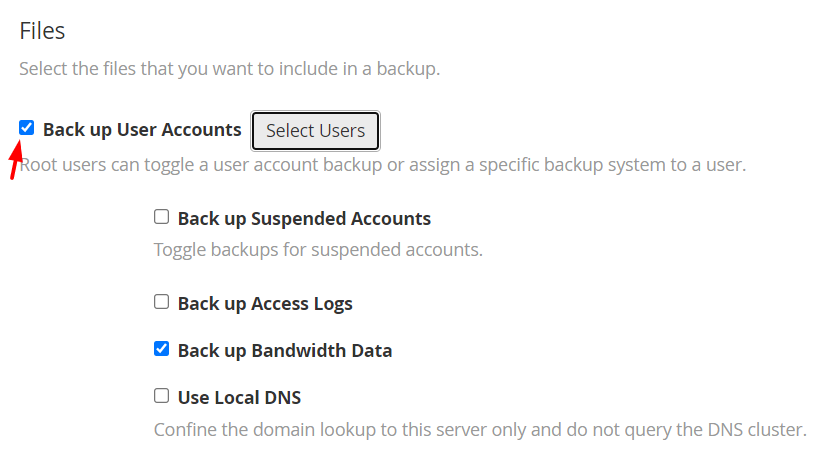
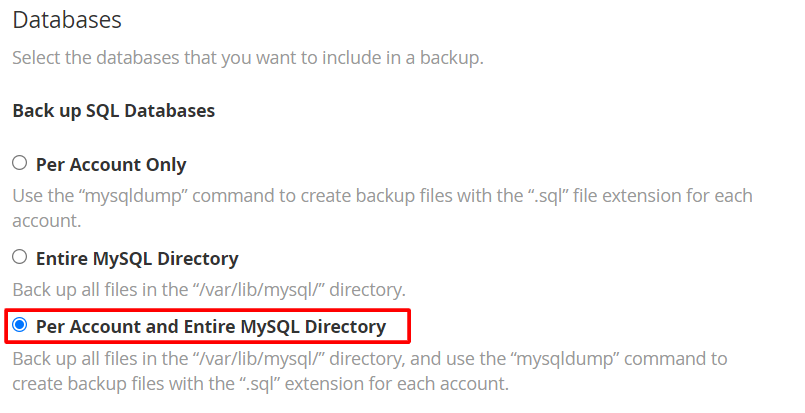
- Scroll to Files and decide if you want to back up accounts, system files and databases.
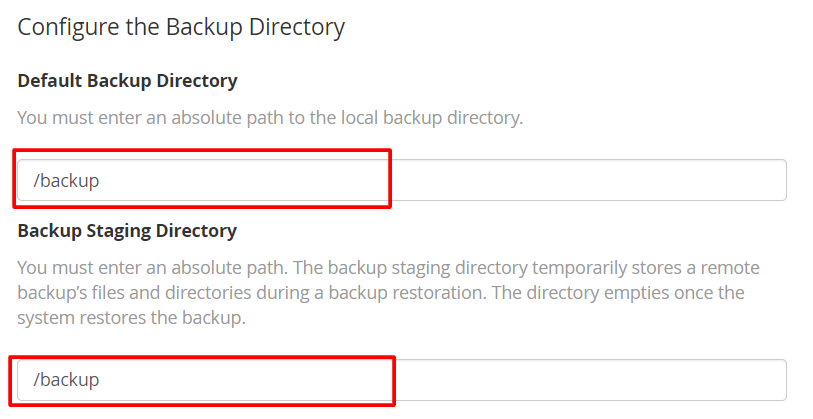
- Under Configure Backup Directory, type the folder where copies go, for example
/backup. - Click Save Configuration.
Tip: Check that the disk has enough room. A backup that fills the disk can break your sites.
Pick accounts
- Open Backup User Selection.
- Tick the accounts to include.
- Click Save.
Check that it ran
- Wait for the next scheduled time.
- Look inside the backup folder. You should see new files.
- Open Backup Restoration to confirm WHM lists them.
Keep a second copy
Under Additional Destinations you can send copies to another place, such as another server. Ask Hostvento support what is available on your plan.
Quick recap
- A local backup is a spare copy kept on the server.
- Switch it on in Backup Configuration and pick type, days and how many copies to keep.
- Check free disk space.
- Keep another copy off the server too.