

What is a hosting package?
A package is a saved set of limits and rules for an account. It sets disk space, bandwidth, number of email accounts, number of databases and more. Think of it as a template. Each time you make an account, you pick a template, and the account gets those limits.
Create a package
- Log in to WHM.
- Type Add a Package in the search box.
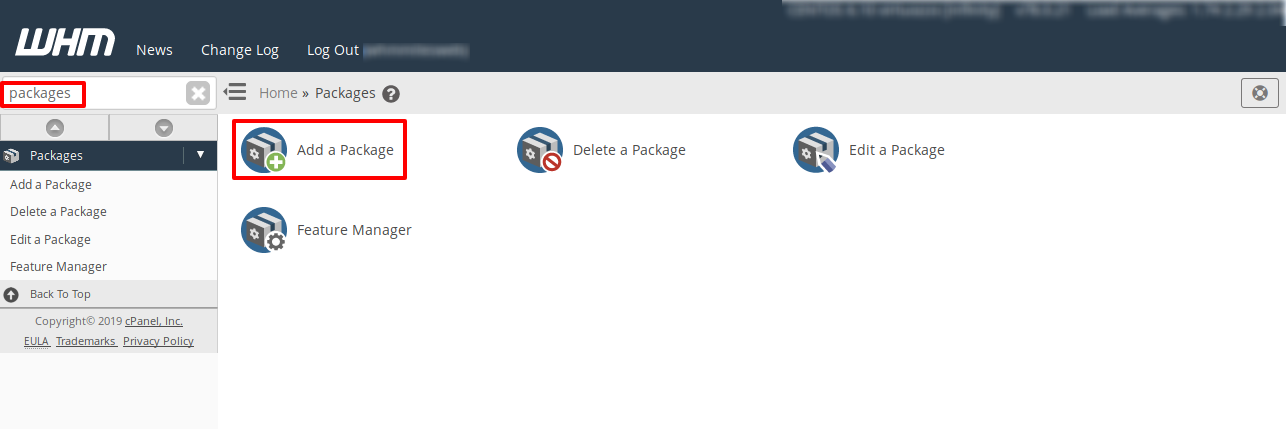
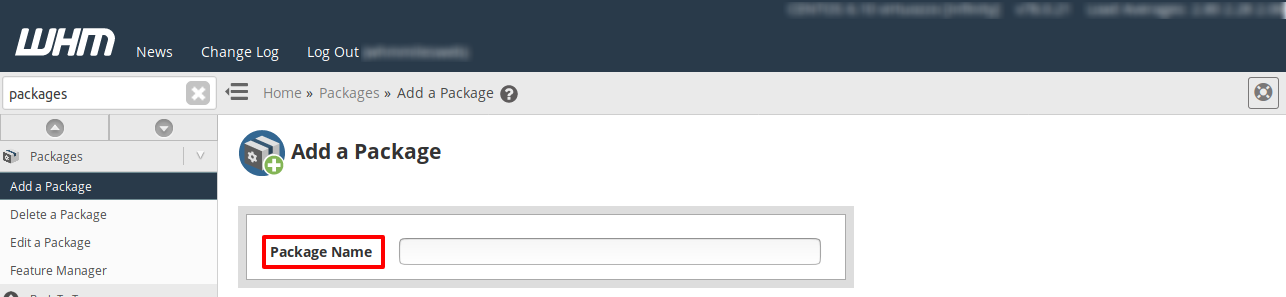
- Open it. It is under the Packages menu.
- Type a name in Package Name. Use a clear one, like
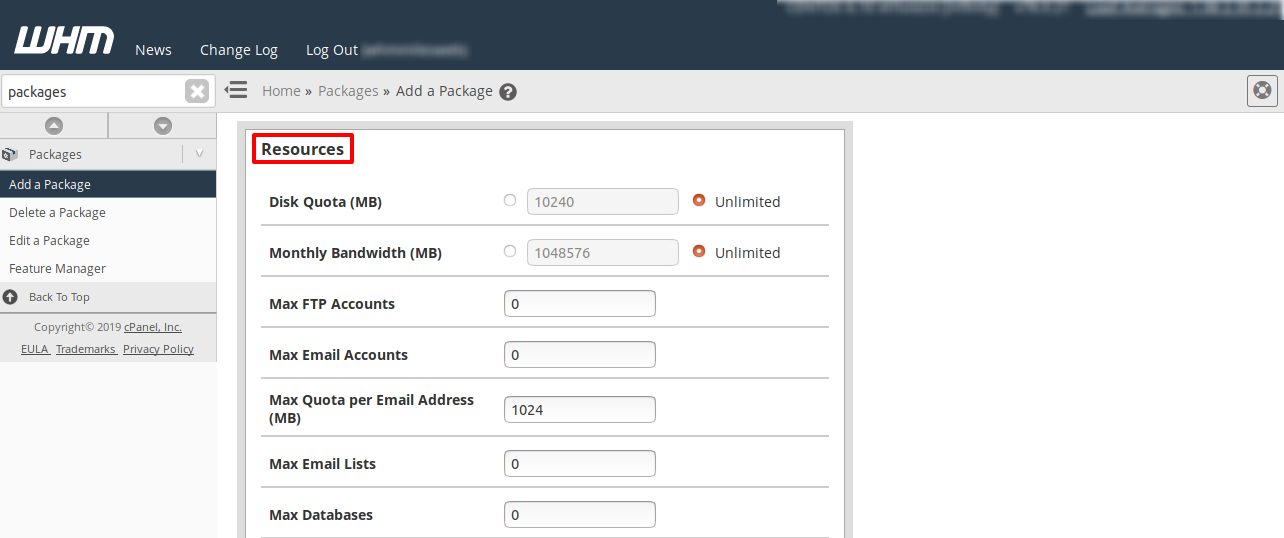
starter-site. - Set Disk Space Quota in megabytes (MB), or choose unlimited if your plan allows it.
- Set Monthly Bandwidth Limit.
- Set the numbers for Max FTP Accounts, Max Email Accounts, Max SQL Databases and Max Addon Domains.
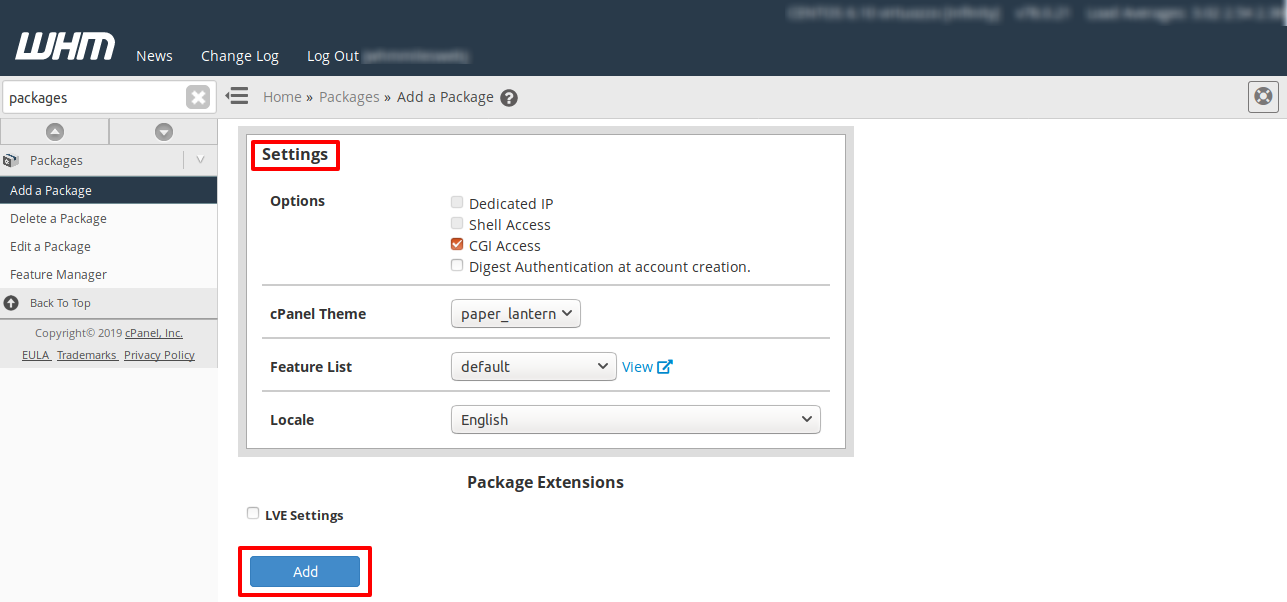
- Pick a Feature List and a Default Language.
- Scroll down and click Add.
Edit a package
- Open Edit a Package.
- Choose the package from the list.
- Click Edit.
- Change the values you need.
- Click Save Changes.
Accounts that use this package get the new limits. Lowering limits can make accounts go over their limit. Take care.
Delete a package
- Open Delete a Package.
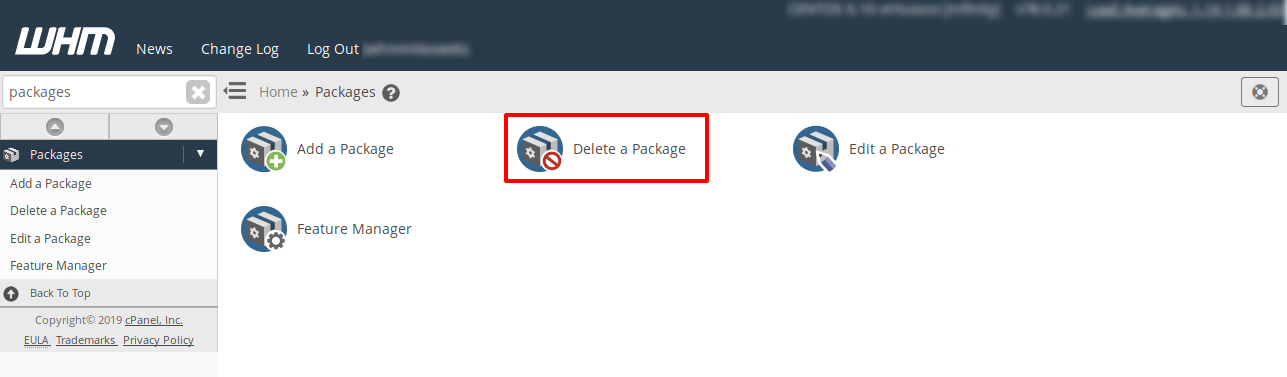
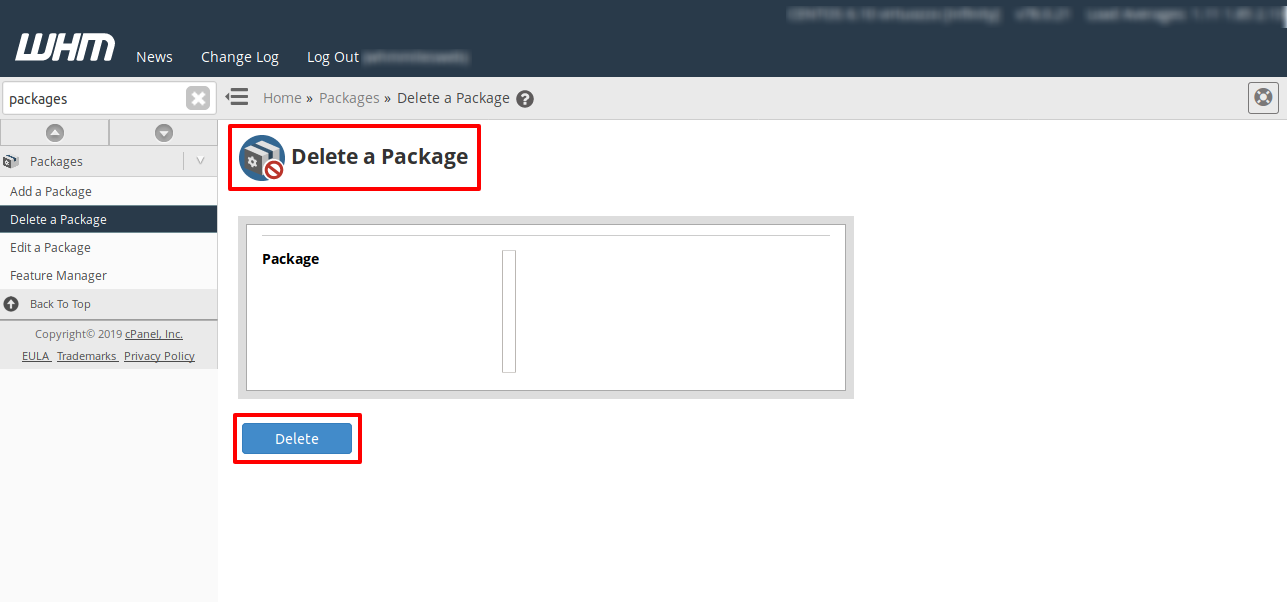
- Choose the package.
- Click Delete and confirm.
A package that still has accounts on it cannot be deleted by the tool. Move those accounts to another package first with Upgrade/Downgrade an Account. Deleting a package does not delete accounts.
See package details
Use View Packages or List Accounts to see which package each account uses.
Billing note
Packages in WHM do not set prices. Ask Hostvento support if you want to link them to your billing system.
Quick recap
- A package is a template of limits for accounts.
- Use Add a Package, Edit a Package and Delete a Package.
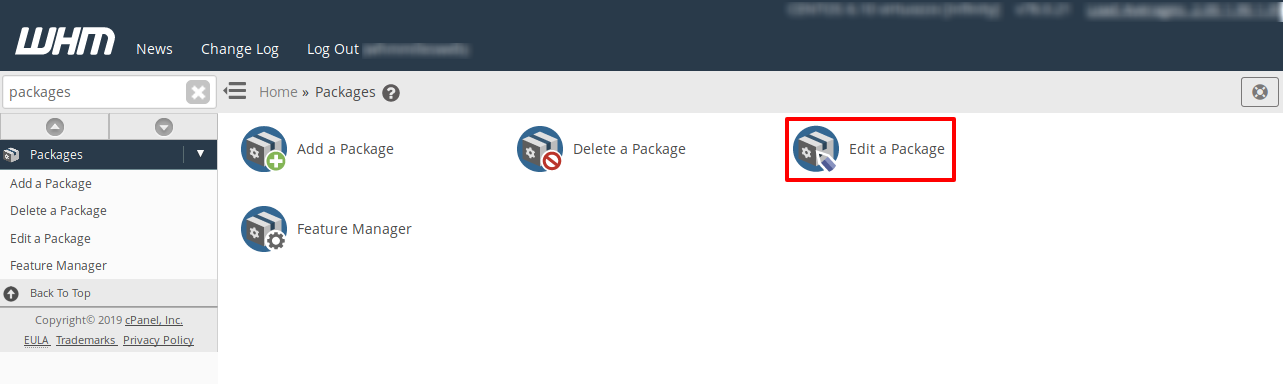
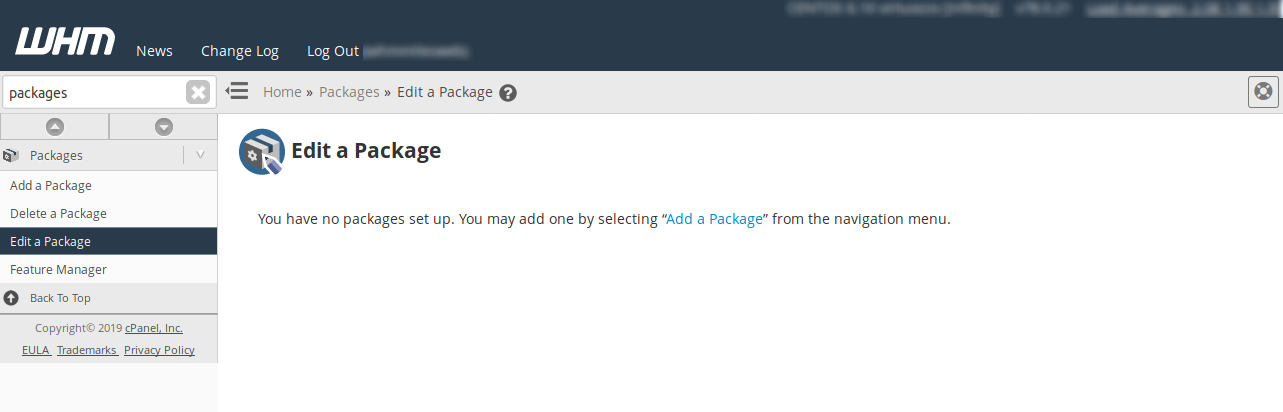
- Edits change all accounts on the package.
- Move accounts off a package before you delete it.