

What is a message size limit?
Every email takes up space, especially when it has pictures or files attached. A message size limit is the biggest email your server will accept. It works like a weight limit on a parcel. A limit stops huge messages from slowing the mail system or filling the disk.
The server uses a program called Exim to send and receive mail. WHM is the control panel that lets you change Exim settings. You need WHM access for this guide.
Steps
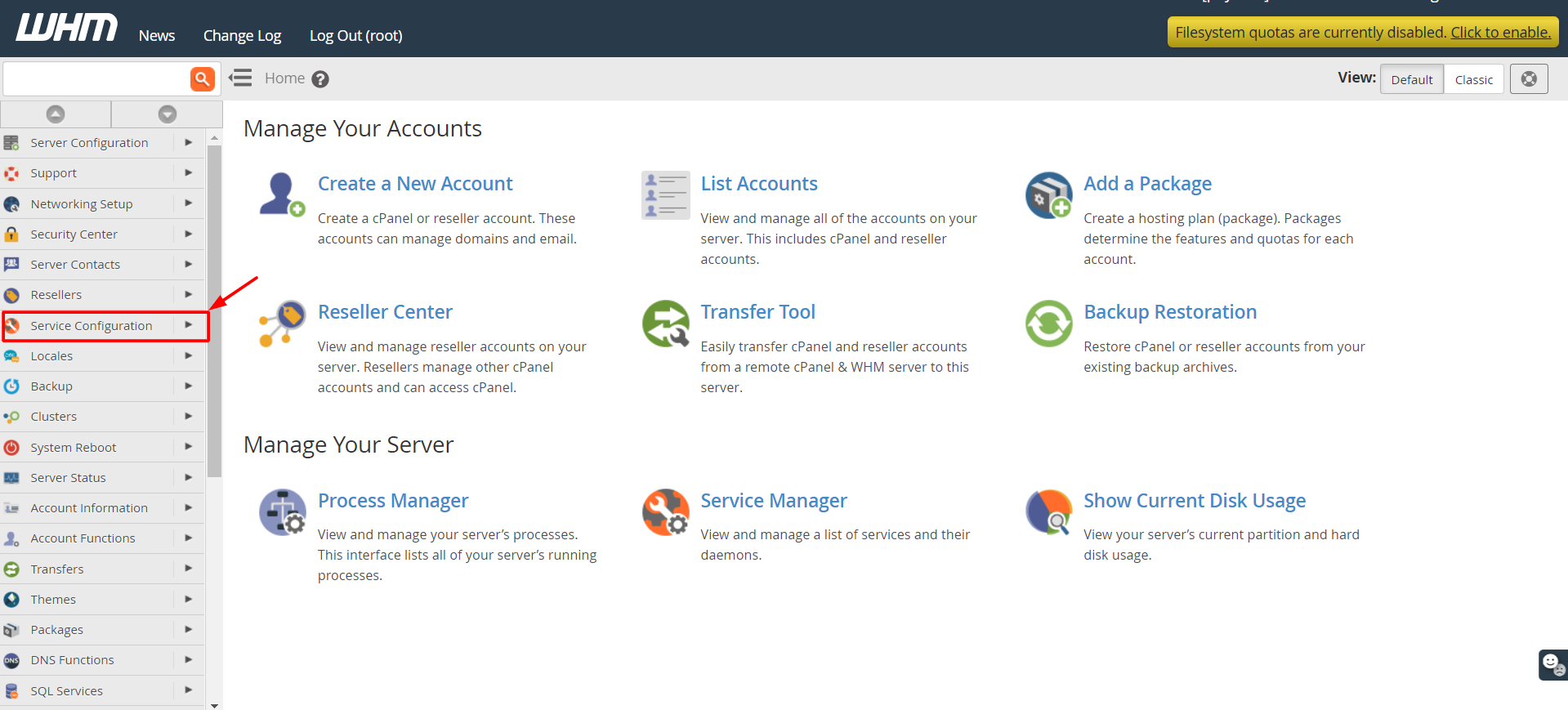
- Log in to WHM.
- Type Exim Configuration Manager in the search box.
- Click Exim Configuration Manager.
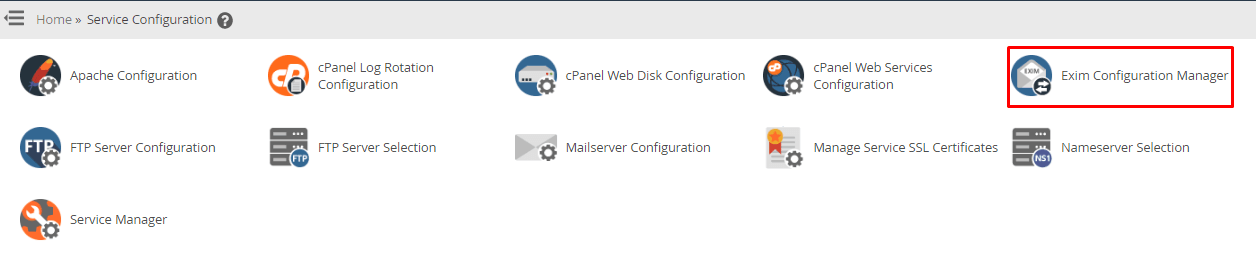
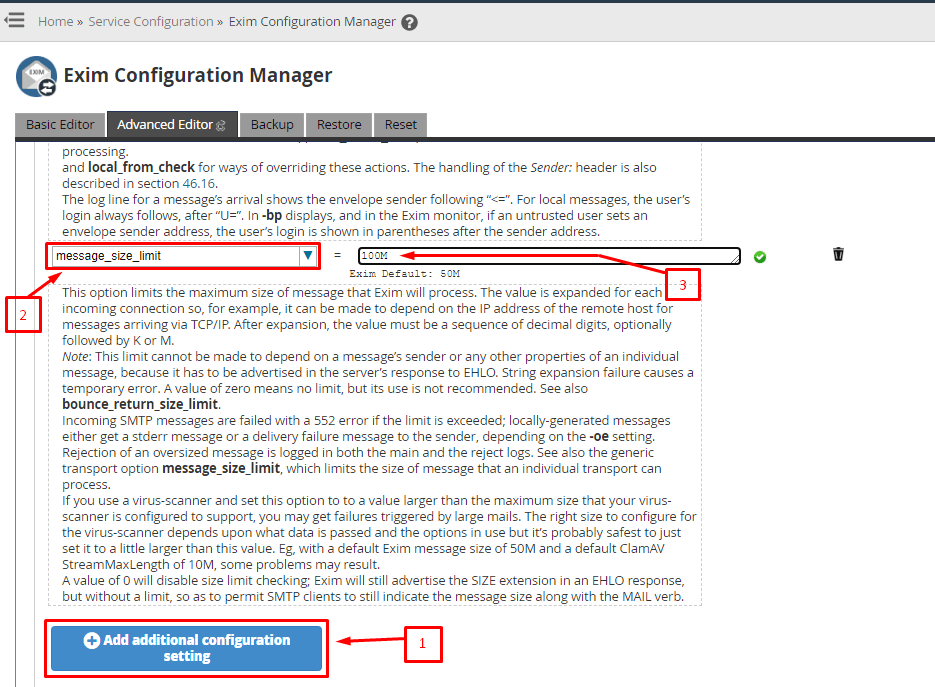
- Click the Basic Editor button.
- Find the Mail section. Look for Maximum message size. In some versions it is called Max message size.
- Type the size in megabytes (MB). Example: type
50for 50 MB. - Scroll down and click Save.
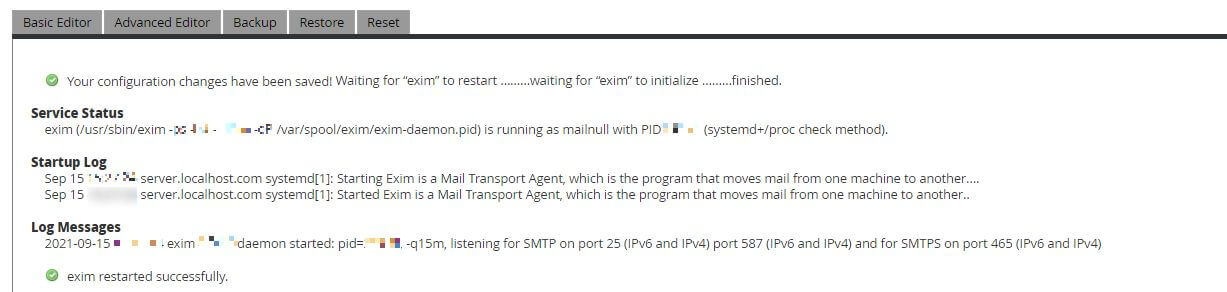
- Wait while Exim restarts. Do not close the page.
Warning: A bad Exim setting can stop all mail on the server. Change only this one field. If mail fails afterward, set the old value back.
Things to know
- The limit counts the whole email, including attachments.
- Attachments grow by about one third when sent, because of the way email encodes files. A 10 MB file may become about 13 MB.
- The limit also depends on other mail servers. If the receiving server has a smaller limit, your large email can still bounce.
- Webmail and email apps may have their own limits as well.
Test it
- Send an email with a small attachment to yourself.
- Try one just below your limit.
- Try one above the limit. It should bounce with an error saying the message is too large.
If you need help picking a size, ask Hostvento support using a ticket at https://secure.hostvento.com/submitticket.php.
Quick recap
- The limit is the largest email the server accepts.
- Set it in Exim Configuration Manager, then Basic Editor.
- Write the number in MB and save.
- Attachments make emails bigger than the original file.
- Test with a small and a large message.