What is an error page?
When a visitor asks for a page that does not exist, the server answers with an error. The best-known one is 404 Not Found. Another is 500 Internal Server Error, which means something broke on the server. The default page is plain and can confuse people. A custom error page is your own page that says what happened and helps people find their way back.
WHM is the control panel for server owners. It can set default error pages for all accounts. This guide needs WHM access.
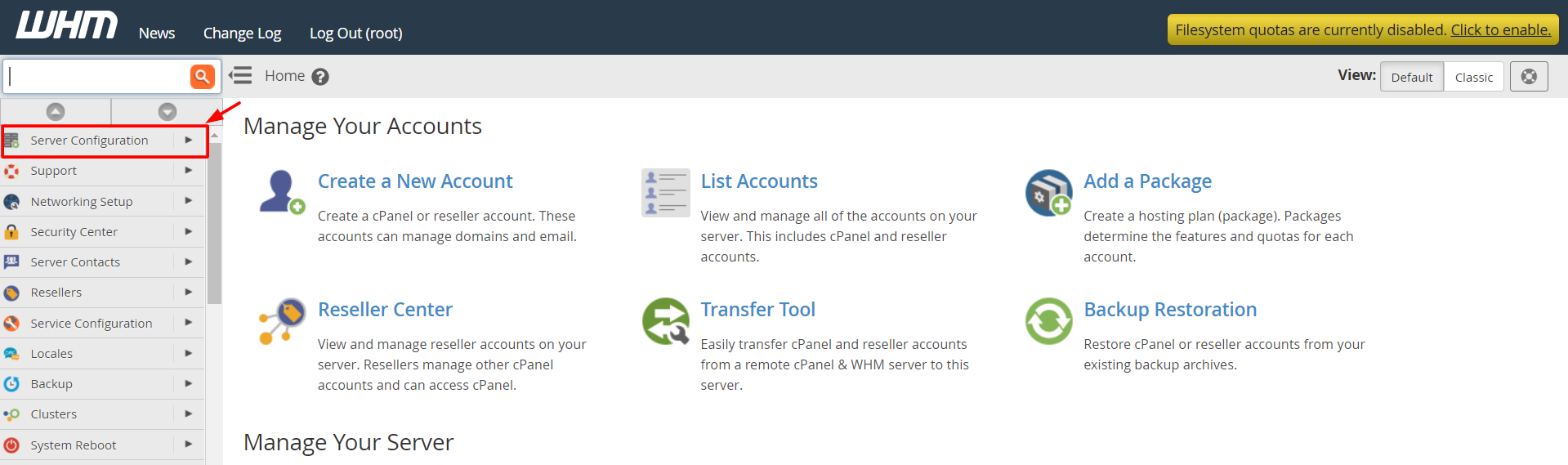
Steps
- Log in to WHM.
- Search for Web Template Editor.
- Click Web Template Editor.
- In the list, find the error page you want, such as Default Website Page or the 404 page.
- Click the radio button next to it.
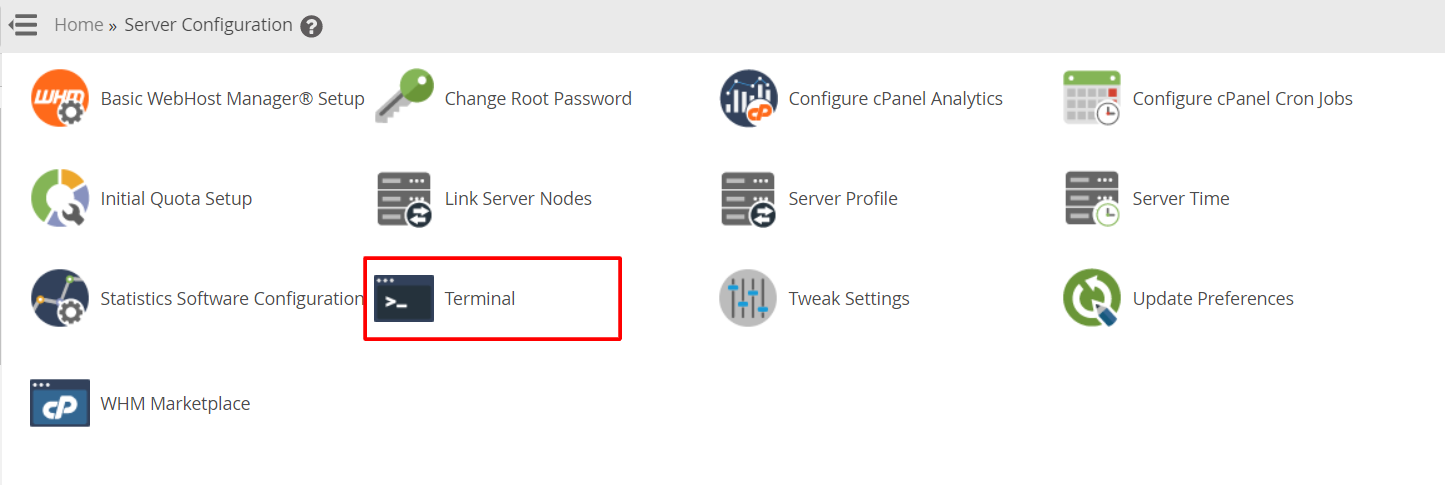
- Click Edit.
- Change the text in the editor. Keep it simple, such as "Sorry, we could not find that page."
- Click Save.
What to put on the page
- A clear, polite message.
- A link to the home page.
- A way to contact you.
- No technical jargon.
Let each website owner make their own
A single website owner can create pages for their own site in cPanel.
- Log in to cPanel.
- In the Advanced section, click Error Pages.
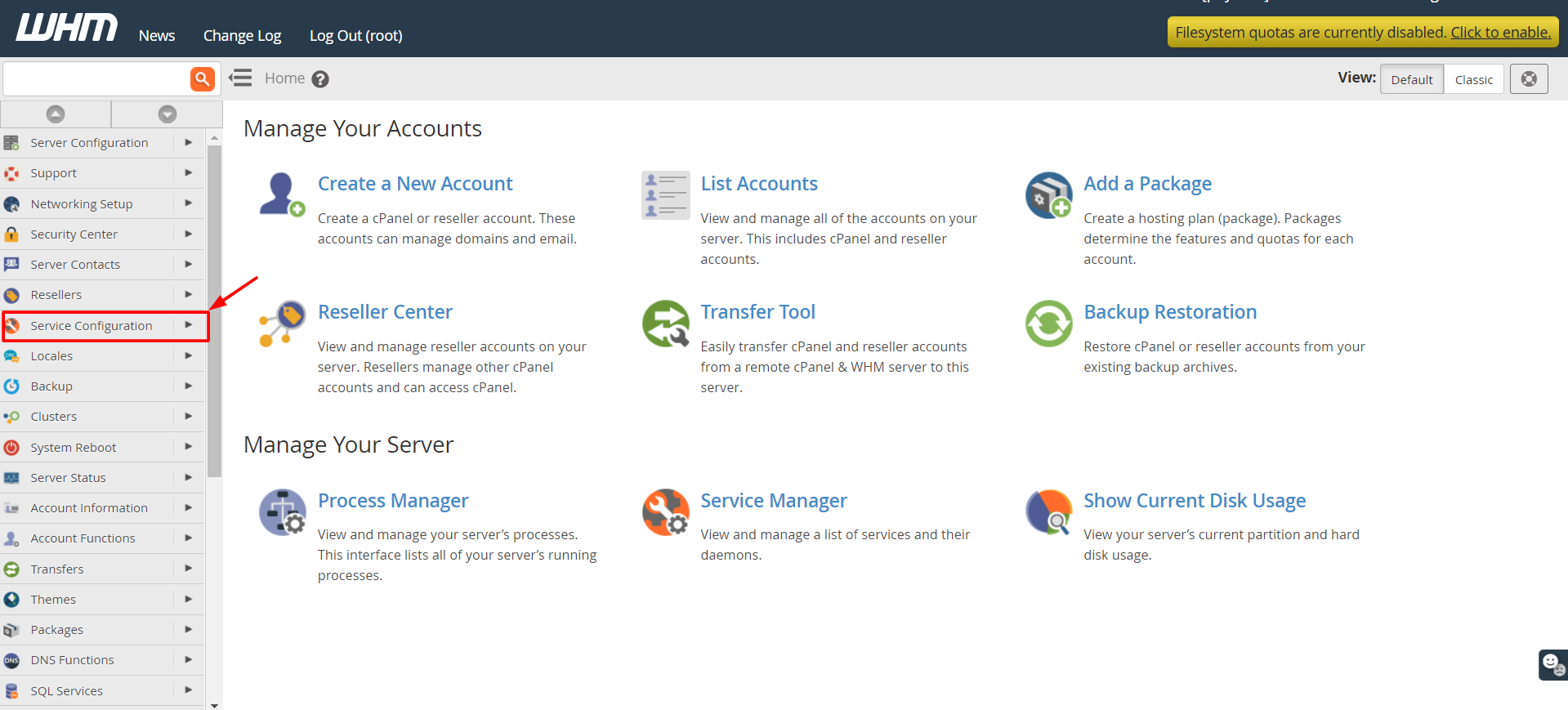
- Choose the domain.

- Pick the error code, like 404 (Not Found).
- Type your message in the box. You may use HTML tags.
- Click Save.
cPanel makes a file in public_html, such as 404.shtml. If your site uses a CMS like WordPress, the CMS may show its own error page instead.
Menu names can differ in different WHM versions. Use the search box if you cannot find an item.
Quick recap
- Error pages show when something goes wrong, like 404.
- WHM sets defaults through Web Template Editor.
- cPanel users can use Error Pages for their own site.
- Keep the message simple and add a link home.
- Save a copy of the old text first.