

What Anaconda is
Anaconda is a distribution of Python (and R) for data science. It includes Python, many libraries, the conda package manager, Jupyter Notebook and Anaconda Navigator.
Download
Step 1: Open the Anaconda website.
Step 2: Pick the edition.
- Individual Edition (now called Distribution): free for personal use.
- Team Edition: for teams and organizations.
- Enterprise Edition: for large companies.
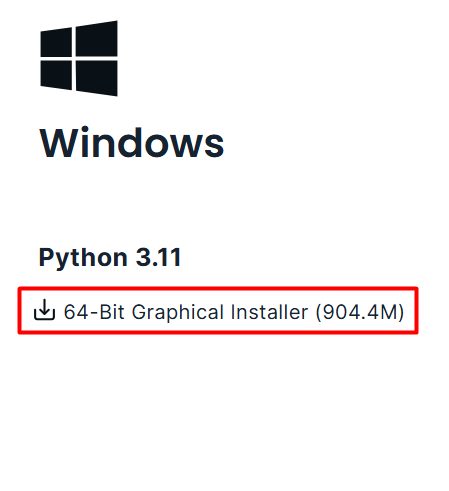
Step 3: Download the Windows installer (64-bit).
Install
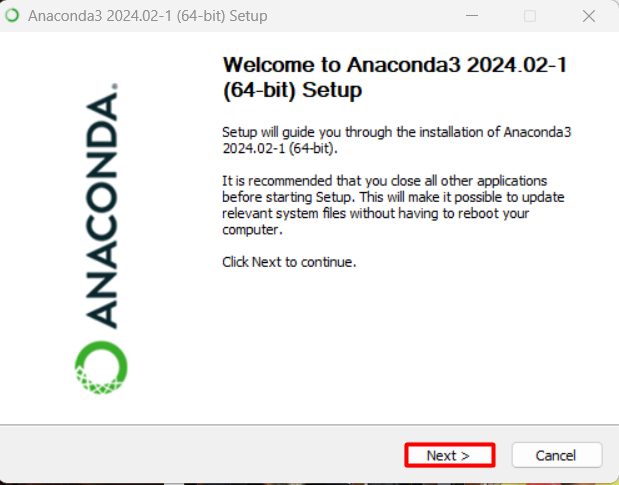
Step 1: Run the installer (.exe).
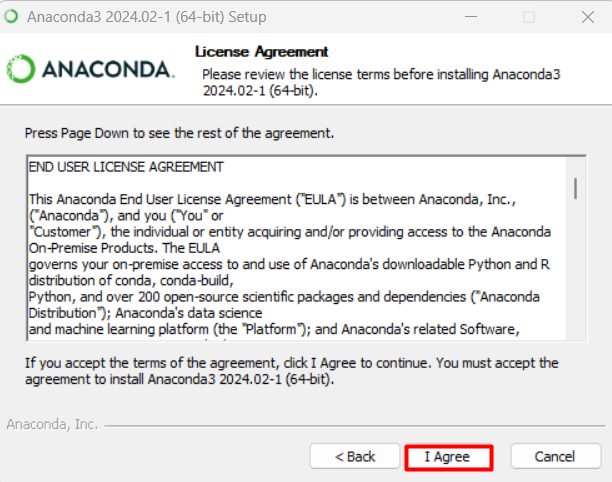
Step 2: Read and accept the license agreement.
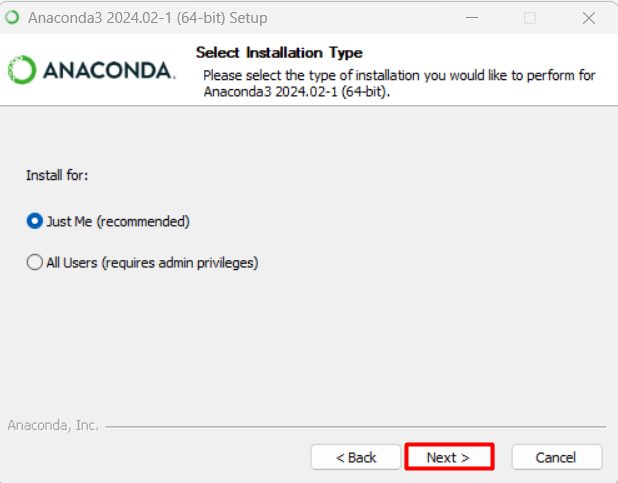
Step 3: Choose the installation type.
- Just Me (recommended). Installs for your user only.
- All Users. Needs administrator rights and installs for every user.
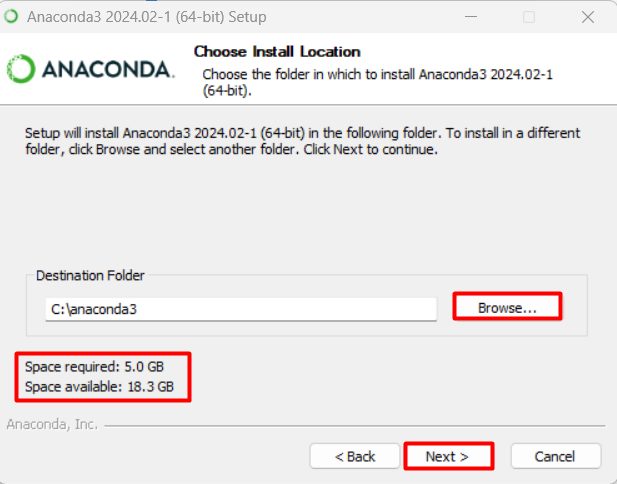
Step 4: Choose the install folder. Avoid paths with spaces or special characters.
Step 5: Choose the advanced options.
- Create start menu shortcuts.
- Add Anaconda3 to my PATH environment variable. Not recommended by default, because it can clash with other software. You can use Anaconda Prompt instead.
- Register Anaconda3 as my default Python. Good if you want Anaconda to be your main Python.
- Clear the package cache upon completion. Saves disk space.
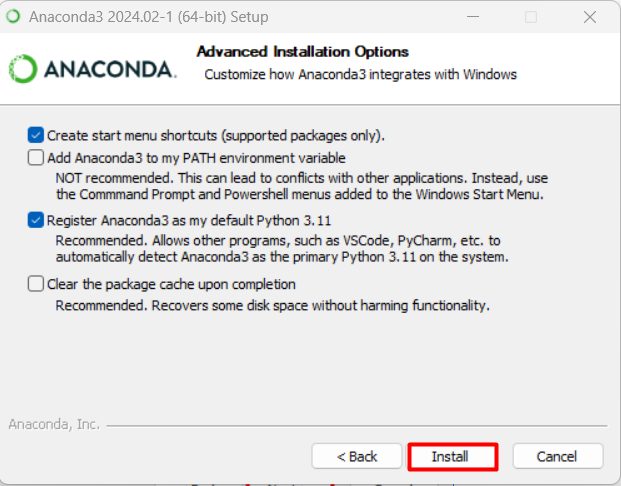
Step 6: Click Install and wait.
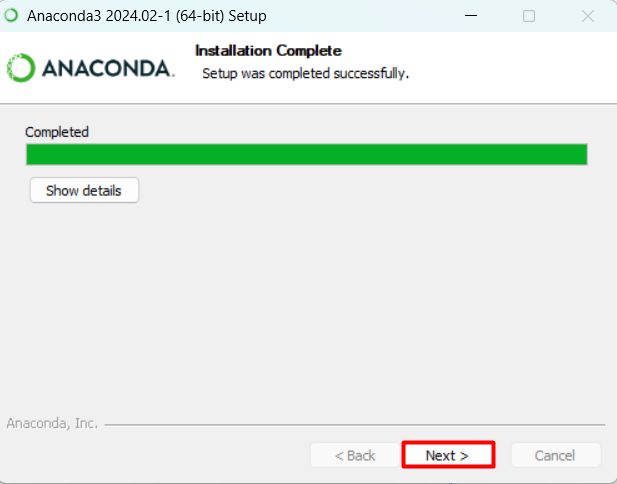
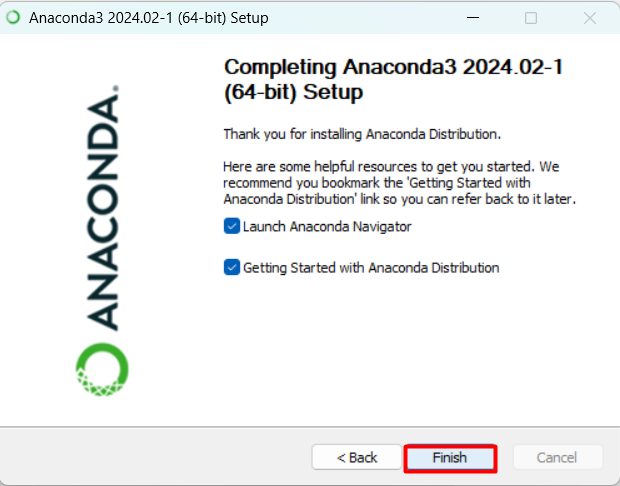
Step 7: Click Finish.
Check the install
Open Anaconda Prompt from the Start menu and run:
conda --version
python --version
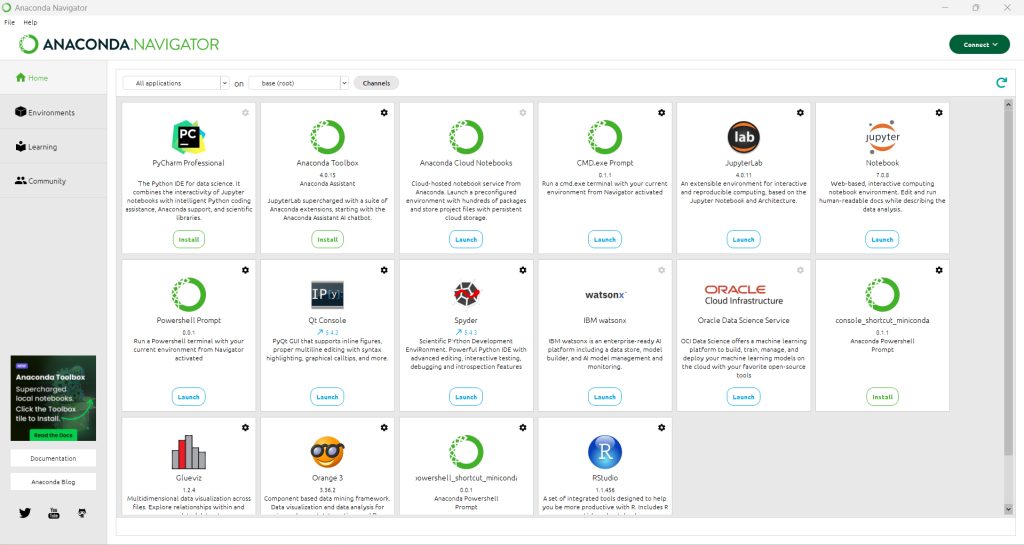
Start Navigator with anaconda-navigator, or Jupyter Notebook with jupyter notebook.
Quick recap
- Download the Windows installer and choose Just Me.
- Use Anaconda Prompt to run
conda. - Open Navigator or Jupyter to start working.