

System requirements
Minimum
- RAM: 8 GB or more.
- Disk: at least 4 GB free (for the IDE, the Android SDK and the emulator).
- CPU: 64-bit (x86_64) with virtualization support (VT-x or AMD-V) for the emulator.
Recommended
- RAM: 16 GB or more.
- An SSD for faster loading and build times.
- A modern multi-core processor.
Download
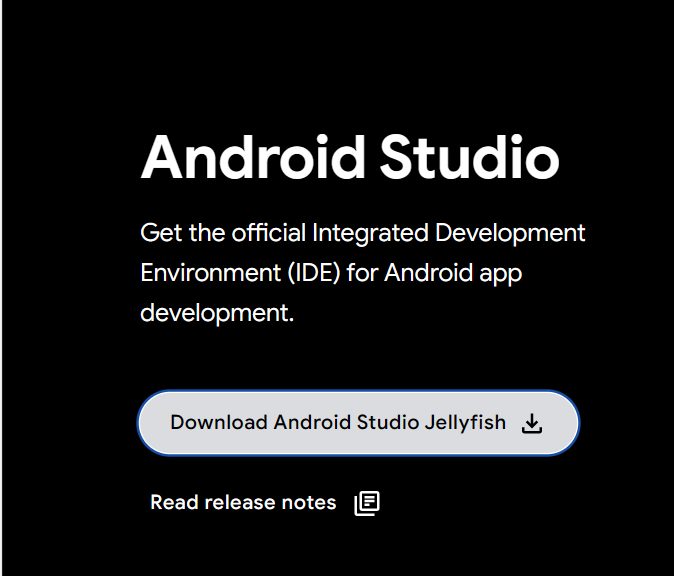
Step 1. Open the Android Developers website and go to the Android Studio download page.
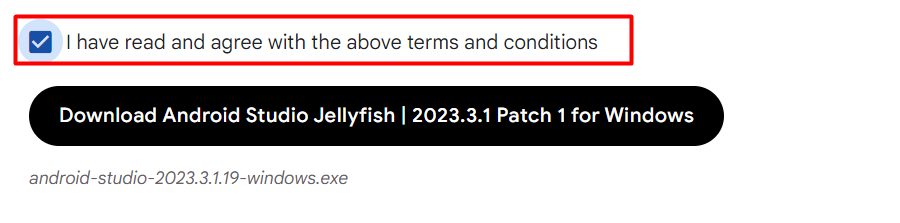
Accept the terms and click Download Android Studio to get the installer (.exe).
Install
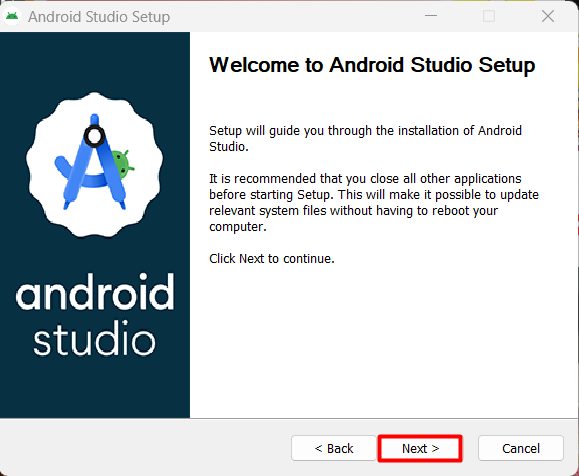
Step 1: Start the installer. Run the .exe file.
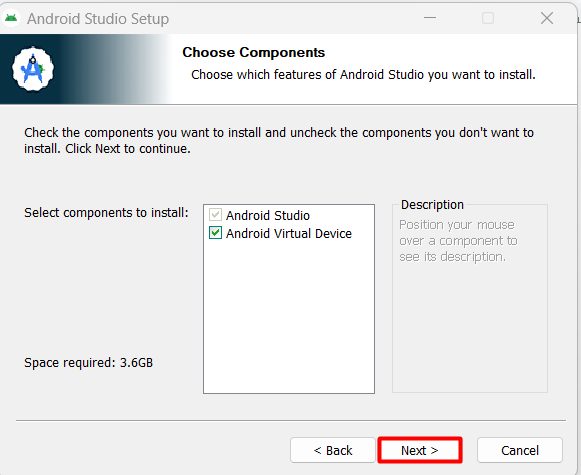
Step 2: Choose components. Keep Android Studio and Android Virtual Device ticked. Click Next.
Step 3: Choose the install location. Keep the default or pick another folder.
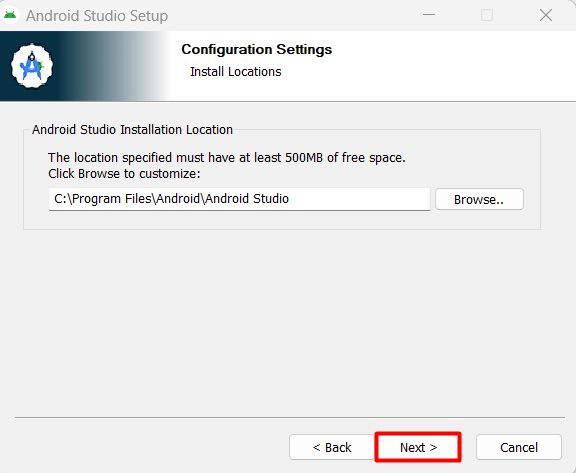
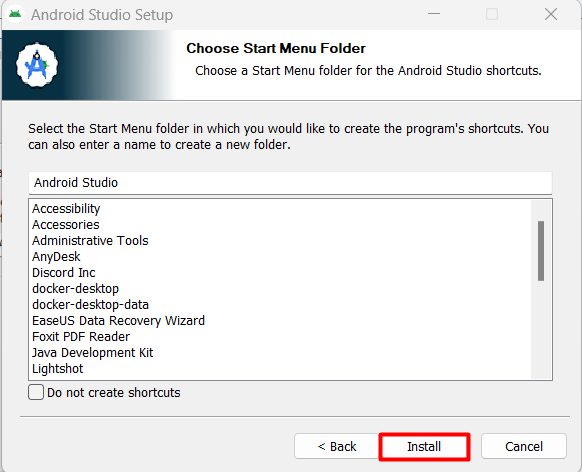
Step 4: Choose the Start Menu folder and click Install.
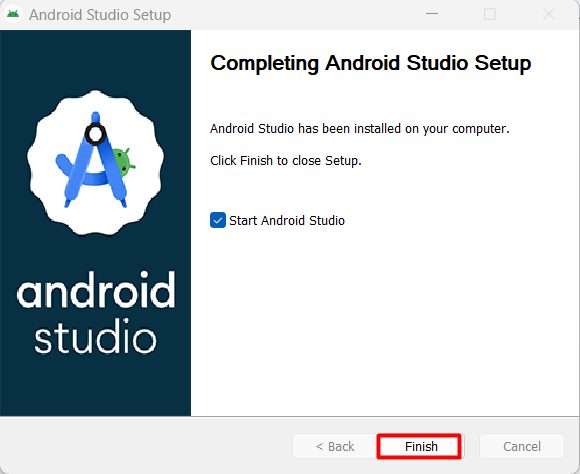
Step 5: Finish. When the install ends, click Next and Finish with Start Android Studio ticked.
First start
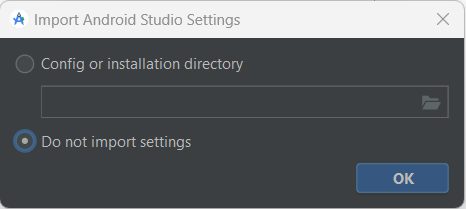
Step 6: Import settings. If you have old settings, import them. Otherwise choose Do not import settings.
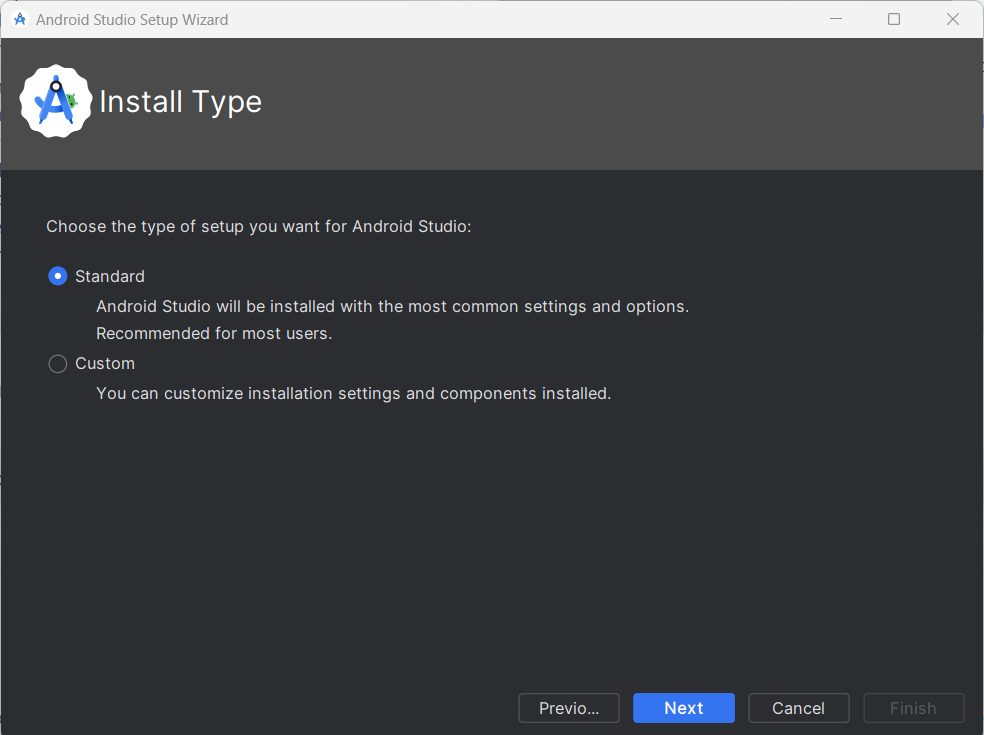
Step 7: Choose the install type. Standard is best for most people. It downloads the Android SDK and the tools you need.
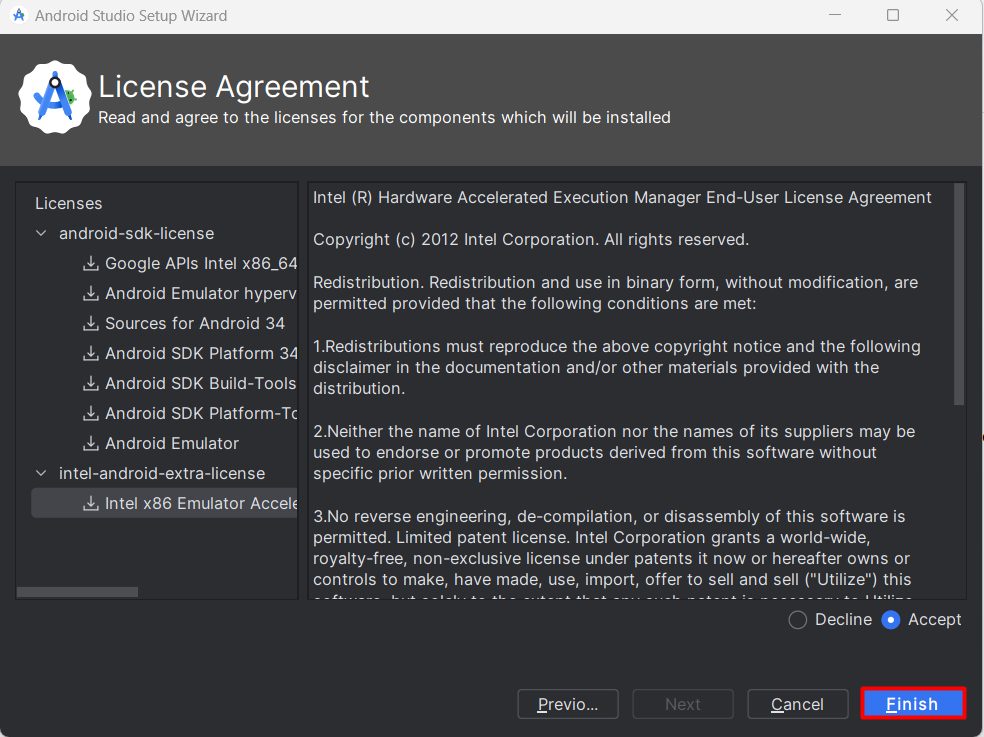
Step 8: Accept the license agreements. Select each license and choose Accept, then click Finish. The wizard downloads the components. This can take a while.
When it is done, you can create a New Project or open an existing one.
Tips
- Turn on hardware acceleration for the emulator (Windows Hypervisor Platform or Intel HAXM).
- Keep the SDK and the IDE updated under Help, then Check for Updates.
Quick recap
- Download from the official site and run the installer.
- Choose the Standard setup and accept the licenses.
- Create or open a project.