

Why WSL 2
Ansible control nodes need Linux. On Windows you run it inside WSL 2 (Windows Subsystem for Linux), a real Linux kernel in a light virtual machine. WSL 2 gives you fast performance, full Linux compatibility and a close link with Windows files.
Requirements
- Windows 10 (version 2004 or newer) or Windows 11.
- A 64-bit processor with virtualization turned on.
Step 1: Install a Linux distribution
Open PowerShell as administrator and run:
wsl --install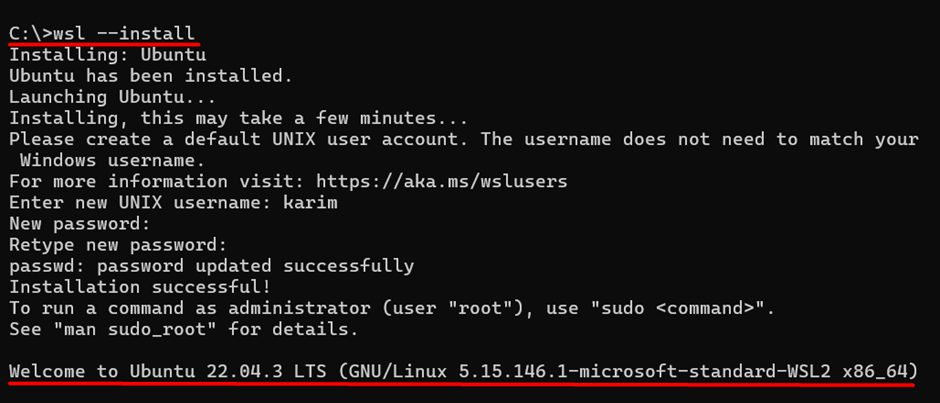
This installs WSL 2 and Ubuntu. To see other distributions:
wsl --list --online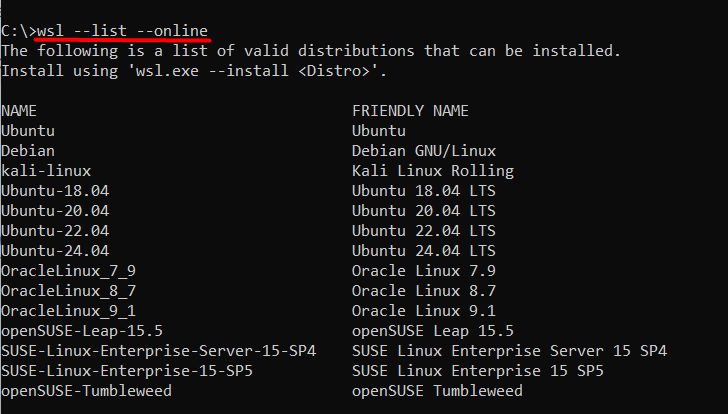
Restart if asked, then open Ubuntu from the Start menu and create a user name and password.
Step 2: Update the distribution
In the Ubuntu terminal:
sudo apt update && sudo apt upgrade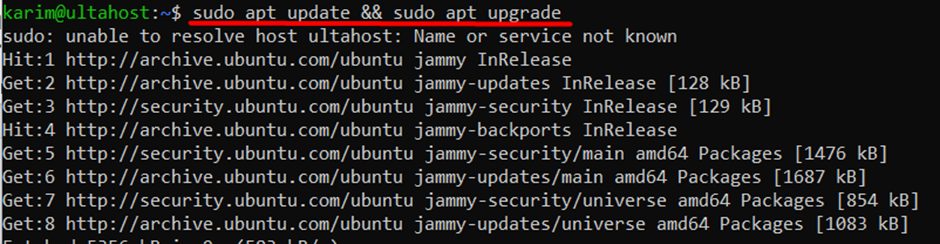
Step 3: Install Ansible
sudo apt install ansible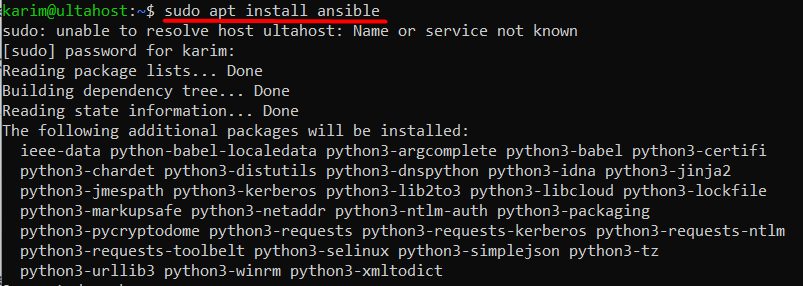
Ansible needs these pieces, and the package installs them:
- Python. Ansible is written in Python.
- PyYAML. Reads and writes YAML files.
- Jinja2. The template engine.
- OpenSSH. Used to connect to the managed machines.
Step 4: Check the installation
ansible --version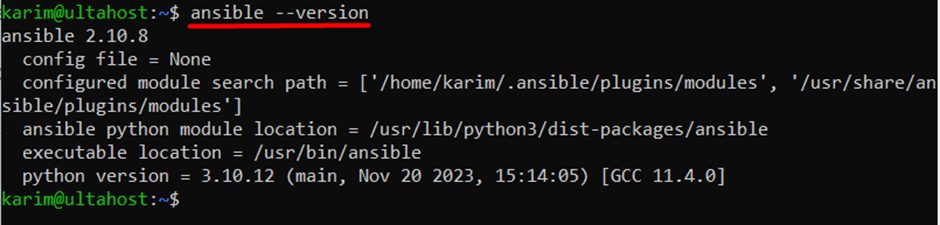
First test
Make a small inventory file hosts:
[servers]
203.0.113.10 ansible_user=youruser
Test the connection:
ansible -i hosts servers -m pingAdvantages of WSL 2
- Easy to install. One command.
- Fast. Quick start-up and file operations inside Linux.
- Low overhead compared with a full virtual machine.
- Full Linux system call compatibility.
- Windows integration. Open Windows files from Linux in
/mnt/c.
Tip: Keep your playbooks in the Linux file system (
~/) and not in /mnt/c, because file access there is slower.Quick recap
wsl --install, then update Ubuntu.sudo apt install ansible.- Check with
ansible --version.