

What you need
Cordova runs on Node.js (a JavaScript runtime) and is installed with npm (its package manager).
Step 1: Download Node.js
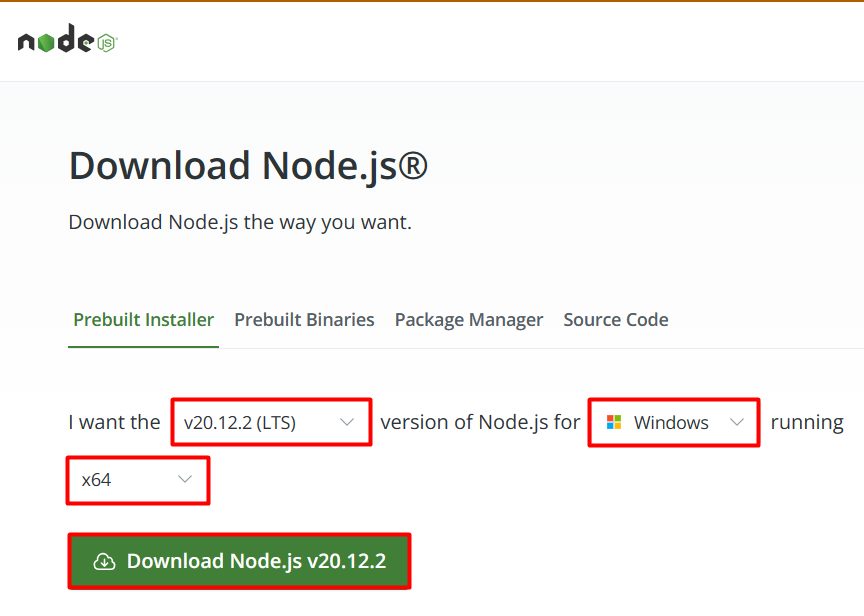
Go to the Node.js website and download the Windows installer (LTS).
Step 2: Run the installer
- Open the installer and click Next.
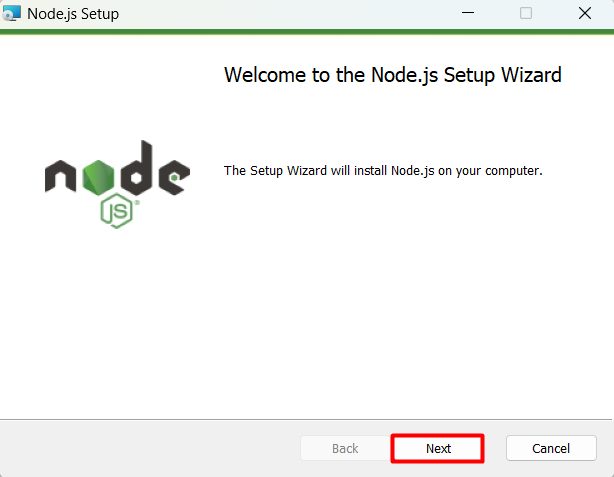
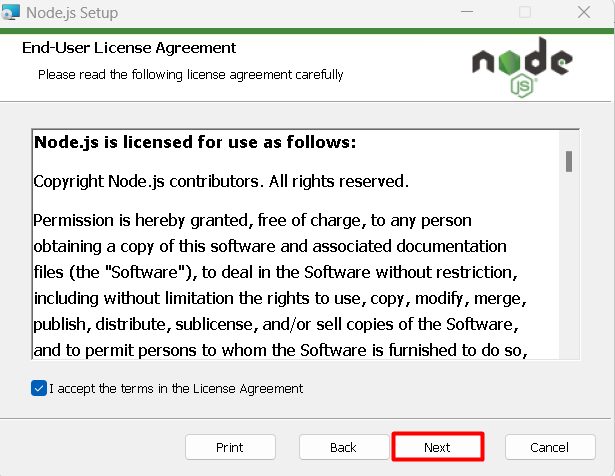
- Accept the license agreement and click Next.
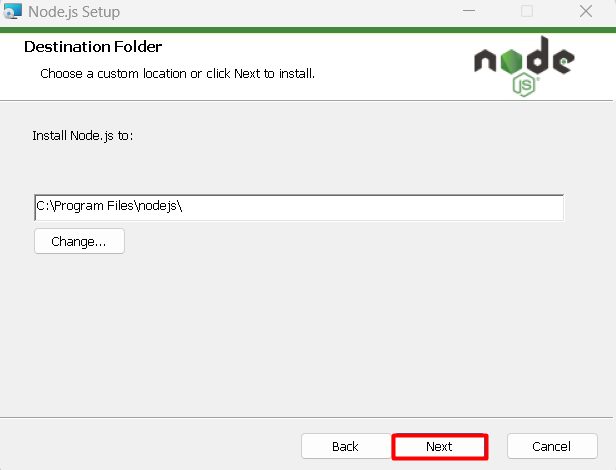
- Choose the destination folder and click Next.
- Check the components:
- Add to PATH puts Node.js and npm in your system path.
- Node.js runtime is the core component.
- npm package manager manages the dependencies.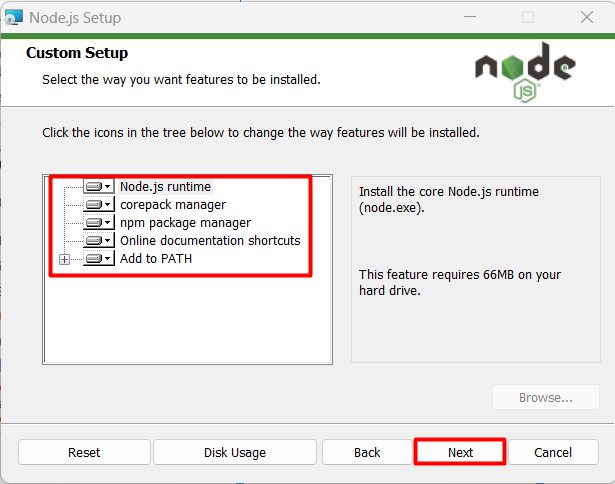
Step 3: Install
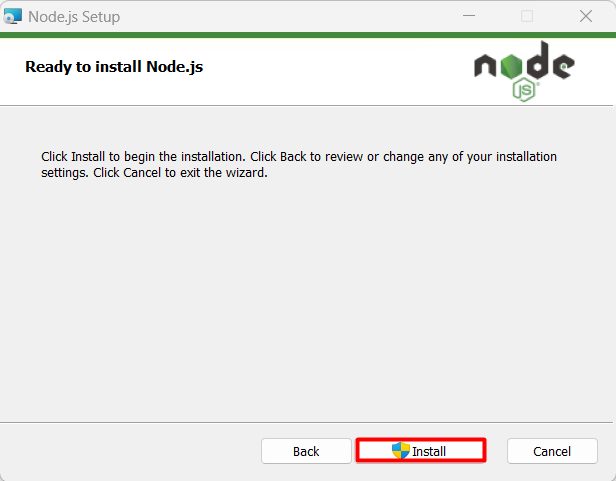
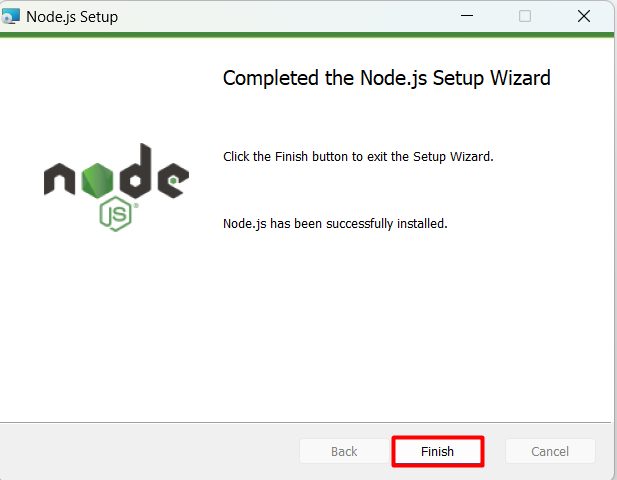
Click Install and wait. Then click Finish.
Step 4: Check Node.js and npm
Open a new Command Prompt and run:
node -v
npm -v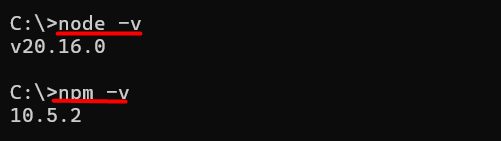
Step 5: Install Cordova
npm install -g cordova
Check it:
cordova -v
Create and build a project
cordova create myApp com.example.myapp MyApp
cd myApp
cordova platform add android
cordova requirements
For Android you need Android Studio, the Android SDK and a Java JDK. cordova requirements tells you what is missing.
Features of Cordova on Windows
- Cross-platform development.
- Hybrid apps built with web technology.
- Visual Studio integration.
- Live reload and remote debugging.
- Windows Store submission (UWP support is limited in current Cordova versions).
Quick recap
- Install Node.js LTS and check
node -v. npm install -g cordova.- Run
cordova requirementsbefore you build.