

Download Chromium
Open a trusted build site for Chromium (the official Chromium project page lists the download sources) and download the latest Windows build as a zip file.
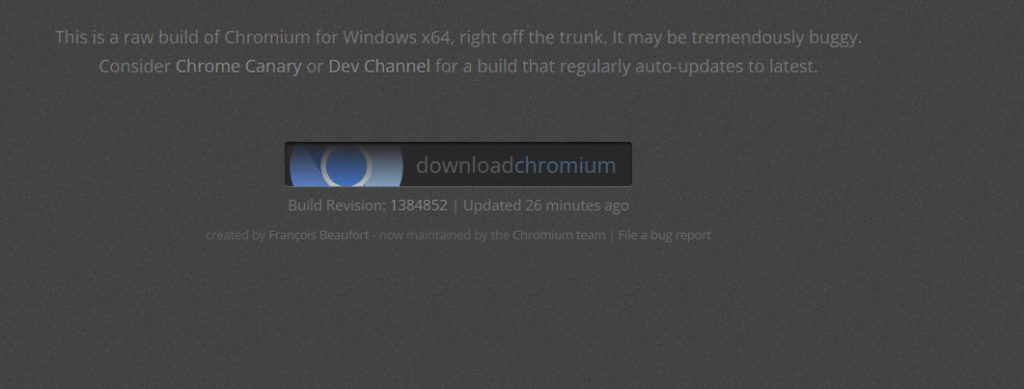
Note: Only download Chromium from well-known sources. A fake build can contain malware. If you want an installer with automatic updates, look at distributions of Chromium, or use Google Chrome, Microsoft Edge or Brave, which are built on it.
Install (unzip) Chromium
- Open the folder where the zip file is saved, and extract it. A folder like
chrome-winappears.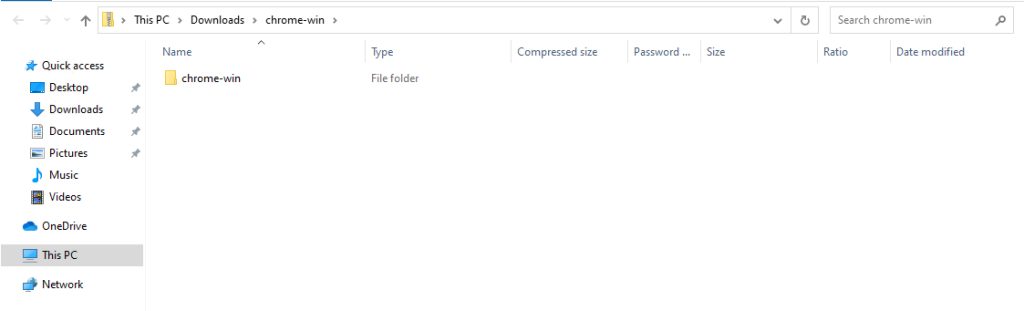
- Right-click the zip file and choose Extract All.
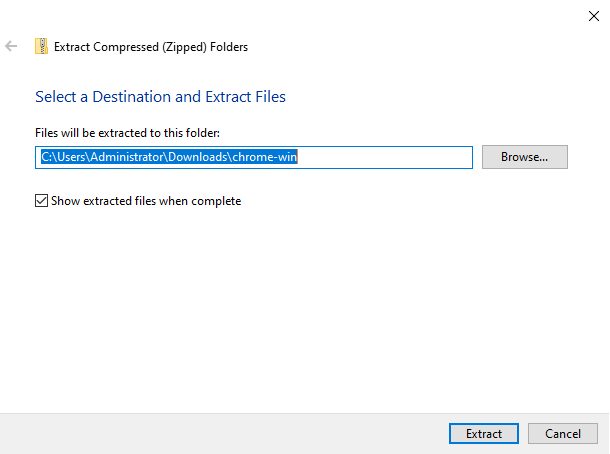
- Open the extracted folder and find
chrome.exe.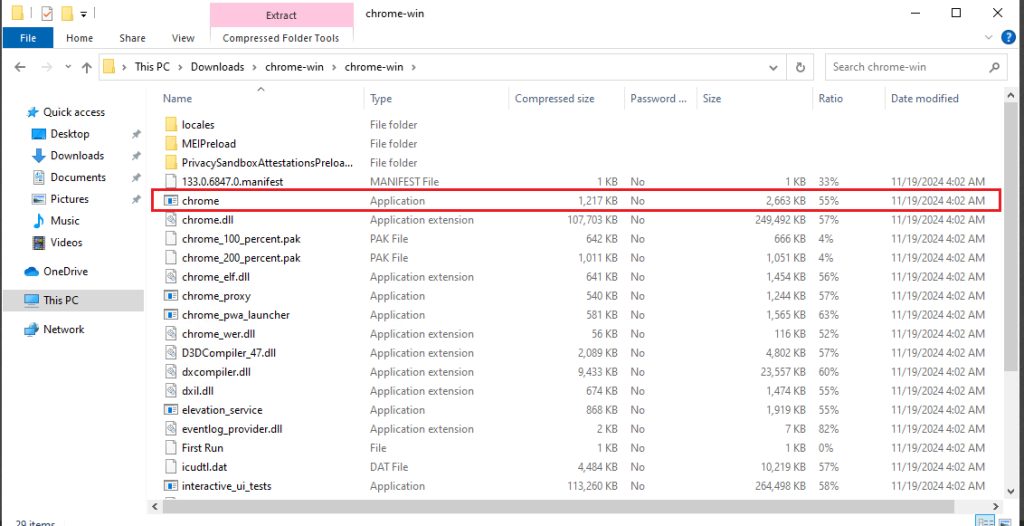
- Double-click
chrome.exe. Chromium starts.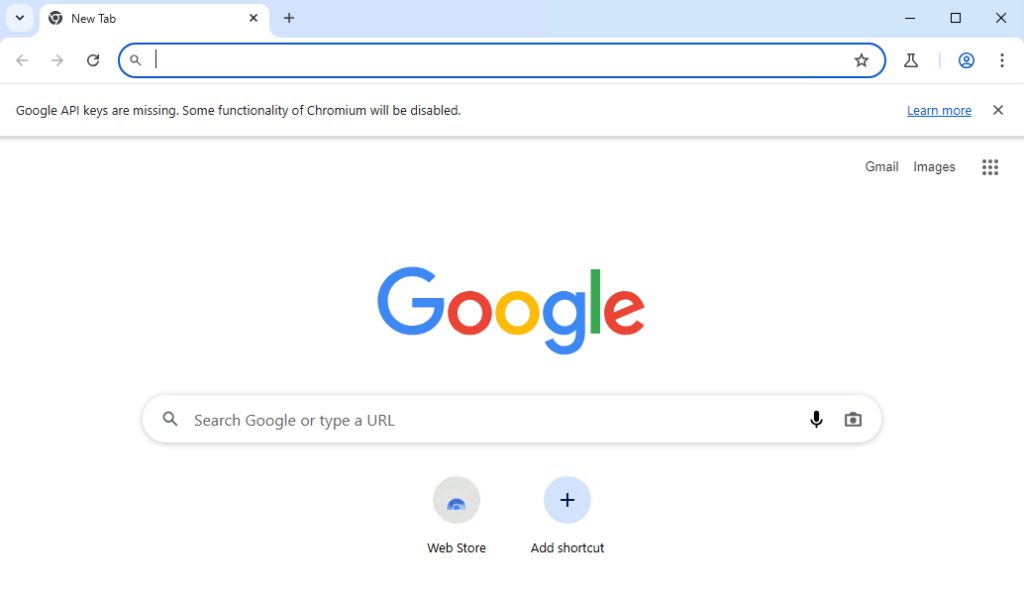
To make it easier to open, right-click chrome.exe, choose Send to, then Desktop (create shortcut).
Update Chromium
Chromium from a zip file does not update itself.
- Open the Chromium downloads page again.
- Download the latest build as before.
- Extract the zip to a new folder.
- Replace the old
chrome.exeand files with the new ones.
Your profile (bookmarks, passwords) stays safe in your user folder.
Set up Chromium
Default browser. Go to Settings, then Default browsers, and choose Chromium.
Extensions. Open chrome://extensions to add or remove them. Chromium can install extensions from the Chrome Web Store.
Sync. Some builds can sync with a Google account. Open Settings, then You and Google.
Troubleshooting
- Check your internet connection.
- Right-click the file and choose Run as administrator.
- Restart the computer.
- If it still does not work, delete the folder and download the build again.
Quick recap
- Download the zip file and extract it.
- Run
chrome.exe. - Replace the files to update.