

About dig
dig (Domain Information Groper) is a command-line tool that queries DNS servers. It is built into Linux and macOS but not into Windows. On Windows you can use nslookup, or install dig as follows.
Option 1: Install dig with Cygwin
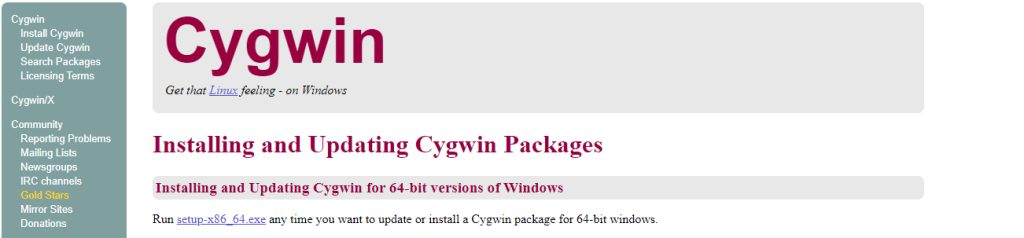
Step 1. Download the Cygwin setup file from the Cygwin website.
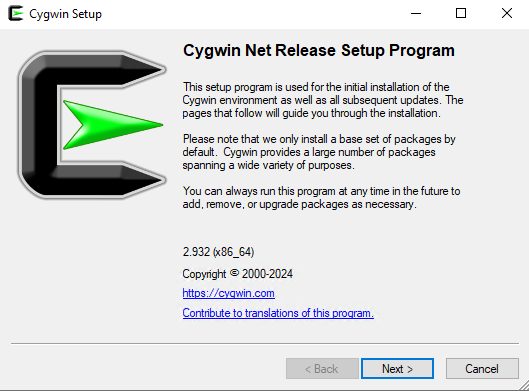
Step 2. Run the setup (setup-x86_64.exe).
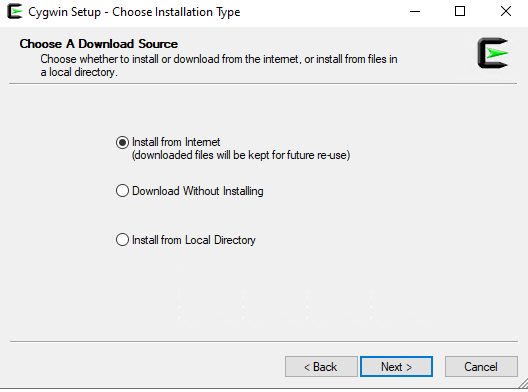
Step 3. Choose Install from Internet.
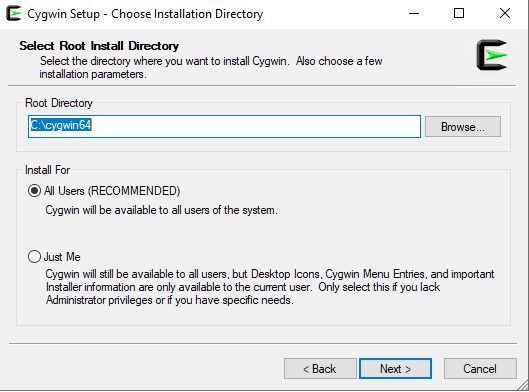
Step 4. Choose the root folder, such as C:\cygwin64, and then the folder for the downloaded packages and a download site.
Step 5. On the package screen, search for bind-utils. Click on Skip next to it until it shows a version number. This package contains dig. Click Next and finish the install.
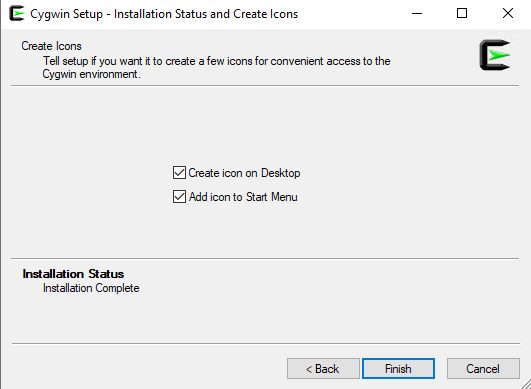
Step 6. Open the Cygwin terminal and test:
dig google.com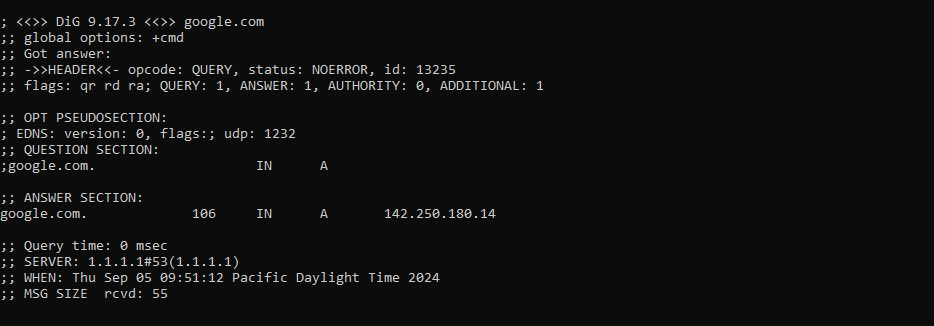
Option 2: Use a Linux shell (WSL or Git Bash)
If you use the Windows Subsystem for Linux (WSL), install dig inside the Linux distribution:
sudo apt install dnsutils
Then:
dig bing.com(Git Bash for Windows does not include a package manager, so apt-get does not work there. Use WSL or Cygwin.)
Examples of dig
Record types
| Type | Meaning |
|---|---|
| A | IPv4 address |
| AAAA | IPv6 address |
| CNAME | Canonical name (alias) |
| MX | Mail exchanger |
| NS | Name server |
| PTR | Reverse lookup |
| TXT | Text record |
| SRV | Service record |
dig example.com AAsk a certain DNS server
dig example.com @8.8.8.8Recursion
+norecurseprevents recursive queries.+recurseforces them (it is the default).
dig example.com +recurseTrace the path of the query
dig example.com +traceShort answer
dig +short example.comRetries and time-out
dig example.com +retry=3 +time=2Without installing anything
Use nslookup example.com in Command Prompt, or Resolve-DnsName example.com in PowerShell.
Quick recap
- Install dig through Cygwin (
bind-utils) or WSL (dnsutils). dig example.com @8.8.8.8asks a specific server.nslookupandResolve-DnsNameare built into Windows.