

The parts
- SHOUTcast Server. The engine that handles listeners and sends out the stream.
- SHOUTcast Source DSP. A Winamp plugin that captures sound (a playlist or your microphone), encodes it and sends it to the server.
What you need
- A Windows PC.
- Winamp, the media player (the DSP plugin works in Winamp).
- The SHOUTcast Server installer for your Windows version.
- The SHOUTcast Source DSP plugin (from the SHOUTcast download page).
Install
1. Install Winamp. Download and install it.
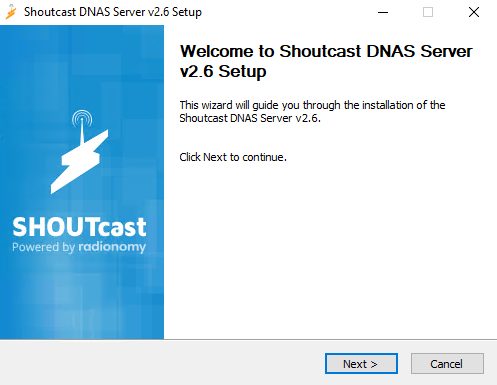
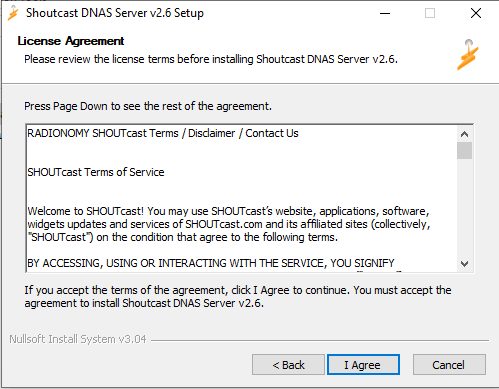
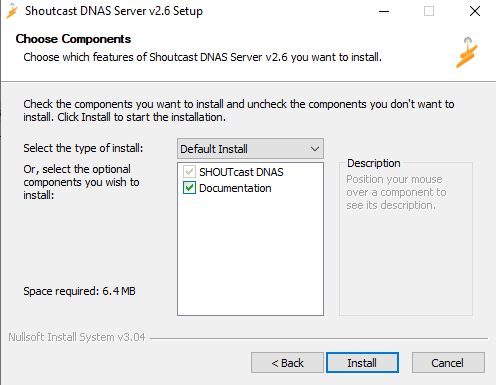
2. Install the SHOUTcast Server. Download the installer from the SHOUTcast website and run it. Accept the license and install.
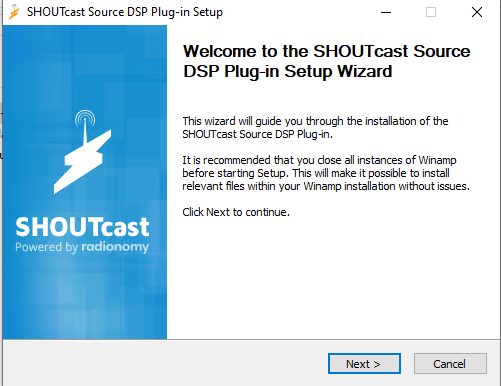
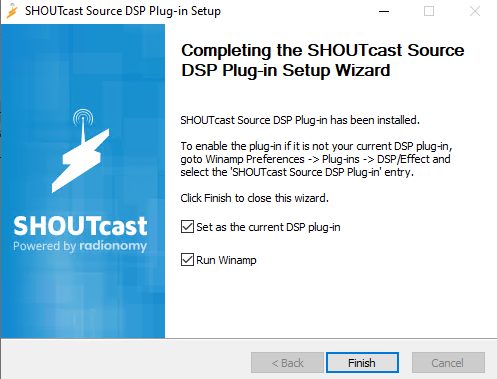
3. Install the SHOUTcast Source DSP plugin. Run the plugin installer and make sure Winamp is closed while you install.
Configure the server
Open the file sc_serv.ini (or the server's config) in a text editor.
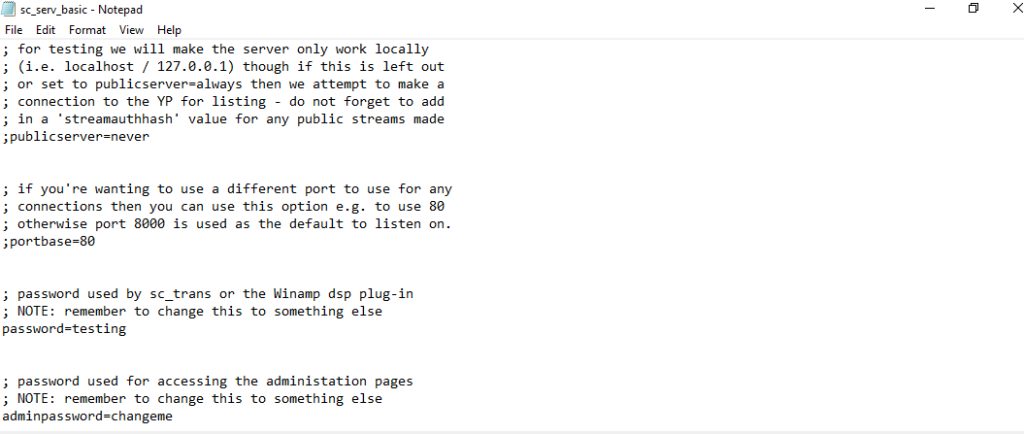
Important values:
- Password. Change the default password for safety.
- MaxUser. The maximum number of listeners at the same time.
- PortBase. The port the server uses (the default is 8000).
Start the server with sc_serv.exe (or from the Start menu).
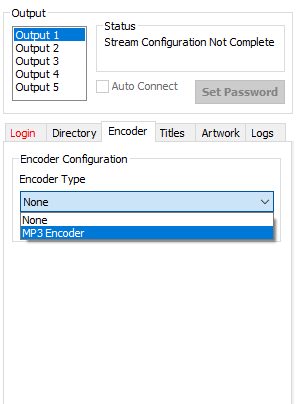
Configure the Source DSP
- In Winamp, press
Ctrl + Pto open the preferences. Under Plug-ins, DSP/Effect, choose Nullsoft SHOUTcast Source DSP.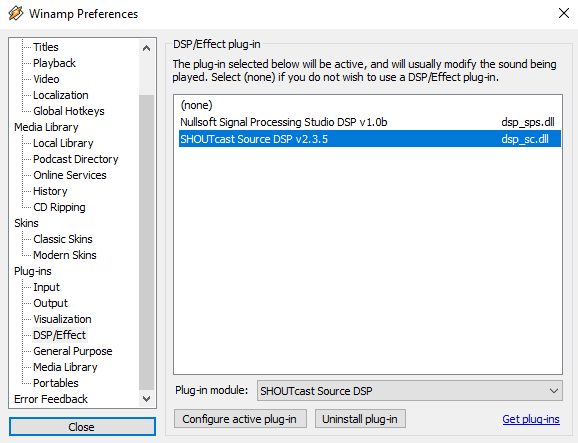
- On the Output tab, set:
- Address:localhostif the server and Winamp are on the same computer.
- Port: 8000 (unless you changed it).
- Password: the password fromsc_serv.ini.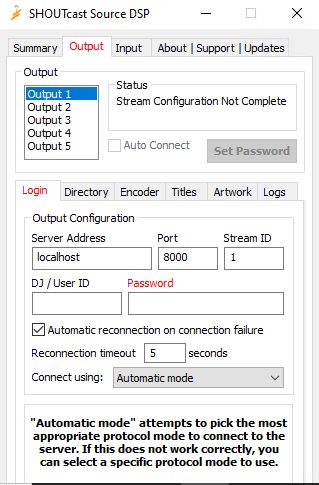
- Click Connect. When it says "connected", the stream is live.
Listen
Open http://your_server_ip:8000 in a browser to see the status page, or play http://your_server_ip:8000/; in a player.
Open port 8000 in your firewall if listeners are outside your network.
Quick recap
- Install Winamp, the SHOUTcast Server and the Source DSP plugin.
- Set the password and port in
sc_serv.ini. - Connect the DSP with the same password and start broadcasting.