

What Filmora is
Filmora is a paid video editor for Windows and macOS with a free trial. It is easy to use and has many effects.
Install
Step 1: Open the official Filmora website (Wondershare).
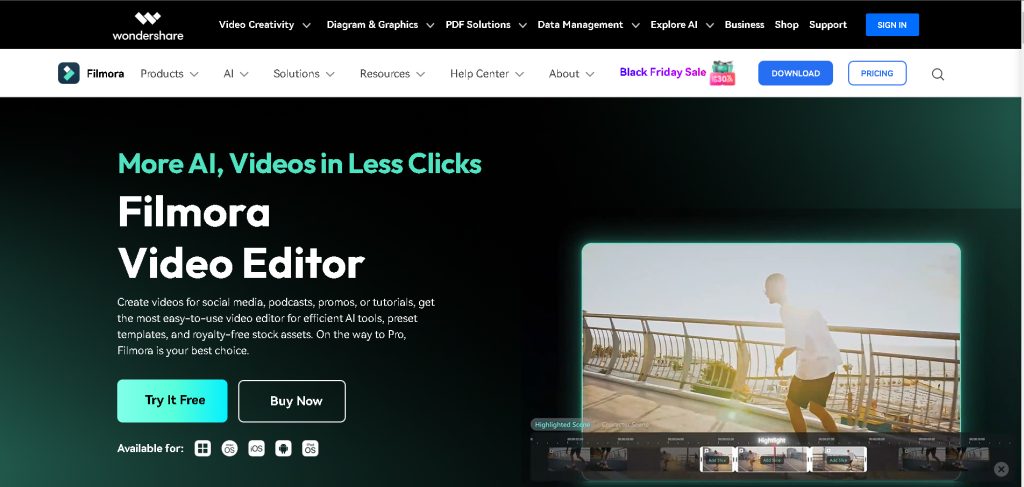
Step 2: Download the installer. Click Download to get the .exe file.

Step 3: Run the installer and choose the location. Open the file. Read and accept the license, and choose the install folder with Customize Installation if you want to change it.
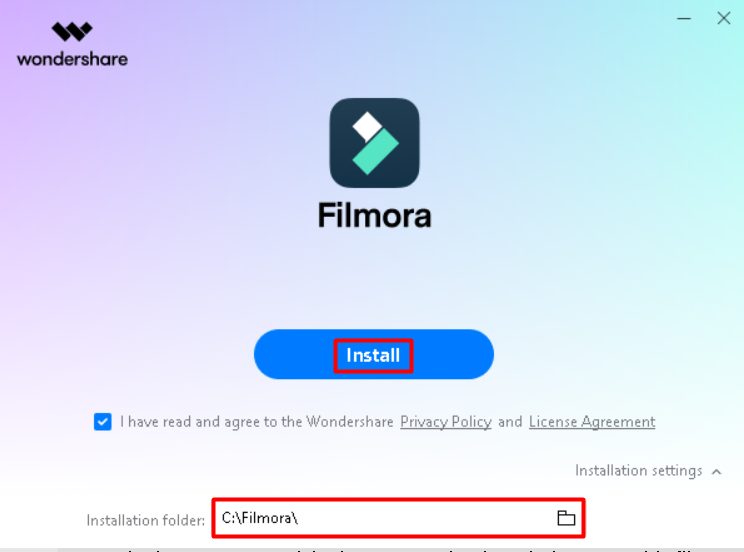
Step 4: Install. Click Install. The installer downloads and installs Filmora.
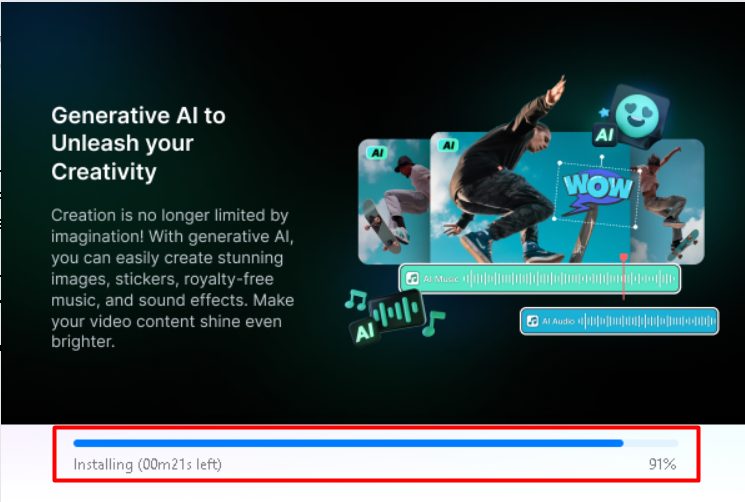
When it finishes, start Filmora. You can sign in or create an account.
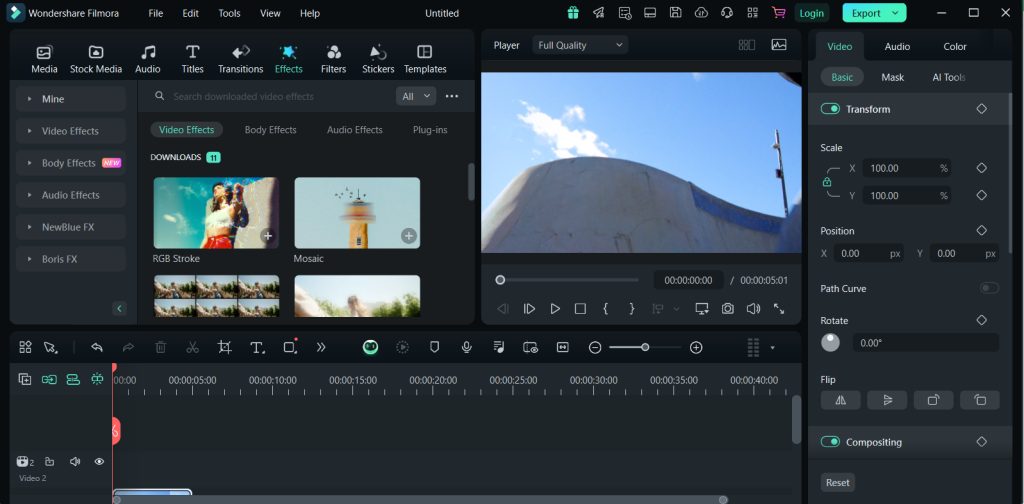
Features of Filmora
- A friendly interface.
- Advanced editing tools.
- Effects and transitions built in.
- Audio editing and a music library.
- Motion tracking and split screen.
- Screen recording.
- AI portrait and AR stickers.
- Speed control.
- Text and titles you can customize.
- Color match and presets.
Tips
- The free version adds a watermark to exports. A license removes it.
- Use an SSD and at least 8 GB of RAM for smooth editing.
- Keep your graphics drivers updated.
Quick recap
- Download from the official site and run the installer.
- Sign in and start a project.
- A license removes the watermark.