

System requirements
- Operating system: Windows 10 or Windows 11 (64-bit).
- Disk space: at least 4 GB free, plus room for the tools and the IDE.
- Tools:
- Git for Windows. Flutter needs it for version control and to get updates.
- A code editor. Visual Studio Code or Android Studio, with the Flutter plugin.
- Android Studio (optional but needed for Android apps and the emulator).
Download the Flutter SDK
- Open the official Flutter download page.
- Select Windows as your platform.
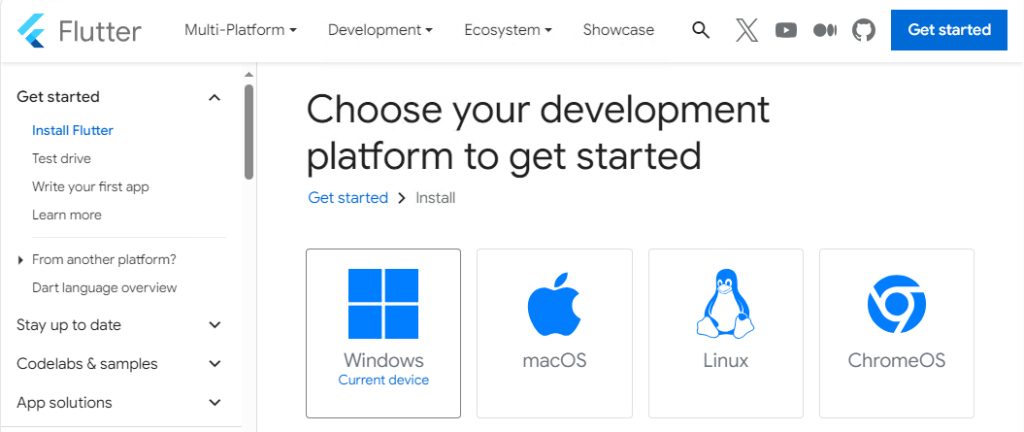
- Download the SDK zip file for the latest stable release.
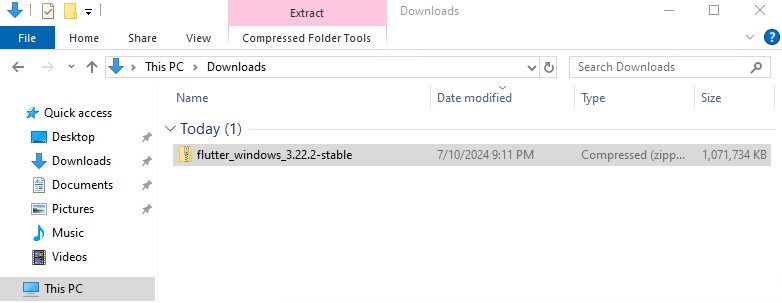
Install the SDK
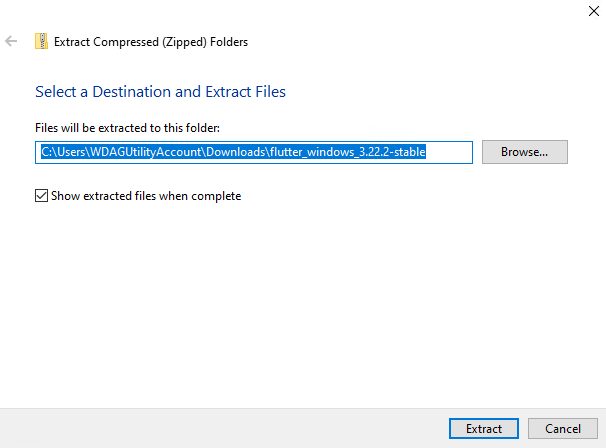
Extract the zip file to a folder such as C:\flutter. Do not put it in a folder that needs admin rights, like C:\Program Files\.
Add Flutter to the PATH
- Search for Edit the system environment variables in the Windows search bar and open it. Click Environment Variables.
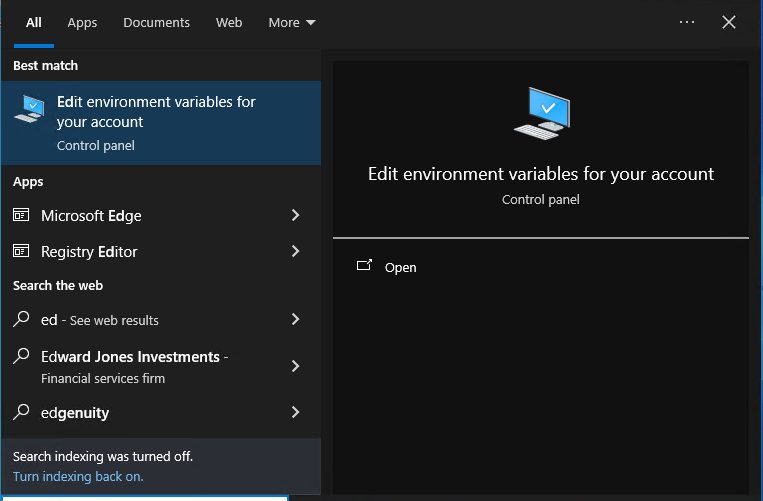
- Under User variables, select Path and click Edit.
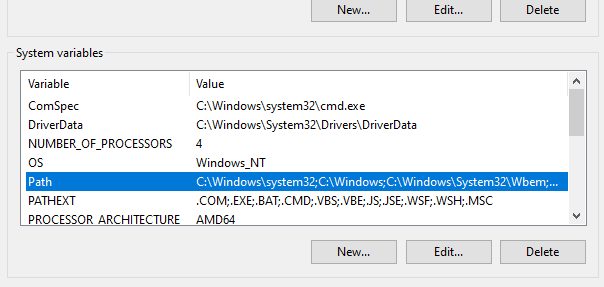
- Click New and paste the full path to the
binfolder of Flutter, for exampleC:\flutter\bin.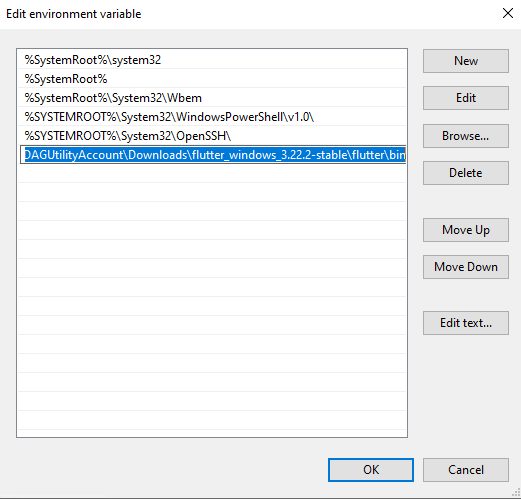
- Click OK in all windows.
Check the path
Open a new Command Prompt or PowerShell window:
flutter --version
If you see the version, the PATH is right.
Run flutter doctor
flutter doctorThis checks for missing parts of your setup (Android toolchain, Visual Studio, connected devices). It lists problems and tells you how to fix them. Fix each item and run it again until it is happy. To accept the Android licenses use:
flutter doctor --android-licensesCreate your first project
flutter create my_first_app
cd my_first_app
This makes a new project folder with the basic structure.
Run the app
flutter runThis compiles the app and starts it on a connected emulator, a device, Chrome or Windows desktop. Pick a device if it asks you.
Flutter has hot reload. When you change your code and save, the app updates in a second, without a restart.
Project structure
- pubspec.yaml. The project settings and the list of packages.
- lib/main.dart. The entry point of the app, with its widgets.
- android/ and ios/. Platform-specific code.
- test/. Your tests.
Quick recap
- Extract the SDK to
C:\flutterand addC:\flutter\binto the PATH. - Run
flutter doctorand fix what it reports. flutter createandflutter runstart a new app.