

What Git is
Git is a free, distributed version control system. It tracks every change in your files, lets you work in branches, stage your changes before a commit, and merge the work of many people.
Install
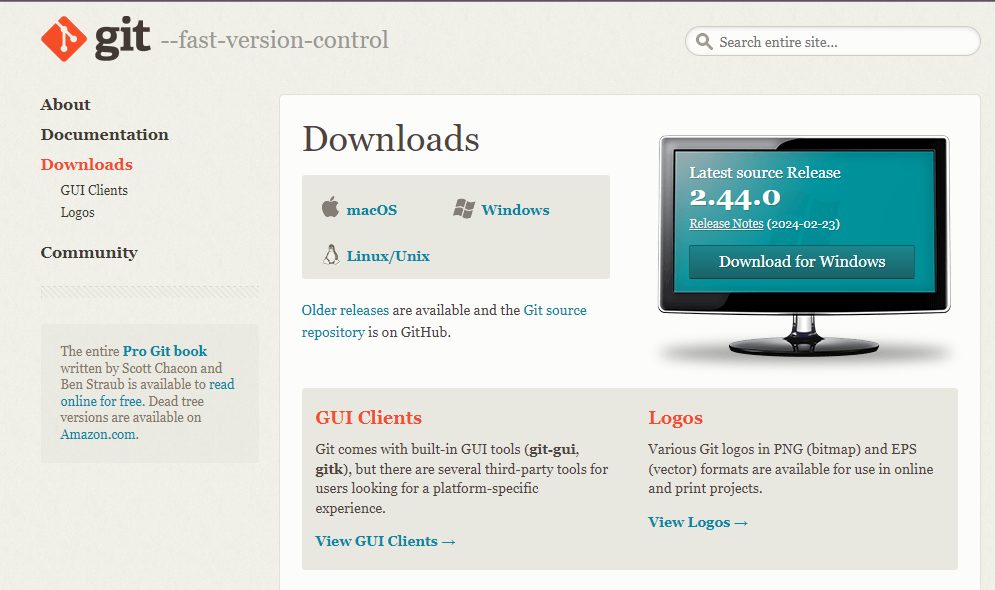
Step 1: Open the Git website. Go to git-scm.com.
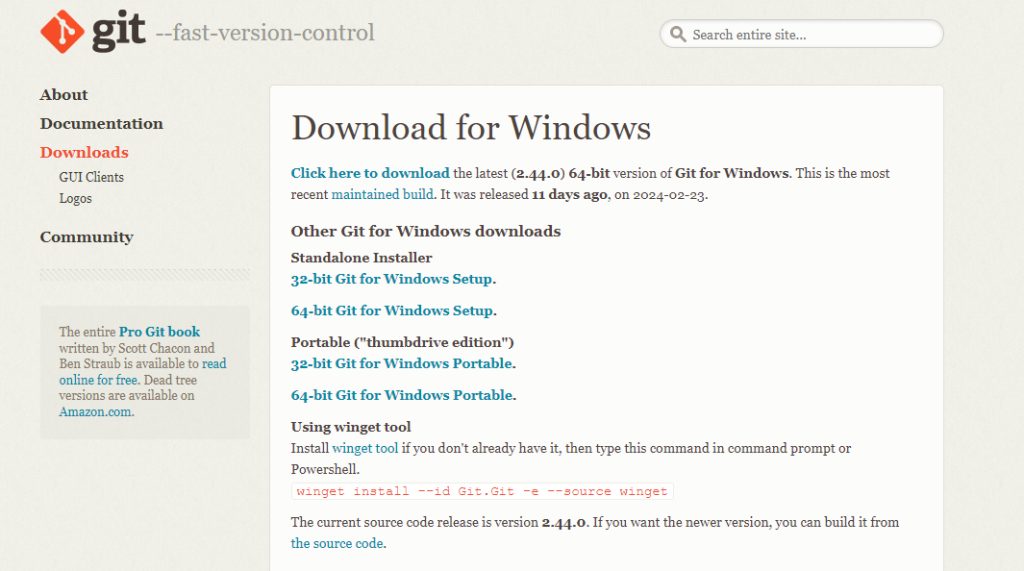
Step 2: Download the installer for Windows (64-bit).
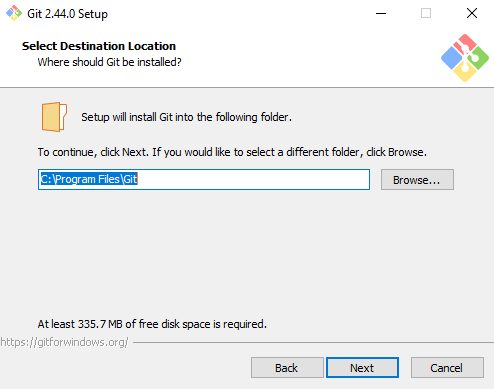
Step 3: Run the installer. Accept the license and choose the install folder.
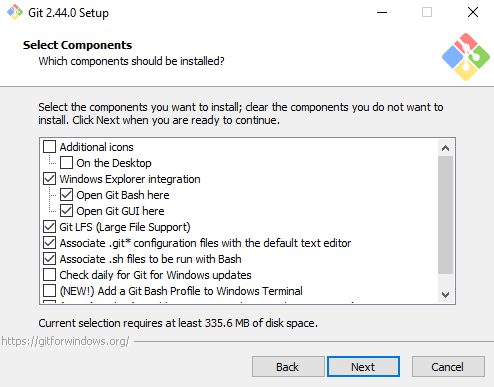
Step 4: Choose the components and options.
- Default editor. Pick the editor Git uses for commit messages, such as Visual Studio Code or Notepad.
- Line ending conversion. Keep the default (checkout Windows-style, commit Unix-style).
- Integration with your environment. Choose how Git is added to the PATH. The recommended choice is Git from the command line and also from 3rd-party software.
- Other options, such as the default branch name (
main), can stay at their defaults.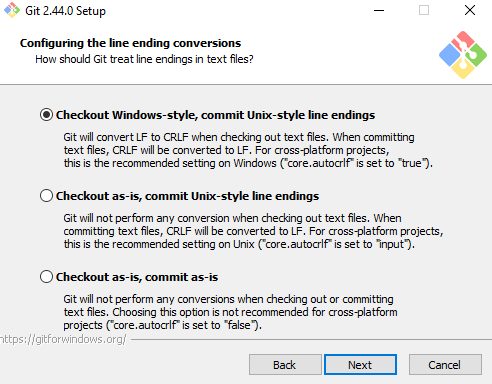
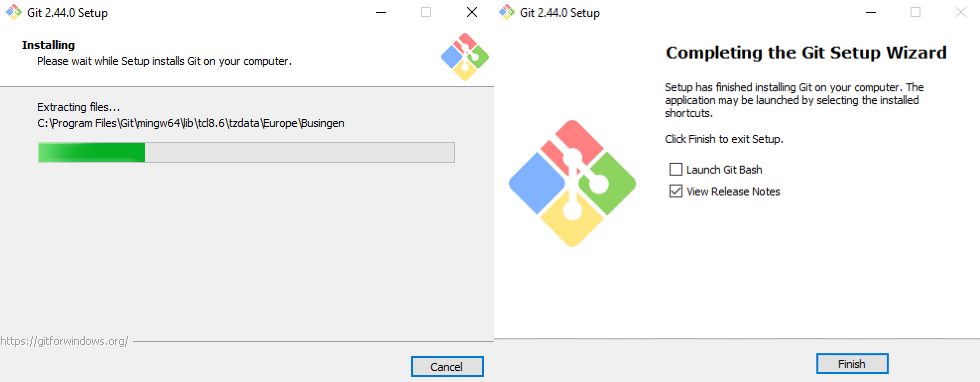
Step 5: Install. Click Install and wait, then click Finish.
Check the install
Open Command Prompt or Git Bash and run:
git --version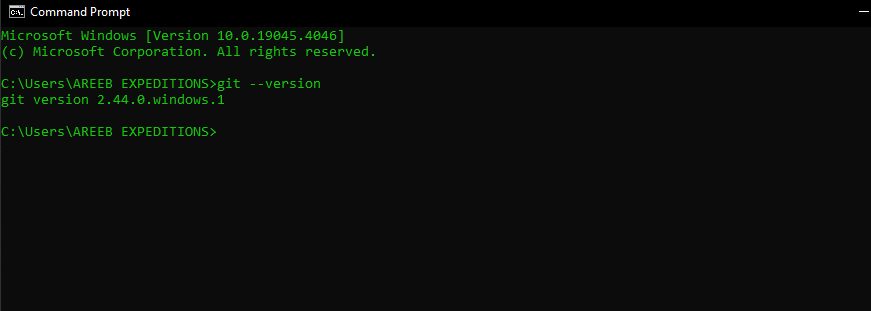
First setup
git config --global user.name "Your Name"
git config --global user.email "you@example.com"
Why use Git
- Version control. See and undo changes.
- Collaboration. Use branches and pull requests.
- Works offline. Commit on your own computer.
Quick recap
- Download from git-scm.com and run the installer.
- Keep the recommended PATH option.
- Check with
git --version, then set your name and email.